
Introducing FAQs.me: Build a Beautiful FAQ Section in Two Minutes, Free
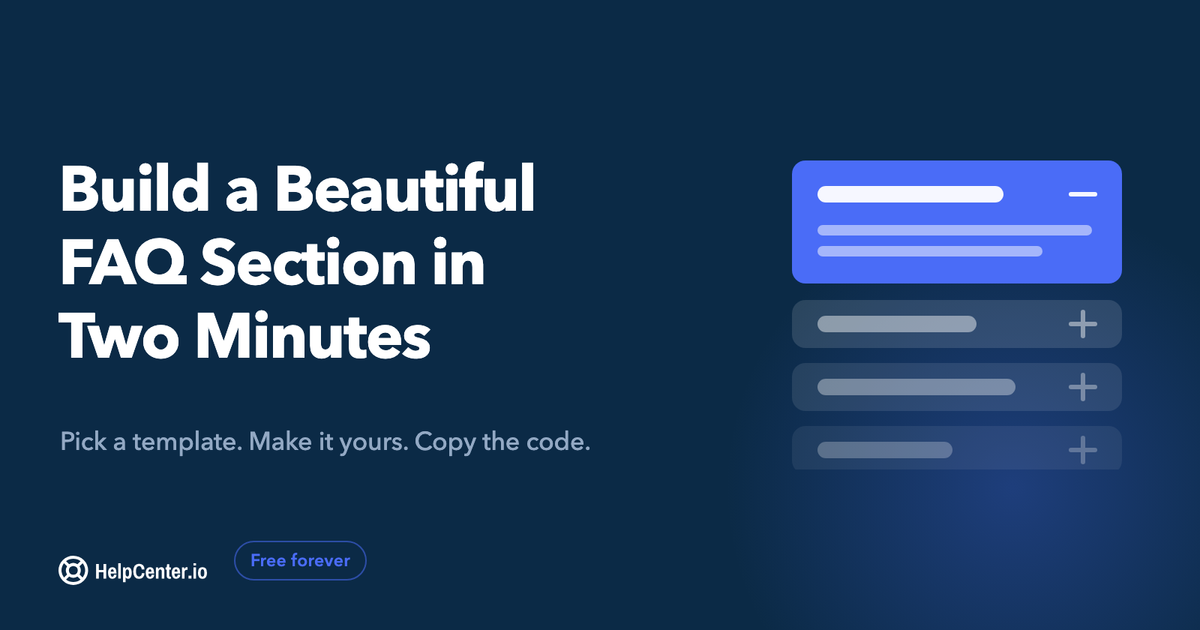
We built a free FAQ builder. Pick a template, make it yours, copy one self-contained snippet into any site. No account, no watermark, no scripts phoning home.
Back in 2024 we published five free FAQ templates. Plain HTML and Tailwind CSS, a public GitHub repo, live demos, nothing to sign up for. It took a couple of days to build, and it has been quietly finding readers ever since.
That told us something useful. A lot of people need an FAQ section, they need it today, and they do not want to buy software to get one.
So we built the next thing. It is called FAQs.me, it is free, and it turns those templates into something you can actually finish in about two minutes.
What a template still leaves you to do
A template saves you from the blank page. It does not save you from the build.
You still have to pick a layout that suits your site. Restyle it so the colors and the fonts are yours instead of ours. Write your questions and answers into the markup by hand and get the accordion behaving. Then work out how to paste the whole thing into WordPress, or Webflow, or whatever your site actually runs on.
That is an afternoon of work for something every business website is simply expected to have.
What FAQs.me does
You open the editor. No account, no email, no card.
You pick a template. There are six today, and the previews are live rather than screenshots, so you can click through them before you commit: a classic accordion, two-column cards, chat-style bubbles, a searchable list, a two-column accordion, and category tabs.
You make it yours. Type your questions and answers, then set your brand colors, fonts, corner radius, and motion. If you would rather not start from an empty one, paste your website address and let the AI read your site and draft the FAQs for you. That part is free while FAQs.me is in beta, and it still does not ask you to sign up.
Then you copy the code and paste it where you need it.
The part I care most about: what comes out
The export is one self-contained snippet. HTML, CSS, and JavaScript together, in one block.
It is genuinely standalone. No script tags pointing back at us, nothing phoning home, no CDN to depend on, no tracking pixel. If FAQs.me vanished tomorrow, your FAQ section would keep working exactly as it does today.
There is no watermark and no attribution link. The code is yours.
FAQPage structured data is built in too, so search engines can read your questions properly without you hand-writing JSON-LD at midnight.
The honest limits, because you will want to know them up front. FAQs.me outputs static code, which means there is no hosting, no dashboard, and no analytics attached to it. Your work is saved in your browser rather than on our servers, so it stays private, but it also will not follow you to another machine.
Why it is free
We make our money from HelpCenter.io, a knowledge base that people pay for. FAQs.me is not a trial of it, and it is not a funnel into it.
The reasoning is simpler than that. We are in the business of helping companies answer their customers' questions well. Someone shipping a landing page tonight needs an FAQ section, not a knowledge base, and there is no version of this where charging them for one makes us a better company. The templates were free. This is the same instinct with better tooling behind it.
When you want more than an FAQ section
An FAQ section is exactly the right tool, right up until it isn't.
The signs tend to be the same ones. You are past twenty or thirty questions and the accordion has become a scroll. You need real categories and real search. More than one person is editing now, and you want to know which answers people actually read and which ones send them to your support inbox anyway.
That is a help center, and it is what HelpCenter.io is for. If you get there, we would love to have you. If you never do, your FAQ section still works and it still costs nothing.
Go and build one
FAQs.me is live now. Free, no signup, nothing to cancel.
Pick a template, make it yours, copy the code. If you already have a website, paste the URL and let the AI take the first pass at your questions.
I would like to know what you build with it, and more usefully, what you wanted it to do that it does not do yet. What is missing? Reply here and tell me.
Ivan Penchev
CTO, HelpCenter.io