





Import from Zendesk, Intercom, or Notion in one pass

A smarter knowledge base that answers before customers ask

A branded help center your customers actually use: instant answers, in their language, on your domain. Flat pricing that never charges per agent.

No credit card · 14-day trial · From $29/mo flat, unlimited teammates

Zendesk Suite, 5 seats
$345/mo
HelpCenter.io Growth
$149 flat · every teammate included
help.northwind.energy
Northwind Help
English
How can we help?
charging receipt
Instant answer
Where do I find my charging receipts?
Open the app, tap History, then any session. Receipts are emailed automatically after every charge and can be re-sent from there.
From: Billing & receipts · answered by your help center
Download receipts for your accountant
VAT invoices for business accounts
Published in 3 languages
214 articles imported from Zendesk

Trusted by 300+ SaaS, ecommerce, education, and service teams worldwide

BRP Systems
Trace
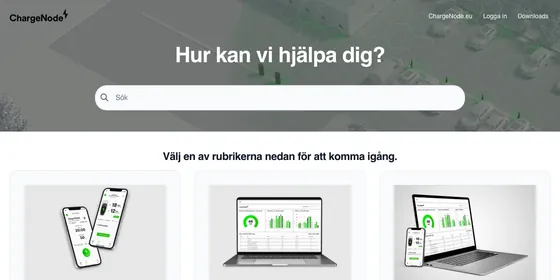
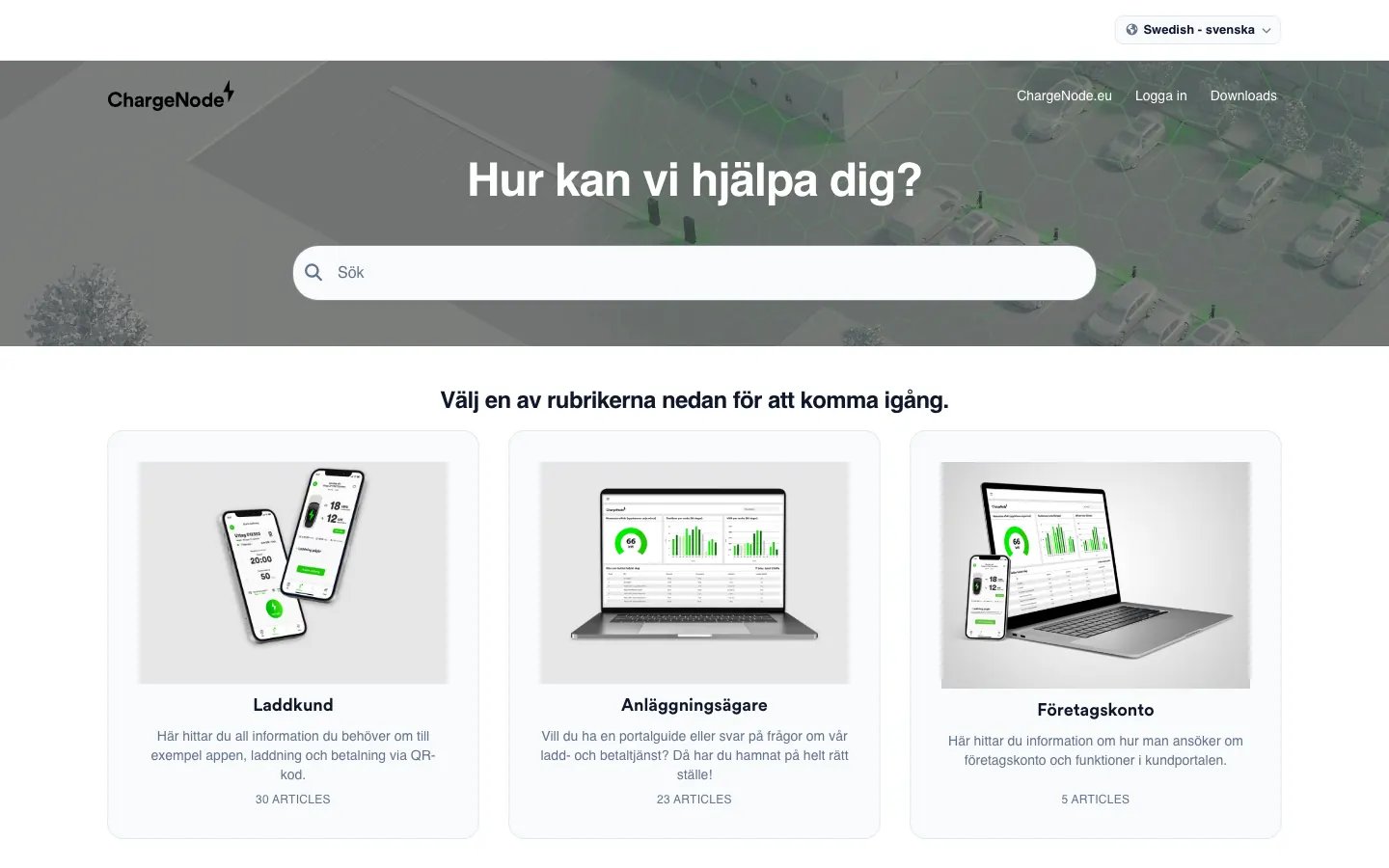
ChargeNode
Bazaart
Boosteroid
Interacty
GrabrFi
FBS

Where self-service usually breaks

Every one of these has the same fix: one knowledge base doing the answering, everywhere.

Customers get stuck before they succeed
They leave the page, open a ticket, or abandon a purchase because the answer is not where they need it.
With HelpCenter.io
Answers meet them on the page, in their language, before they ever open a ticket.
See the AI Widget
Your team repeats the same answers
Good support people should spend time on the conversations that need judgment, not copy-paste replies.
With HelpCenter.io
The widget clears the repeat questions, so your people keep the conversations that need judgment.
See how it answers
Help content lives in too many places
FAQs, docs, product pages, and chat replies drift apart. Customers notice when the answers disagree.
With HelpCenter.io
One knowledge base feeds your help center, FAQs, and widget. Update once, consistent everywhere.
See embeddable FAQs
No ticketing. No CRM. No per-seat anything. On purpose.

HelpCenter.io does one thing well: the knowledge base your customers, your site, and your AI tools all answer from.

The knowledge base behind every answer

One source of truth, surfaced in the places customers already are.

AI Widget

Recommends help from page context, visitor behavior, and your knowledge base.

Branded help center

Launch a polished public knowledge base without asking engineering to build one.

Dynamic FAQs anywhere

Use the same trusted answer on pricing, checkout, onboarding, and product pages.

Analytics and gaps

See what customers search for, which articles help, and where better content would pay off.

Template Editor

Make your help center feel like part of your product

Live preview every change

See the customer experience as you tune colors, fonts, sections, and layout.

Drag-and-drop components

Simple enough for ops and support, flexible enough for a polished brand.

No code needed to launch

Start from a template, make it yours, and publish without waiting on a sprint.

"Exactly what we needed and super easy to use"

Bryan, Head of Operations

Template Editor
Publish
Brand
Sections
Hero + search
Categories
Popular articles
Contact
Live preview
northwind.energy/pricing
Northwind Help
Suggested for this page
How does flat pricing work?
Can I change plans anytime?
What payment methods do you accept?
AI Widget

Offer the right help before customers ask

Context-aware suggestions on the page

The AI Widget reads where it is embedded and recommends relevant articles from your help center.

Customers stay in flow

Answers open where the question happens, so visitors can keep buying, onboarding, or learning.

Grounded in your own content

AI answers come from your published articles, with the knowledge base as the source of truth.

Answer repeat questions instantly

So your team can focus on the conversations that need a human touch.

Help Center Analytics New

Your customers are already telling you what to build next

Every search, every article read, every ticket opened anyway is a signal. Analytics turns your help center into the cheapest user research you'll ever run.

Analytics · Last 30 days
All languages
Resolved by self-service
68% +9 pts
read, then never contacted support
Contacted support anyway
12% −4 pts
after reading the article on that topic
Top searches with no good answer View all 23
"pause subscription instead of cancel" Pricing signal
"export report to CSV" Missing feature?
"where is the invite button" UX friction
One customer journey
Pricing page Searched "refunds" Read 2 articles · 3m 10s No ticket
See where reading ends and tickets begin
Track self-service resolution against who still contacts support after reading — per topic, so you can see which answers work and which fall short.
Failed searches are a roadmap in disguise
The questions customers keep asking can point at confusing UX, missing features, and pricing friction — long before they show up in churn.
Fix the content — or fix the product
Sometimes the answer is a better article. Sometimes it's a better feature. Analytics can point you at which — and hand product and support the same evidence to decide with.
"If a hundred people search for the same thing every month, that's not a documentation gap. That's your next sprint."
Read the announcement: analytics rebuilt from the ground up
Embeddable FAQ

Keep every answer consistent

Centralize FAQ content in one hub

Your help center becomes the source for every answer you show publicly.

Embed answers where decisions happen

Use focused FAQ sections on pricing, checkout, onboarding, product pages, and inside your app.

Update once, reflect everywhere

Fix an answer in HelpCenter.io and every embedded FAQ stays current.

FAQ hub · HelpCenter.io
Updated just now
Do you offer refunds after 30 days?
How do seats and billing work?
synced everywhere
Pricing page
Do you offer refunds after 30 days?
How do seats and billing work?
In-app checkout
Do you offer refunds after 30 days?
How do seats and billing work?

Built for the way real teams run support

Version history

Track changes and revert when needed

Access control

Manage who sees what content

Multi-language support

Serve customers in their own language

Integrations with popular tools

Connect with your existing stack

Team collaboration

Keep article ownership and updates moving

Custom domains

Your brand, your domain

Multi-language is built in, not an upcharge
Publish every article in as many languages as you need. Customers in France, Brazil, and the Nordics read it in theirs. No add-on, no per-language fee. And when you add a new language, AI can translate your whole knowledge base in one go, ready for your team to review before it goes live.
Free migration

Switching is one pass, not a project

Bring your articles from Zendesk, Intercom, HubSpot, or Notion. Structure, categories, and languages come with them.

1
Connect your current tool
Or send us an export. Either works.
2
We import in one pass
Articles, categories, and images arrive with structure preserved.
3
Go live on your domain
Custom domain and SSL are set up out of the box.
Teams arrive here from Zendesk, HubSpot, and Freshdesk every month, and their articles arrive with them.

Built for teams like yours

Three ways teams find us. See yourself in one?

You run a growing SaaS product
Support questions grow faster than your team. Serve customers in 1 to 3 languages from one public help center, like BRP Systems does for gyms across the Nordics.
Start free trial
You run help centers for clients
Spin up a new help center per client and keep every site under one account, one bill. Agencies in Brazil and the UAE run their whole client roster this way.
Talk to us about client sites
You are paying for a suite you barely use
Keep the polished knowledge base, drop the per-seat pricing. Teams from Zendesk, HubSpot, and Freshdesk switched without losing an article.
See what you'd pay side by side
Integrations

Connect your help center to the tools you already use

Send support signals to the rest of your stack, measure what customers need, and keep your knowledge base close to the workflows that improve it.

Slack
HubSpot
Zendesk
LiveChat
Intercom
Google Analytics
Zapier
Shopify
Microsoft Teams
AWS

RESTful API and webhooks

Sync content, trigger workflows, and connect HelpCenter.io to the internal tools your team already trusts.

  • Full CRUD operations
  • Real-time event notifications
  • Detailed documentation

Analytics platforms

Connect page behavior, searches, and article performance so your team knows which answers move customers forward.

  • Google Analytics & GTM
  • Custom event tracking
  • Conversion tracking

Chat and support tools

Surface relevant articles in the places your team already handles customer questions.

  • Unified support experience
  • Contextual article suggestions
  • Team notifications

Automation tools

Use Zapier, Make, and n8n to keep content workflows moving without custom glue code.

  • Trigger workflows on events
  • Sync content across platforms
  • Automate notifications

CMS and websites

Put help articles, FAQ sections, or the AI Widget on WordPress, Webflow, Shopify, or any website.

  • JavaScript widget
  • iFrame embeds
  • Custom domain support

AI and ChatGPT

Use your help center as the source of truth for grounded AI answers and custom GPT workflows.

  • GPT Actions integration
  • Grounded AI answers
  • Smart content suggestions

Build the workflow your customers need

Use the API and webhooks to connect articles, searches, feedback, and customer journeys to the rest of your support stack.

Templates

Start from a template, then make it yours

Launch faster without settling for a generic-looking help center.

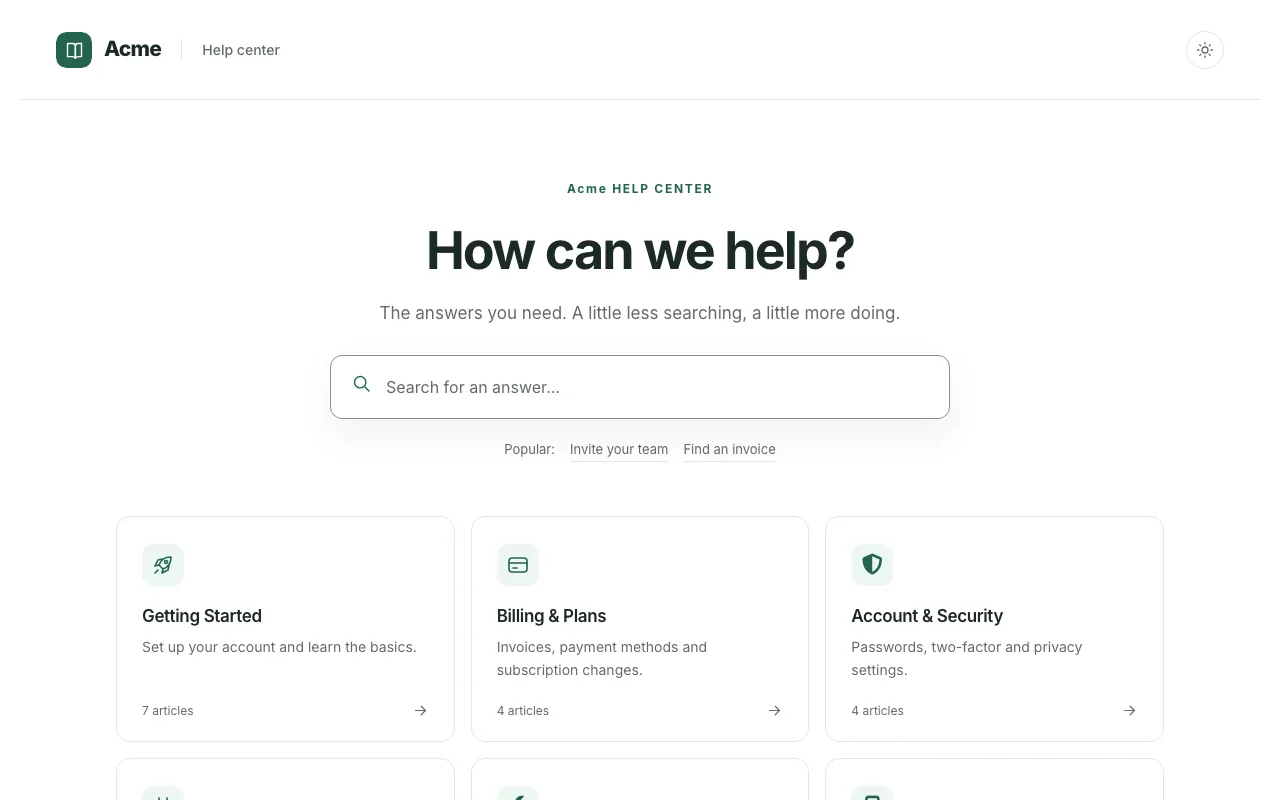
Minimal Modern SaaS

Minimal Modern SaaS

A template featuring a minimal and modern looks with a rich footer consisting of 2 columns - custom...

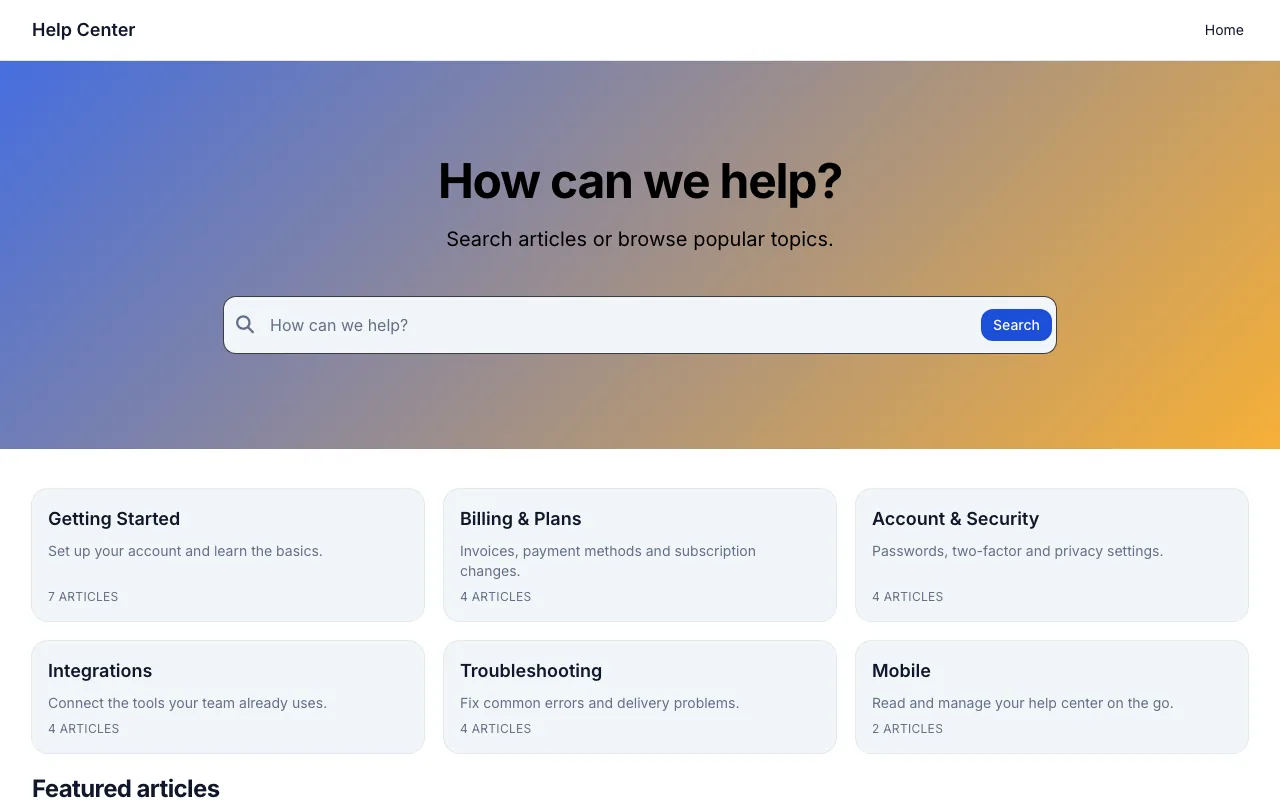
Simple

Simple

A knowledge base template featuring a simple header with a background color and a custom menu togeth...

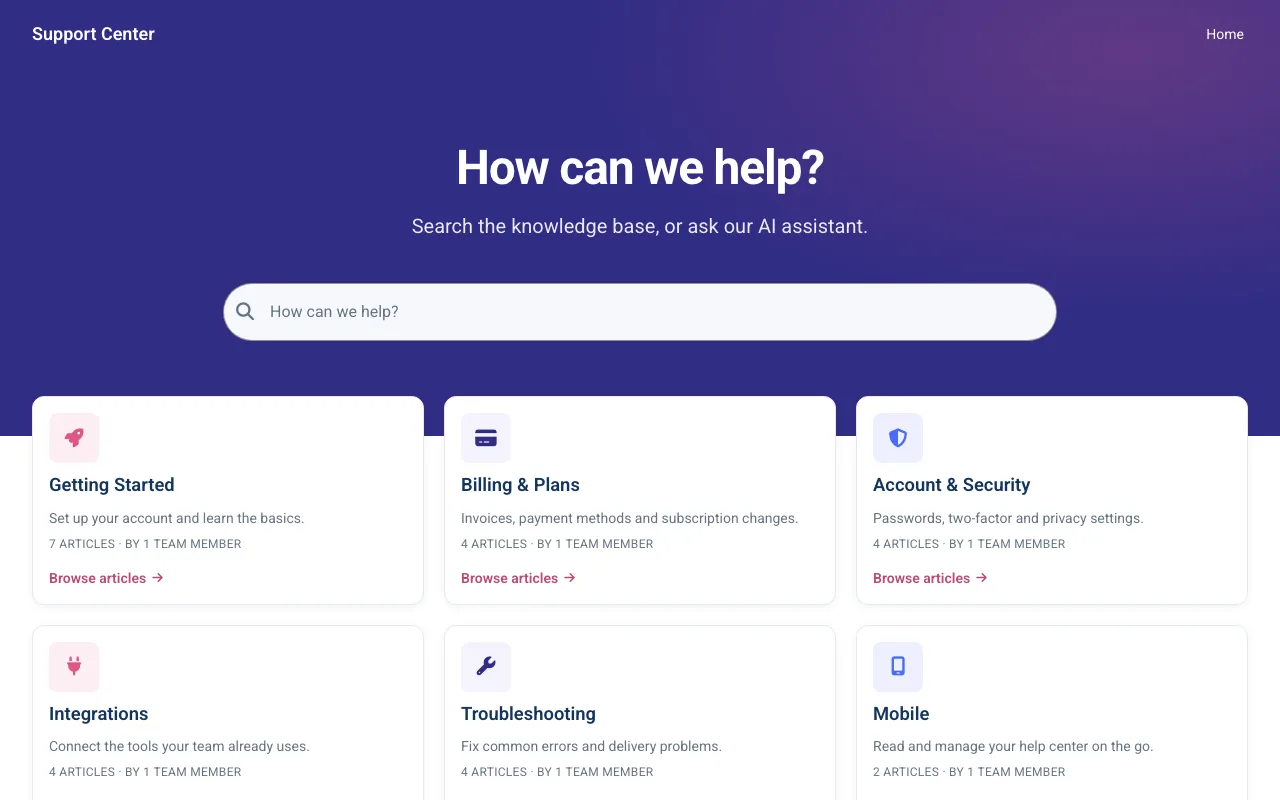
Night Mode On

Night Mode On

This dark themed knowledge base template features slick white categories boxes which are placed righ...

Browse all templates

Or start from scratch and shape the help center around your brand.

Testimonials

Customers stay because it is easy to use

"We were able to launch a Help Center in only a few days and it's super easy to use and maintain. Reduced support tickets by 25%!"

Bryan

Head of Operations

Exactly what you need and user friendly

Extremely easy to use, exactly what we needed for our business, and the customer support was exceptional.

Priya S.

Operations Associate

Great product

It is easy to set up and use. Lots of functionality is available from the box. We were able to set up and launch a Help Center for GrabrFi within days.

Ilya

Grabr

Ready to help customers get unstuck faster?

Join 300+ companies giving customers accurate answers from one trusted knowledge base.

Keep the knowledge base, drop the suite tax. From $29/mo flat.

Trusted by 300+ companies · 14-day free trial, no credit card

IP "Questions before you start? You'll get me, not a queue." Ivan, CTO, HelpCenter.io