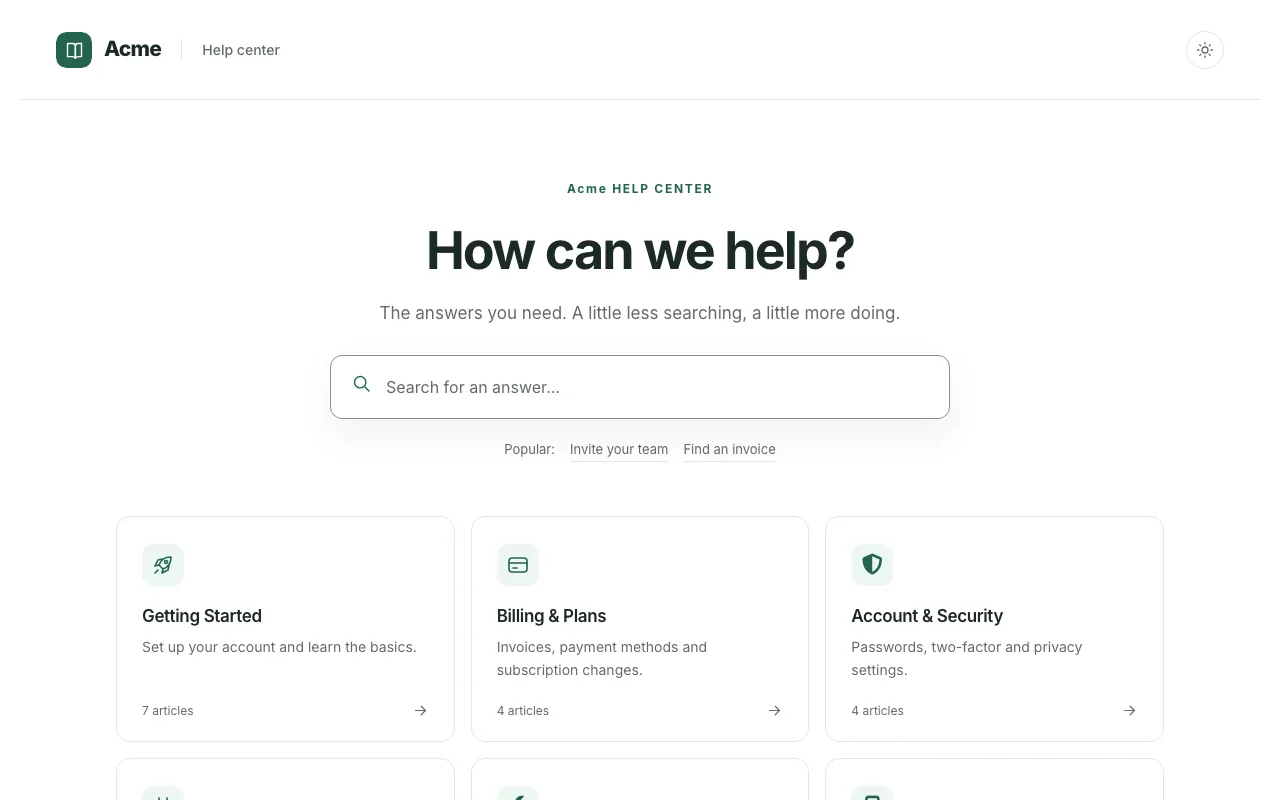
Compass
DefaultThe Compass template from knowledgebase.dev, with hosting, team editing, and search built in.
Inter Comfortable
16 complete help center designs, from calm documentation to bold support hubs. Start on the one closest to your brand, then change its colours, fonts, logo and layout in a visual editor. No code, and nothing to host.
Every template is included on every plan, and in the 14-day free trial. No credit card needed.
Looking for an embedded FAQ? Browse FAQ section templates.
Each template designs a whole help center, page by page: home, category, article, search results, contact and 404. Open one to see every page, in light and dark and on a phone, then start your trial on the one you like.
Clean, flexible looks that fit almost any product or team, from calm documentation to bold support hubs.
The Compass template from knowledgebase.dev, with hosting, team editing, and search built in.
Inter Comfortable
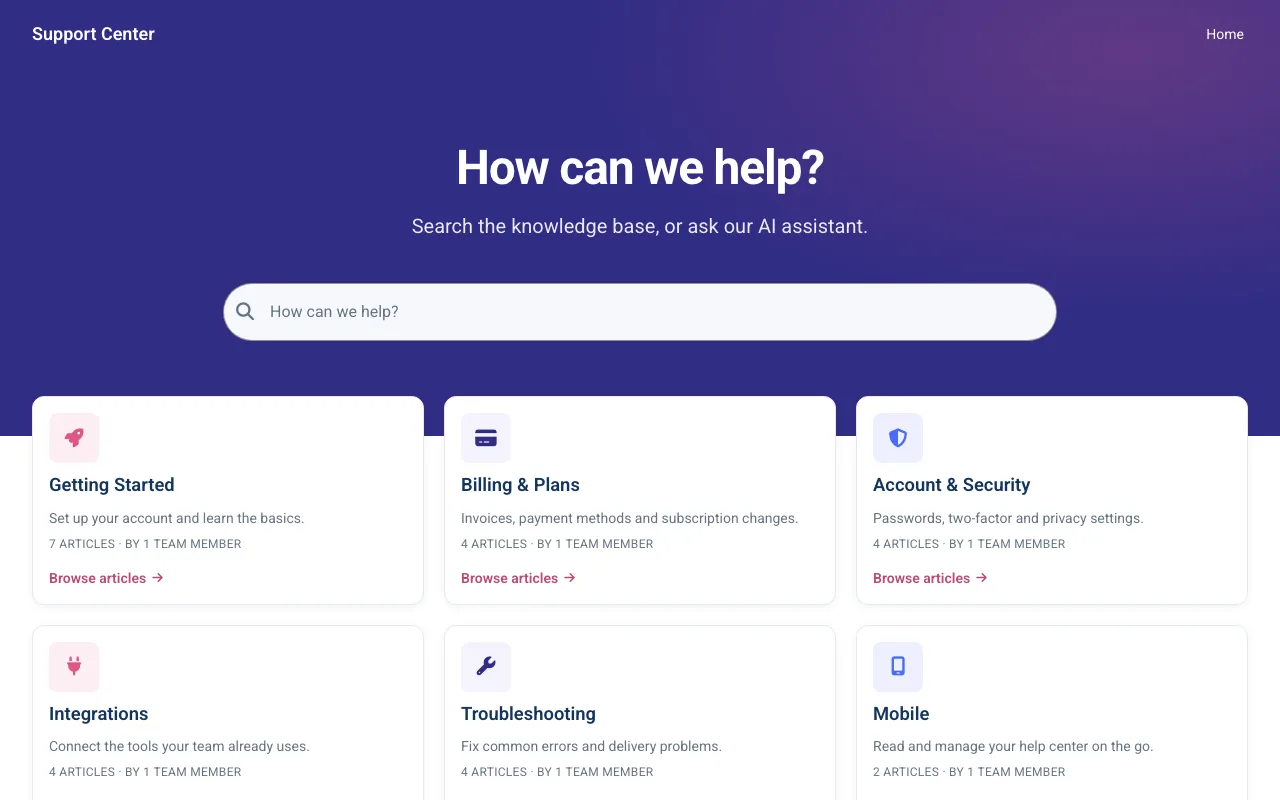
A modern support home lit by a soft gradient hero, with search front and centre.
Roboto Comfortable
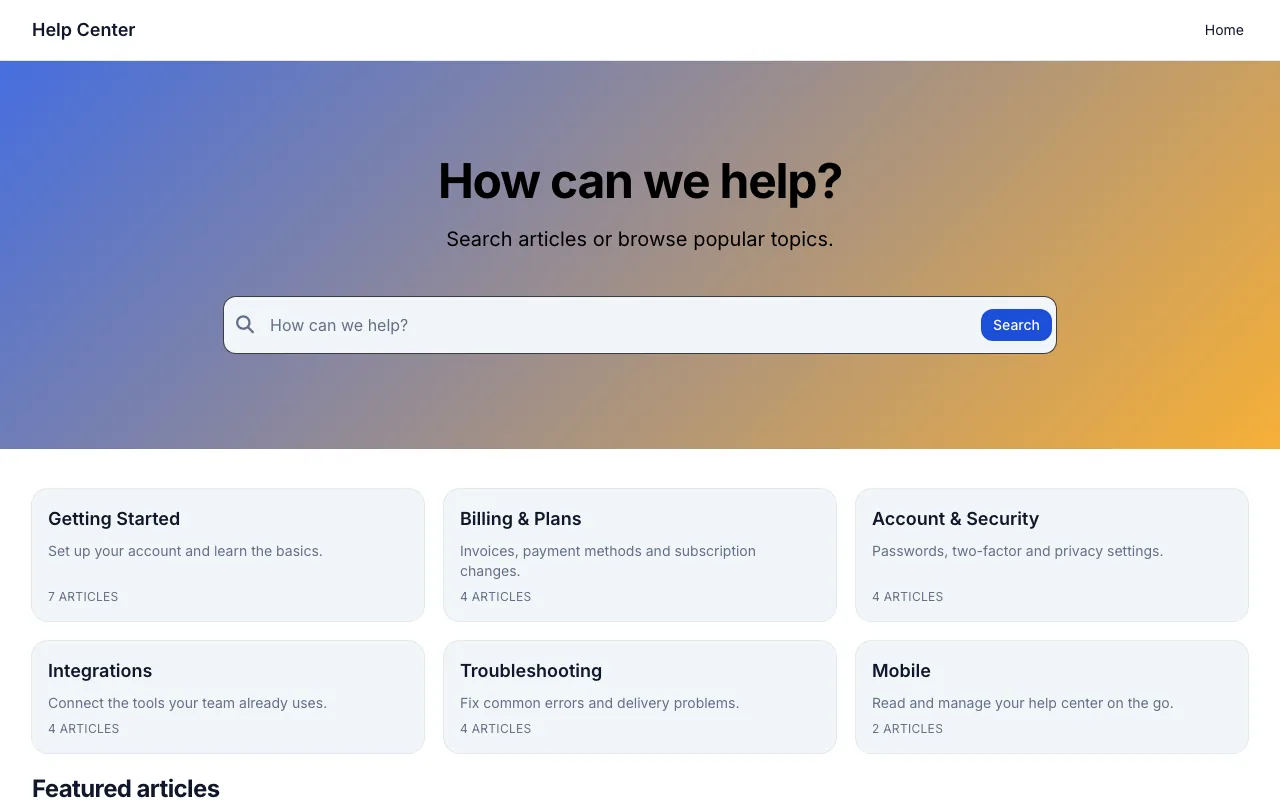
A warm, familiar support hub with a hero search customers reach for first.
Inter Comfortable
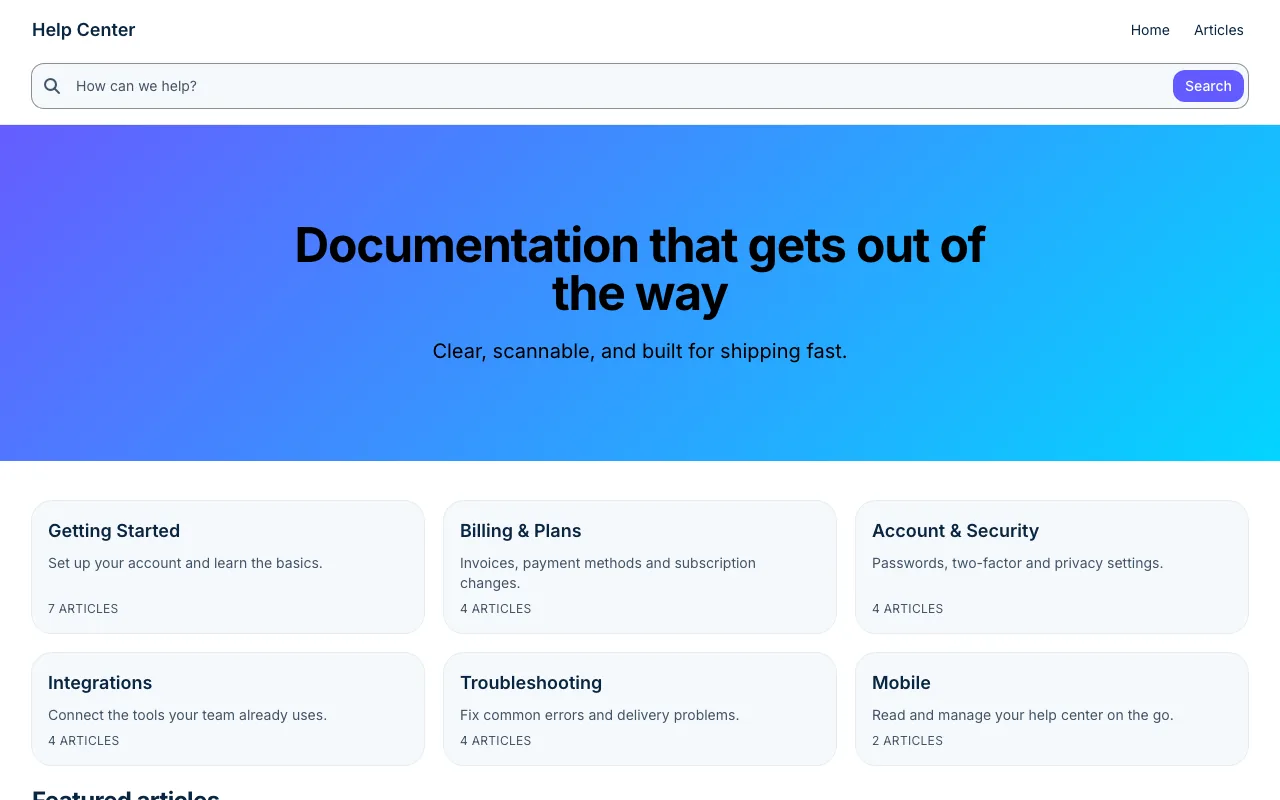
A crisp, documentation-first layout that suits product and developer teams.
Inter Comfortable
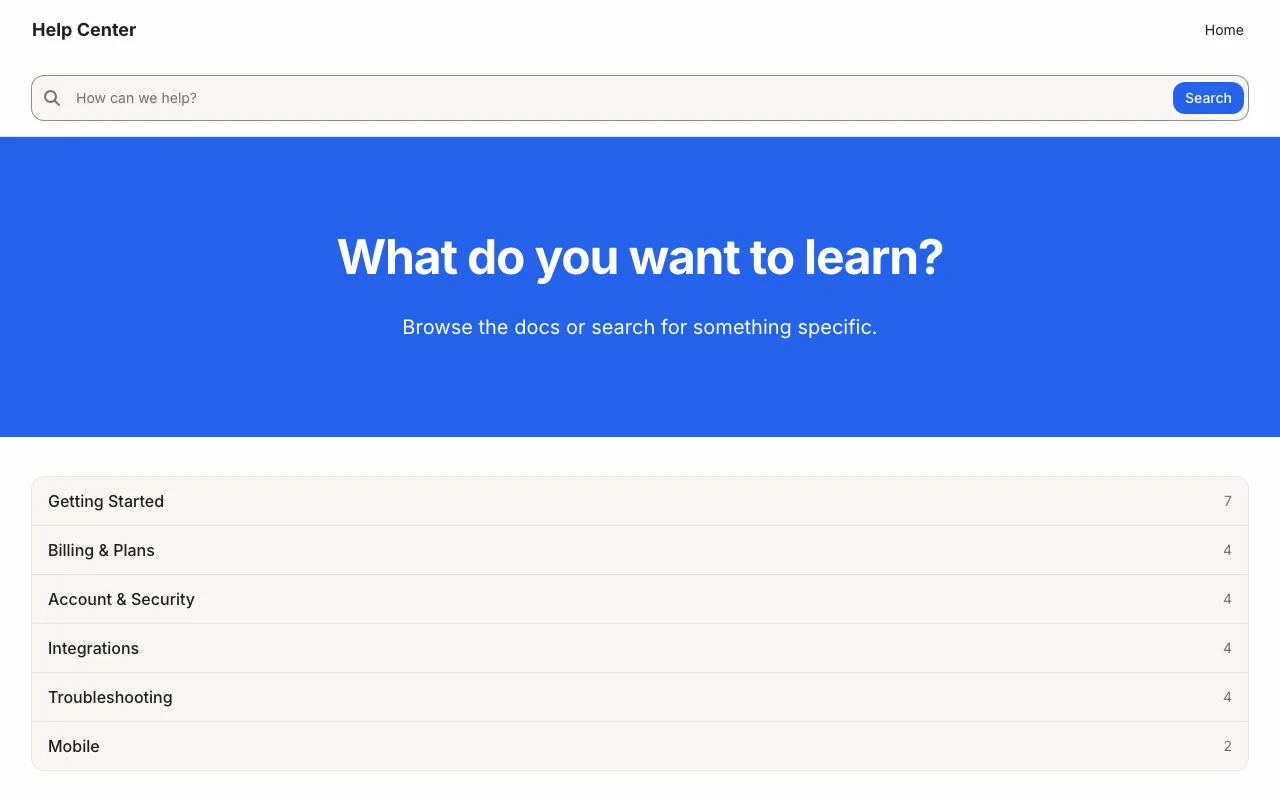
Calm, spacious pages that make even long guides easy to read.
Inter Spacious
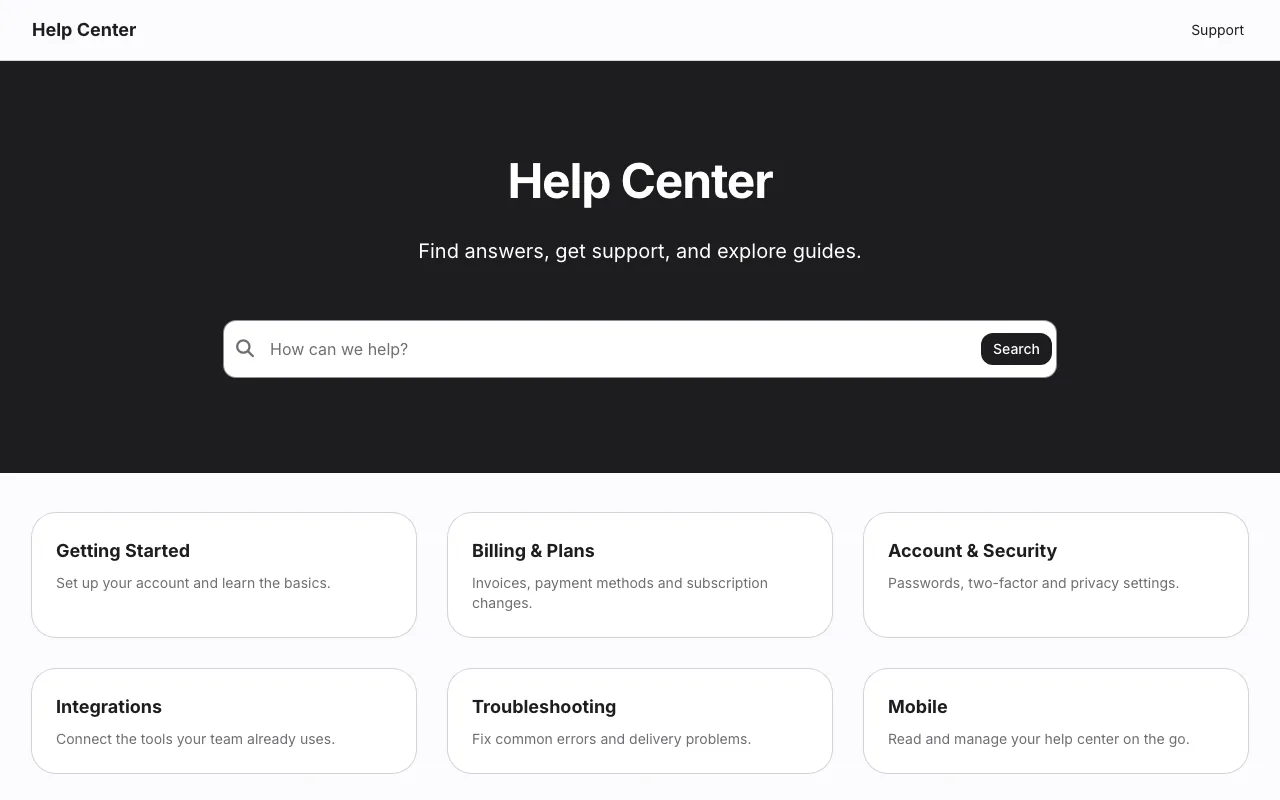
Understated and premium, with the focus entirely on your answers.
Inter Spacious
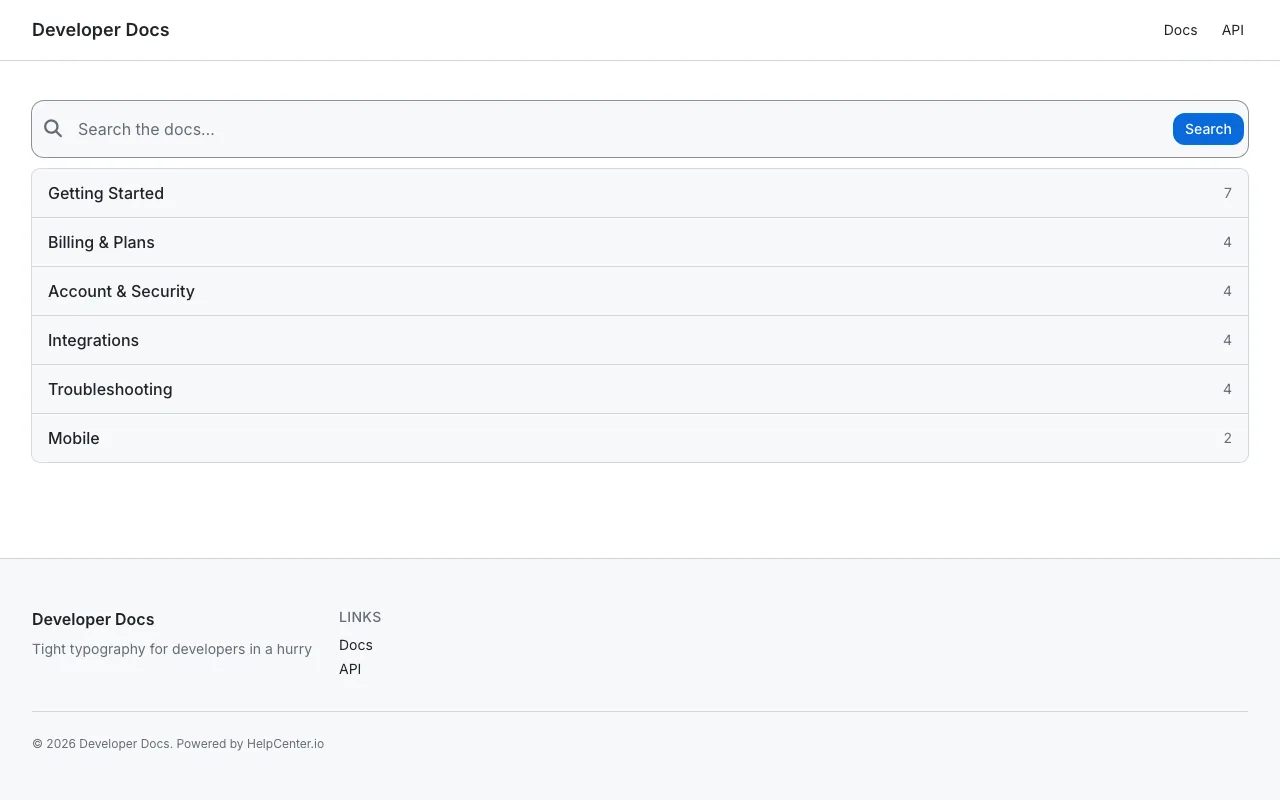
Information-dense reference docs built for a technical audience.
Inter Compact
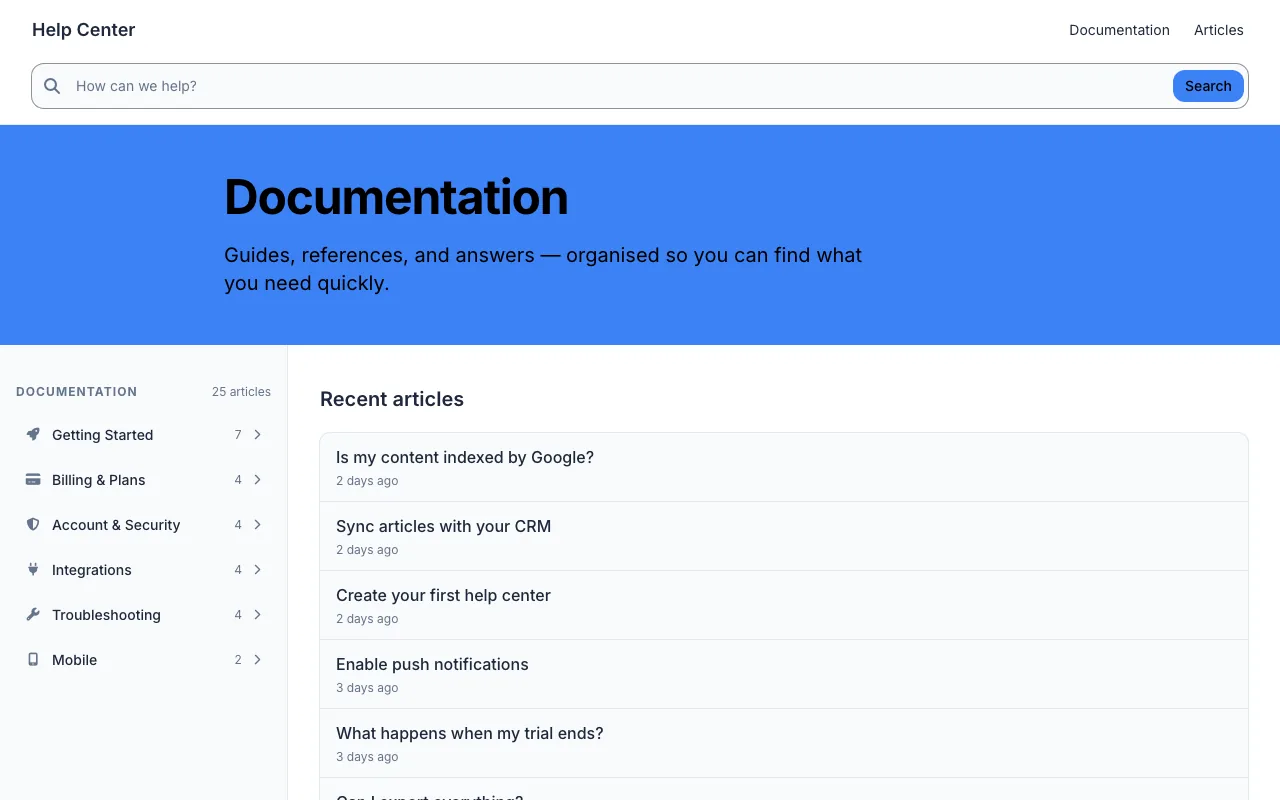
Structured guides and reference, organised for quick scanning.
Inter Comfortable
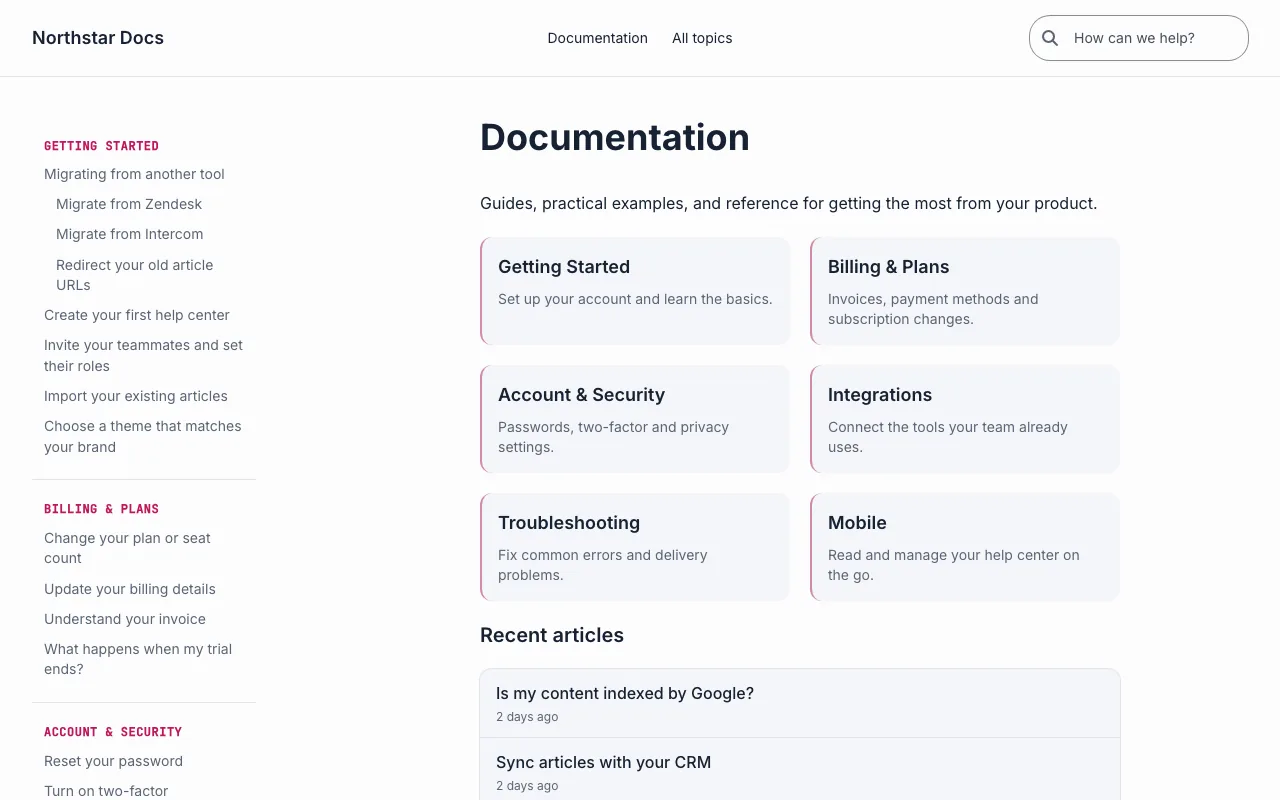
Centred navigation, grouped topics, and a comfortable reading column.
Inter Comfortable
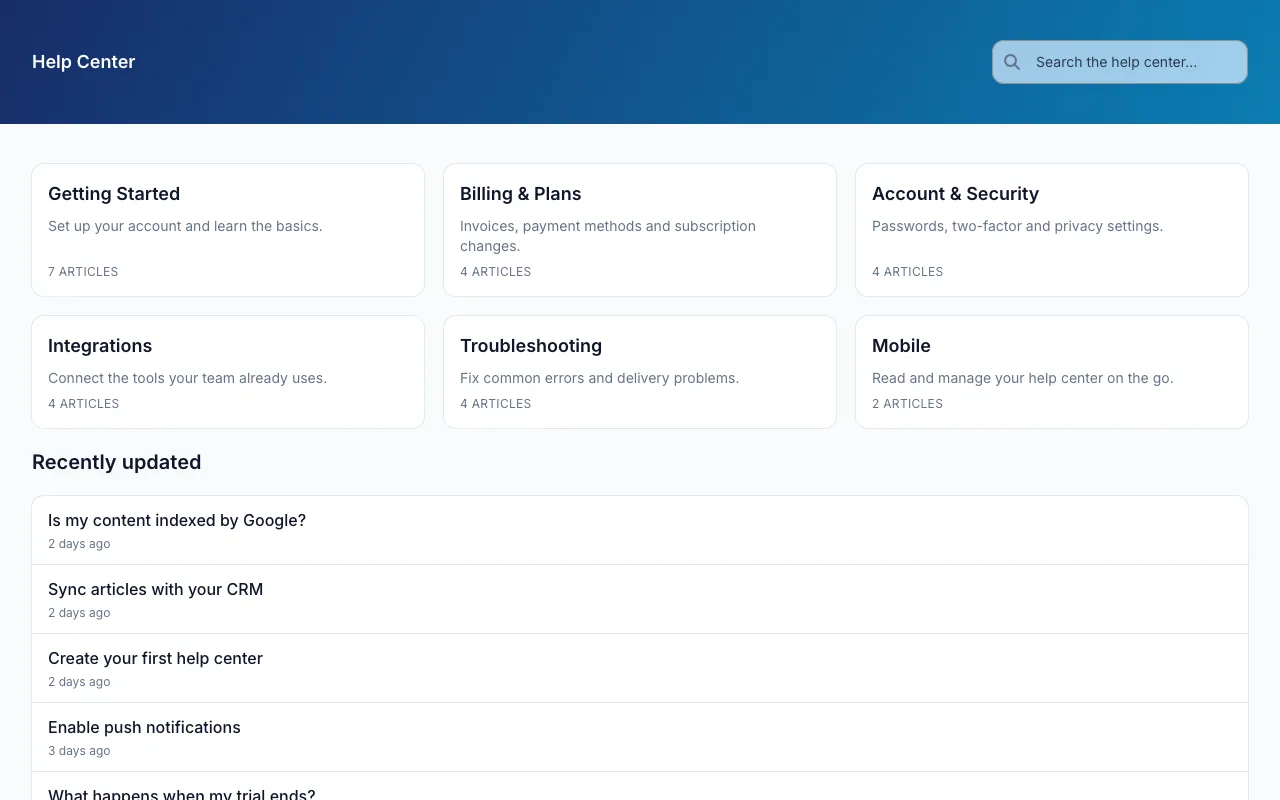
A coloured header over a clean grid, the timeless help-center look.
Inter Comfortable
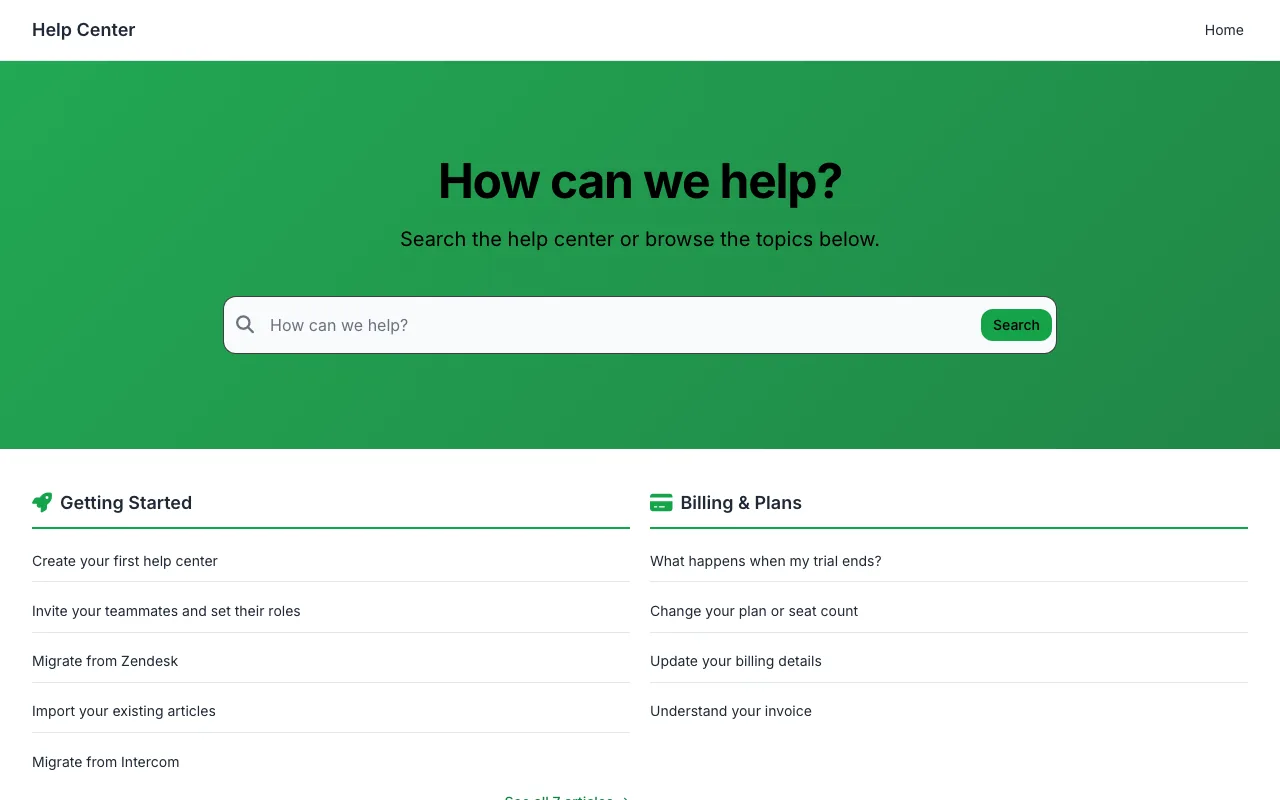
Categories beside your most-read articles in a tidy two-column home.
Inter Comfortable
Starting points shaped around one kind of customer, down to the hero copy and the navigation. More on HelpCenter.io for e-commerce, finance and education teams.
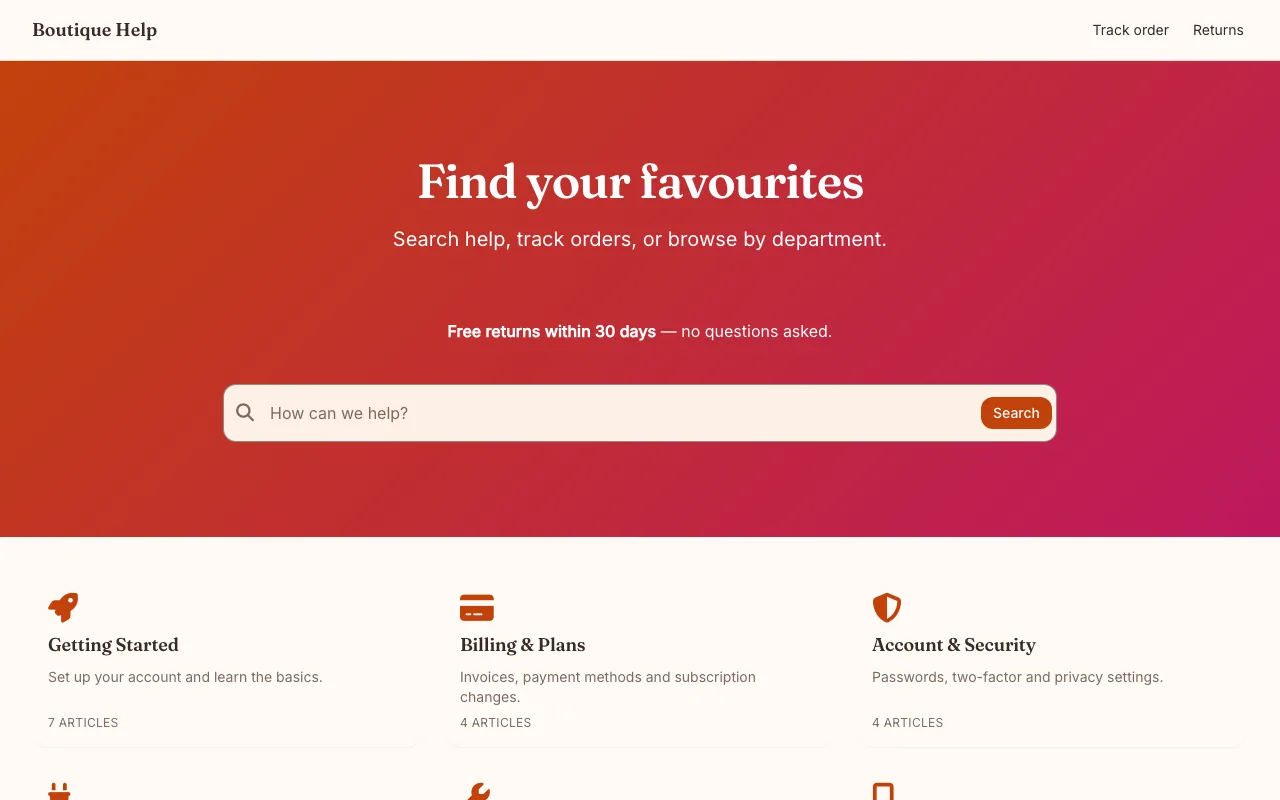
Order tracking, returns, and styling help, ready for your storefront.
Fraunces and Inter Comfortable
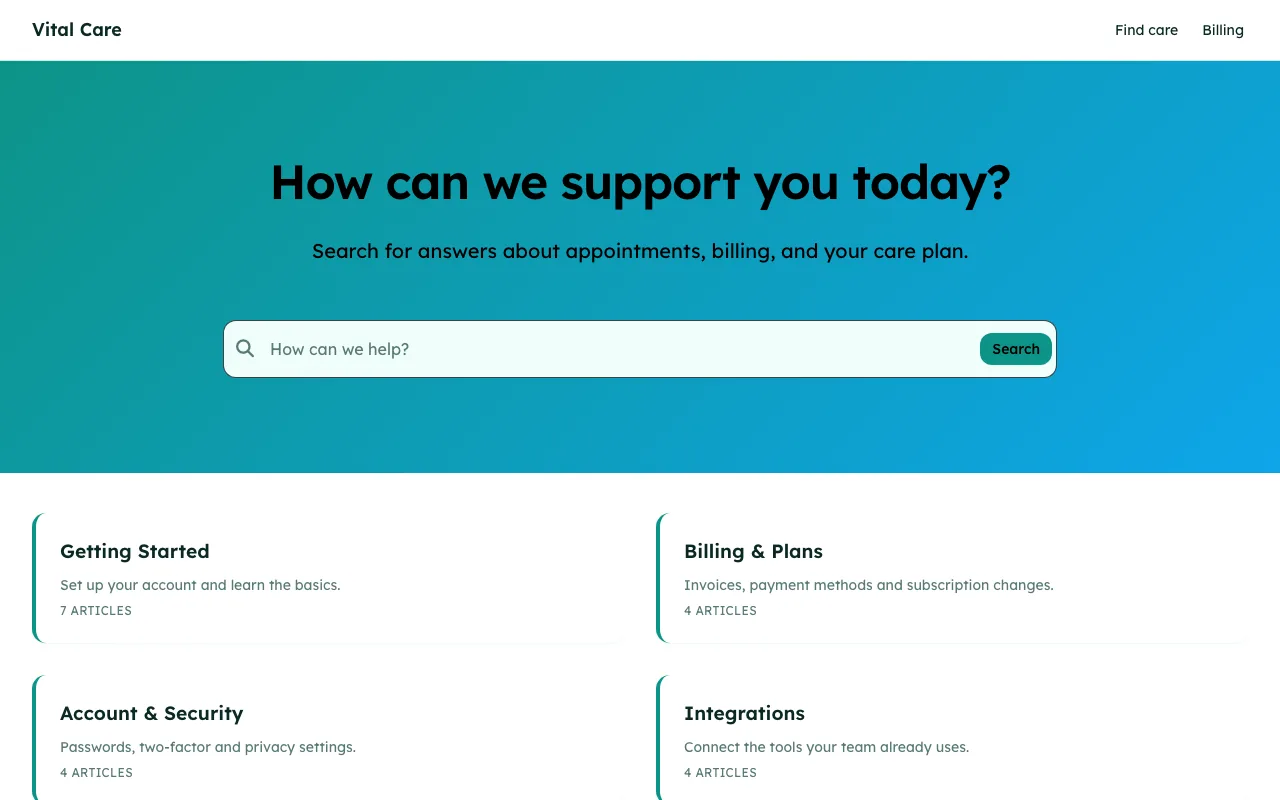
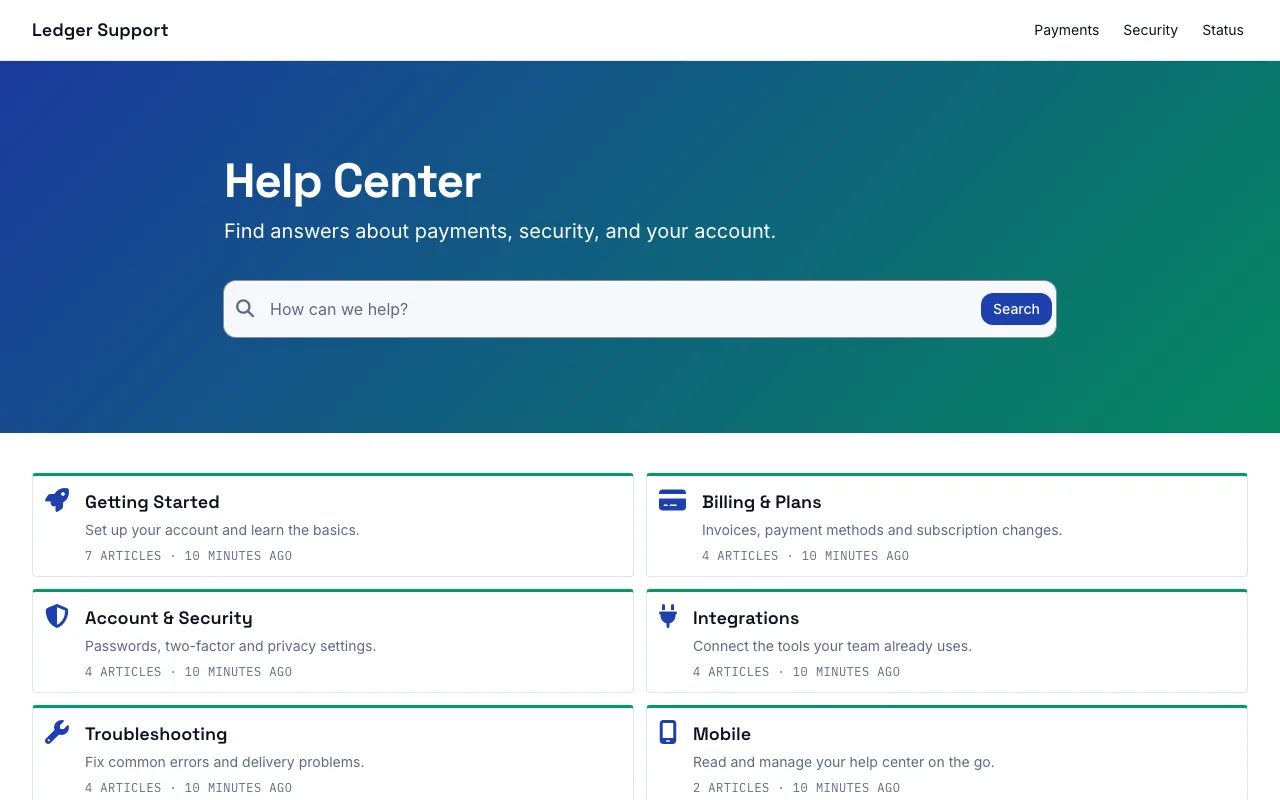
A trustworthy layout for payments, security, and compliance questions.
Space Grotesk and Inter Compact
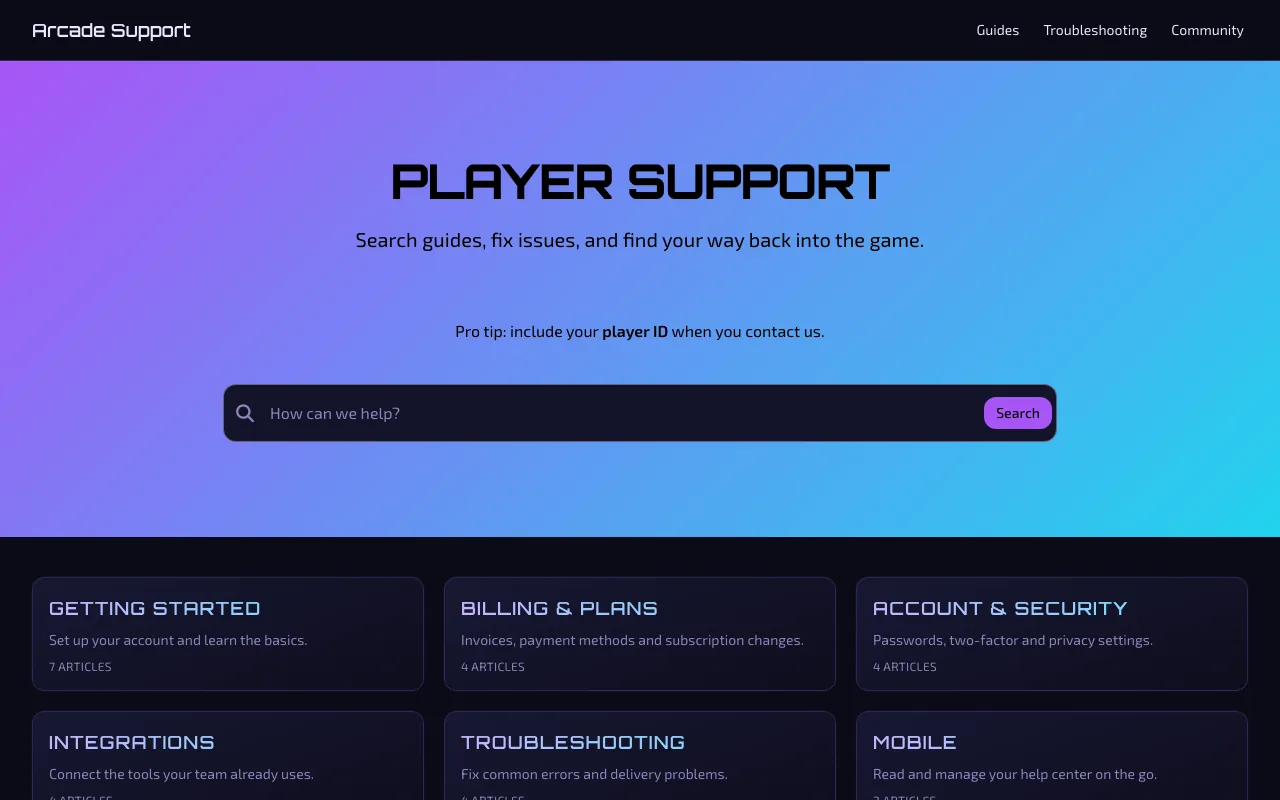
Bold, playful support that matches the energy of your community.
Orbitron and Exo 2 Comfortable
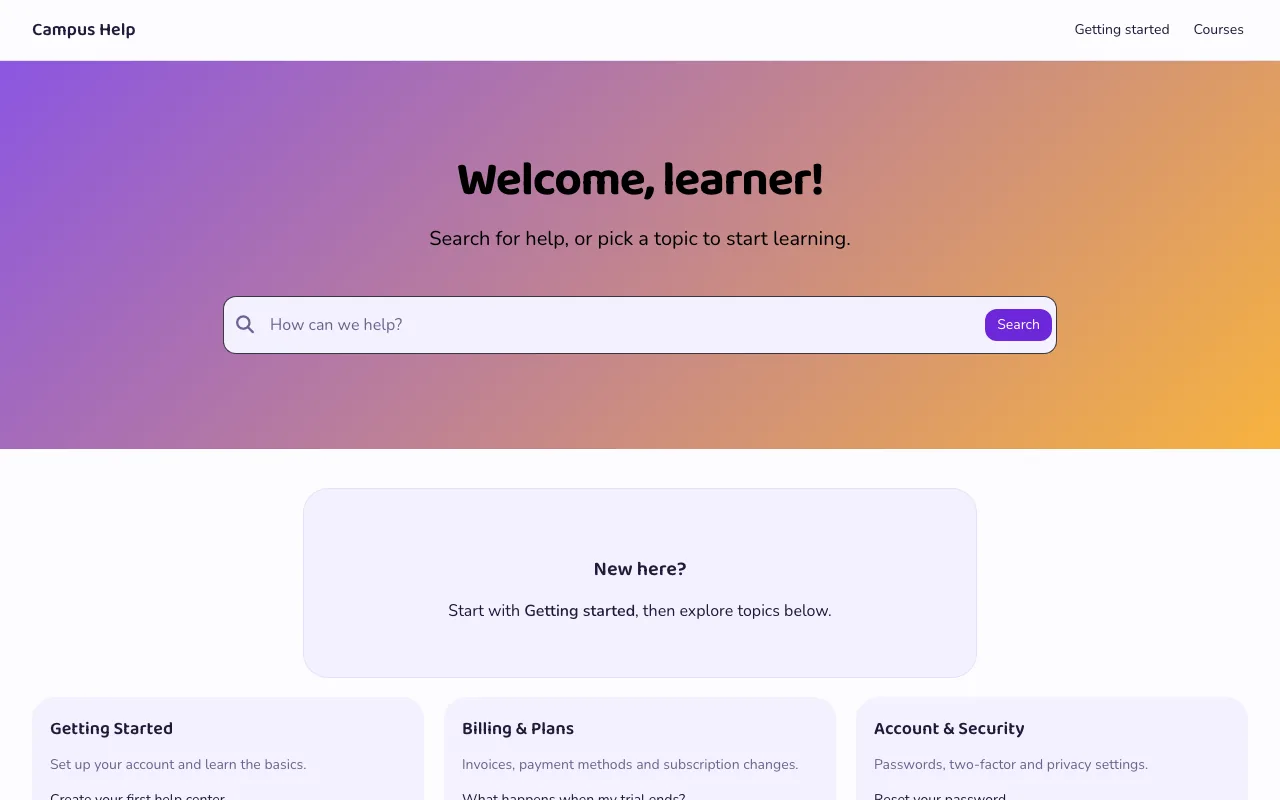
Course help and getting-started guides that welcome every learner.
Baloo 2 and Nunito Comfortable
FAQ section templates
Choose from 27 FAQ section templates in HelpCenter.io. Set the accent colour, corners, font, and light or dark scheme, then embed your section wherever customers need it.
faqs.me is our free alternative for a standalone FAQ section, with the same 27 designs. Create your FAQ and export the code. When you need answers managed in a help center, import your section into HelpCenter.io from the faqs.me editor.
A template is a starting point, not a commitment. Everything about it stays editable, and you can switch to another one whenever you like.
Switch to a starter theme and it restyles your whole help center. You choose what to keep before anything changes.
Templates differ in how they look. What your help center can do stays the same whichever you pick, and every kind of section is in the editor, whichever template you start from.
Results appear as visitors type. With AI answers switched on, the same search bar answers questions from your published articles: included on Catalyst, a $29/mo add-on on Bootstrap and Growth.
Every template has a dark palette that visitors get automatically when their device is set to dark. Edit both palettes, and add a logo made for dark backgrounds.
Every layout is built to reflow on screens as narrow as 320px, and the editor previews desktop, tablet and mobile sizes before you publish.
Every template's palette is checked for WCAG AA contrast, in light mode and in dark, before it ships.
An XML sitemap, readable URLs, editable meta and Open Graph tags, canonical and hreflang links, and breadcrumb structured data, whichever template you choose.
On Growth and Catalyst, publish in any of 43 languages, right-to-left ones included, each with its own URLs. Translate the template's own text, from the hero heading to the search placeholder, for each one.
Every template is included in every HelpCenter.io plan at no extra cost, and you can try any of them free for 14 days, with no credit card needed. If you would rather host a knowledge base yourself, Compass is also free and open source (GPL-3.0) on knowledgebase.dev, as plain HTML, CSS and JavaScript.
Yes, whenever you like, from the theme gallery in the editor. You compare the new template with your current design and choose which parts of it to apply. Your articles and categories are never touched, and nothing changes for your visitors until you publish. Your last 50 published versions are kept, so an earlier design is always one restore away.
Yes. The visual editor changes your logo, colours, fonts and spacing, and lets you add, remove, reorder and nest the sections on every page, with a live preview at desktop, tablet and mobile sizes. Use any font from the Bunny Fonts catalogue or upload your own. When you want full control, add custom CSS.
Yes. Every layout is built to reflow on screens as narrow as 320px, and every template has a dark palette that visitors get automatically when their device is set to dark mode. Arcade is dark either way.
A document-tool template organizes pages inside that tool, and you still need somewhere to publish them. A HelpCenter.io template is the published help center itself: hosted for you, with search, categories, an XML sitemap and your own domain. If your docs live in Notion or Confluence today, see how HelpCenter.io compares with Notion and Confluence.
Yes. On Growth and Catalyst annual plans, our team migrates your articles, categories and images for free, usually in under 7 days, from Zendesk, Intercom or any other platform. Then keep the template you started your trial on, or pick another. See how free migration works.
Every template's search bar can show Ask AI, which answers questions from your own published articles. It appears once AI answers are switched on: included on Catalyst, and a $29/mo add-on ($24/mo billed annually) on Bootstrap and Growth.
The templates on this page design the help center around your articles. For the articles, knowledgebase.dev includes six free Markdown article blueprints, and our blog has four free help desk documentation templates.
Start a 14-day trial on any template, make it yours in the editor, and publish when it looks right. No credit card needed.
Help could not load. Open our help center.