Reintroducing knowledgebase.dev: meet the Compass launch kit
Our free knowledge base template has grown into a customizable launch kit, with article blueprints, planning tools, and a managed option in HelpCenter.io.
For years, the knowledgebase.dev free knowledge base template we released back in 2021 stayed much the same: a simple HTML template built with Bootstrap 4. Even five years later, despite being severely outdated, it continued to attract visitors and downloads.
The template gave people a layout they could download, adapt, and host themselves. That was a useful head start, especially for teams that didn’t want to reinvent the wheel. Starting from a blank page is already a lot to take on when you’re writing the content, too.
If you’ve been keeping up with our releases, you already know that this year we updated our Template Editor and introduced several new help center templates. Now it’s time to refresh our open-source knowledge base template, too.
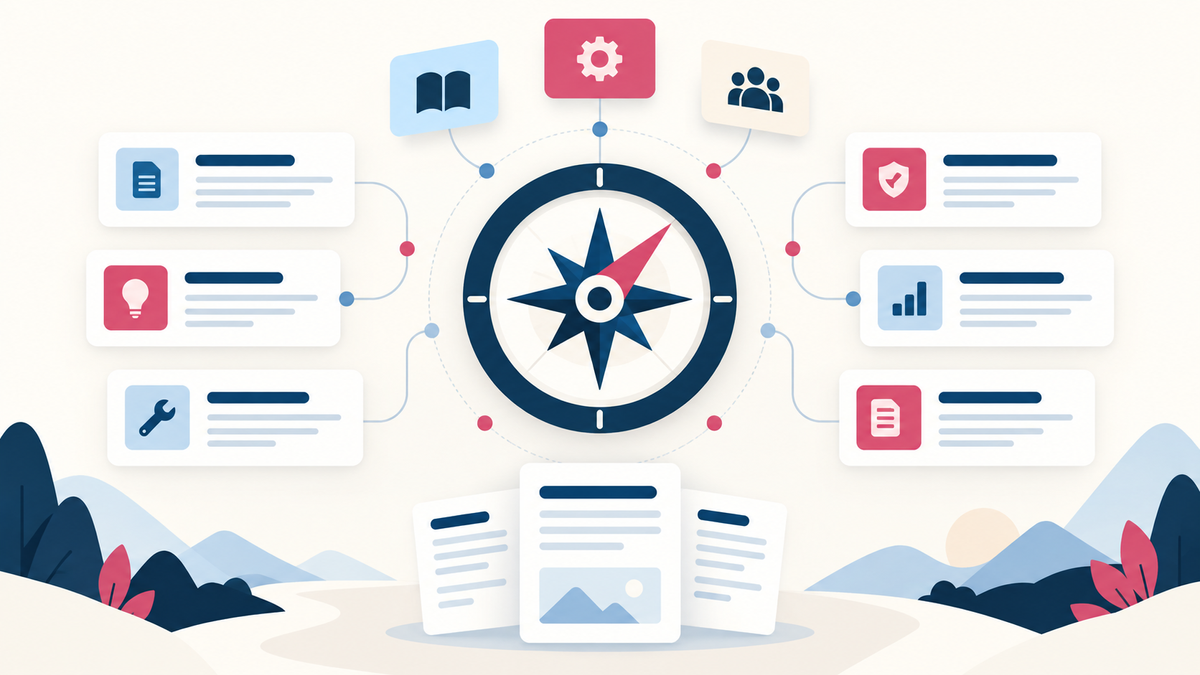
Today, we’re launching a completely rebuilt knowledgebase.dev, home to Compass: our new free, open-source knowledge base template and launch kit. It’s no longer just a template. It’s a complete framework for building a knowledge base from scratch—one we’ll continue to extend and improve.
With the recent popularity of AI vibe coding, some smaller businesses with simpler needs may choose to build their own knowledge base until they’re ready for a more complete solution. Projects like knowledgebase.dev are meant to streamline that process, giving you the tools to get an amazing help center up and running quickly, with fewer tokens. We spend the tokens building the toolkit so you don’t have to start from scratch.
You can customize a working help center, download it with your preferences, and use the accompanying article blueprints and planning tools to get it ready for customers. And if you’d prefer a managed solution, Compass is also available inside HelpCenter.io, with the same design and a team editor behind it.
This is the next chapter of a free project we’ve wanted to give more attention to for a while.
But building a help center goes well beyond its layout. You still have to decide what to document first, organize the answers, write instructions people can follow, and work out who will keep everything up to date. If you’re moving an existing library, there are old URLs to account for. If you’re building for a client, there’s a handoff to get right.
When we rebuilt knowledgebase.dev, we wanted the free offer to cover more of that work.
Compass brings the design, the writing structures, and the launch plan together. The download includes:
- A working help center template: 20 pages covering a home page, search, six topics, and 12 example articles. It includes browser search with instant suggestions, article navigation, tables of contents, related articles, and print styles.
- Six editable article blueprints: starting structures for how-to guides, troubleshooting, FAQs, billing and policies, integrations, and product changes.
- Five planning tools: a launch checklist, content audit, redirect map, translation tracker, and agency handoff document.
You can try Compass in the live preview, add your brand name, choose Pine, Ocean, or Violet, and switch between light and dark appearances. Your download will preserve the choices, along with the editable source.
The template uses plain HTML, CSS, and JavaScript. The downloaded site is ready to open, and you can publish it wherever you host static websites. There’s no runtime framework to set up or backend to operate. The source is also available on GitHub if you prefer to start there.
The example articles show how the pieces fit together. Replace their fictional product instructions with your own verified answers, then use the blueprints to expand the library.
We’ve put particular care into what those blueprints ask you to write. A how-to starts with a direct answer, identifies prerequisites, walks through the task, and explains how to check that it worked. A troubleshooting article gives the reader a way forward when the obvious solution doesn’t help. Ownership and review fields help the next person understand who can verify an answer when the product changes.
Those details matter whether you’re a product or operations lead building your first customer help center, an agency preparing a client launch, or a team moving an existing library to a new home.
The rebuilt website also includes practical field guides on knowledge base structure, article writing, migration, client handoffs, and preparing content for AI answers. You can use those resources with the template or bring them into the help center you already run.
That last topic deserves attention. An AI assistant needs clear source material: which task an article covers, who can perform it, what conditions apply, and whether the instructions are still accurate. The same details help a customer reading the article directly. The kit helps you establish that foundation; its built-in search runs in the browser, while AI answers are part of the managed HelpCenter.io offering.
For teams that want the Compass design with a managed workflow, you can now start directly with Compass in HelpCenter.io.
The native template brings its familiar search-led home page, topic cards, article layouts, and light and dark styling into our Template Editor. Choose Compass, make it your own, and let your team write and publish through HelpCenter.io.
You also get the platform behind the design: hosting with a custom domain and SSL, article editing, multilingual content, search analytics, and AI answers grounded in your published articles. It’s a useful path when the people responsible for keeping answers current need to make changes themselves, without maintaining site files. Start with Compass in HelpCenter.io.
The free kit remains a complete option for teams that want to host and maintain their own help center. The article blueprints and planning tools are useful on either path.
We’re glad to give knowledgebase.dev a fresh start and a broader purpose: helping you get from recurring customer questions to a help center you can launch, hand over, and keep useful.