Support Columns
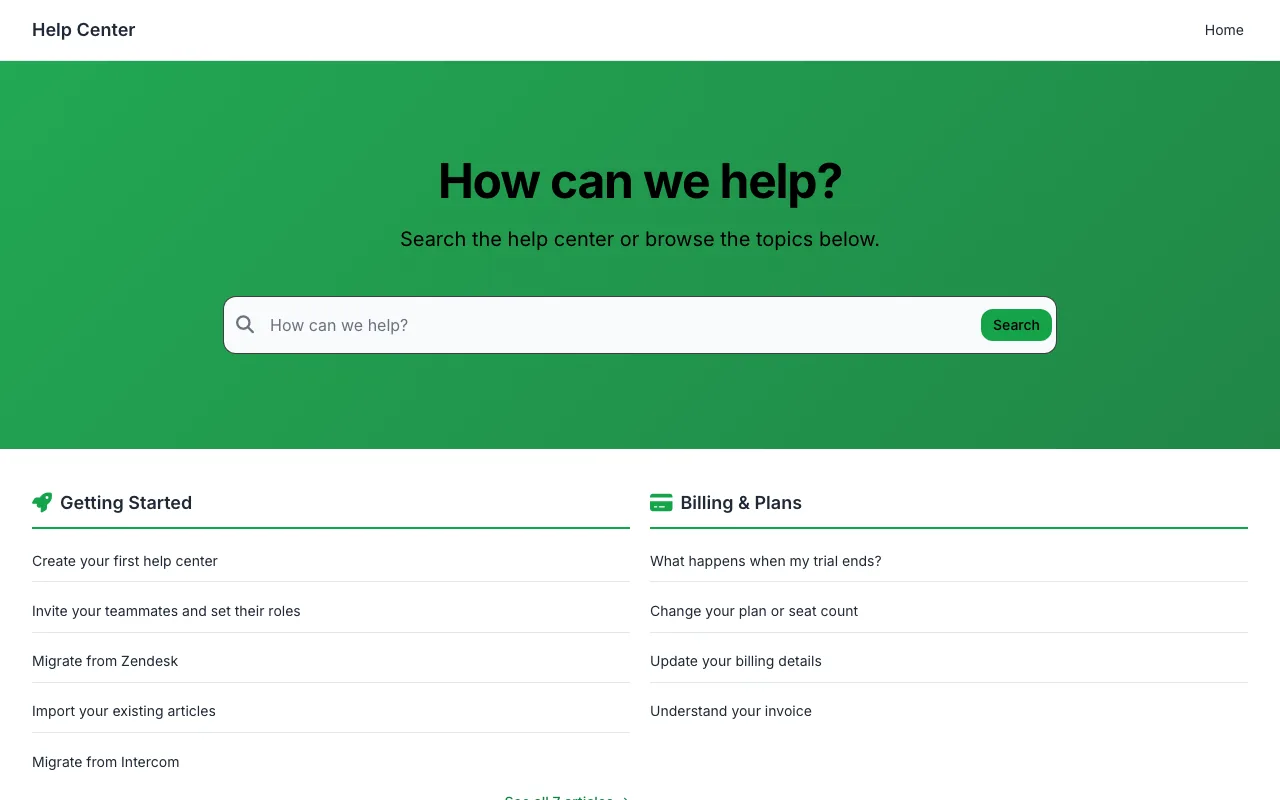
Categories beside your most-read articles in a tidy two-column home.
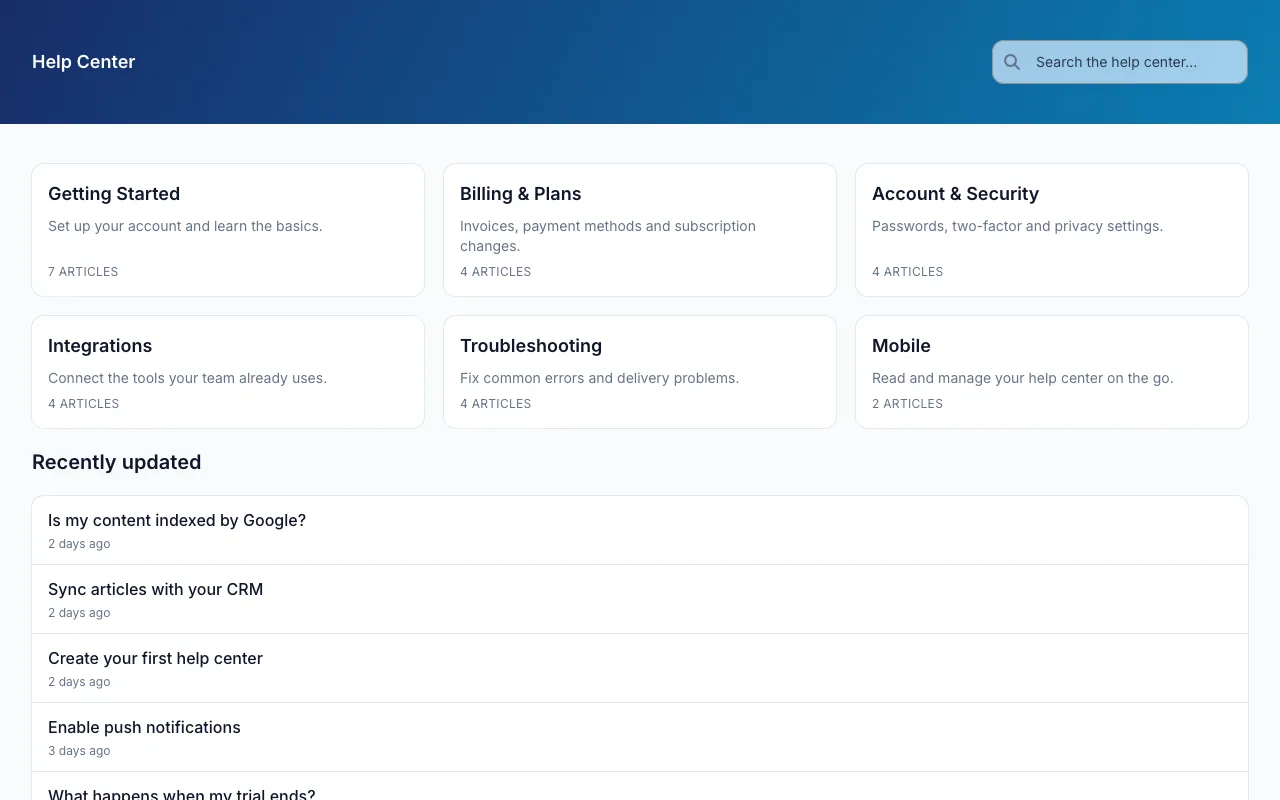
Minimal Classic is the timeless help center look: a coloured header with search, no hero, and your categories and recent updates straight away.
Included on every plan, and in the 14-day free trial. No credit card needed.
Real screenshots of a demo help center running Minimal Classic exactly as it ships, before any changes. Pick a page to see it.
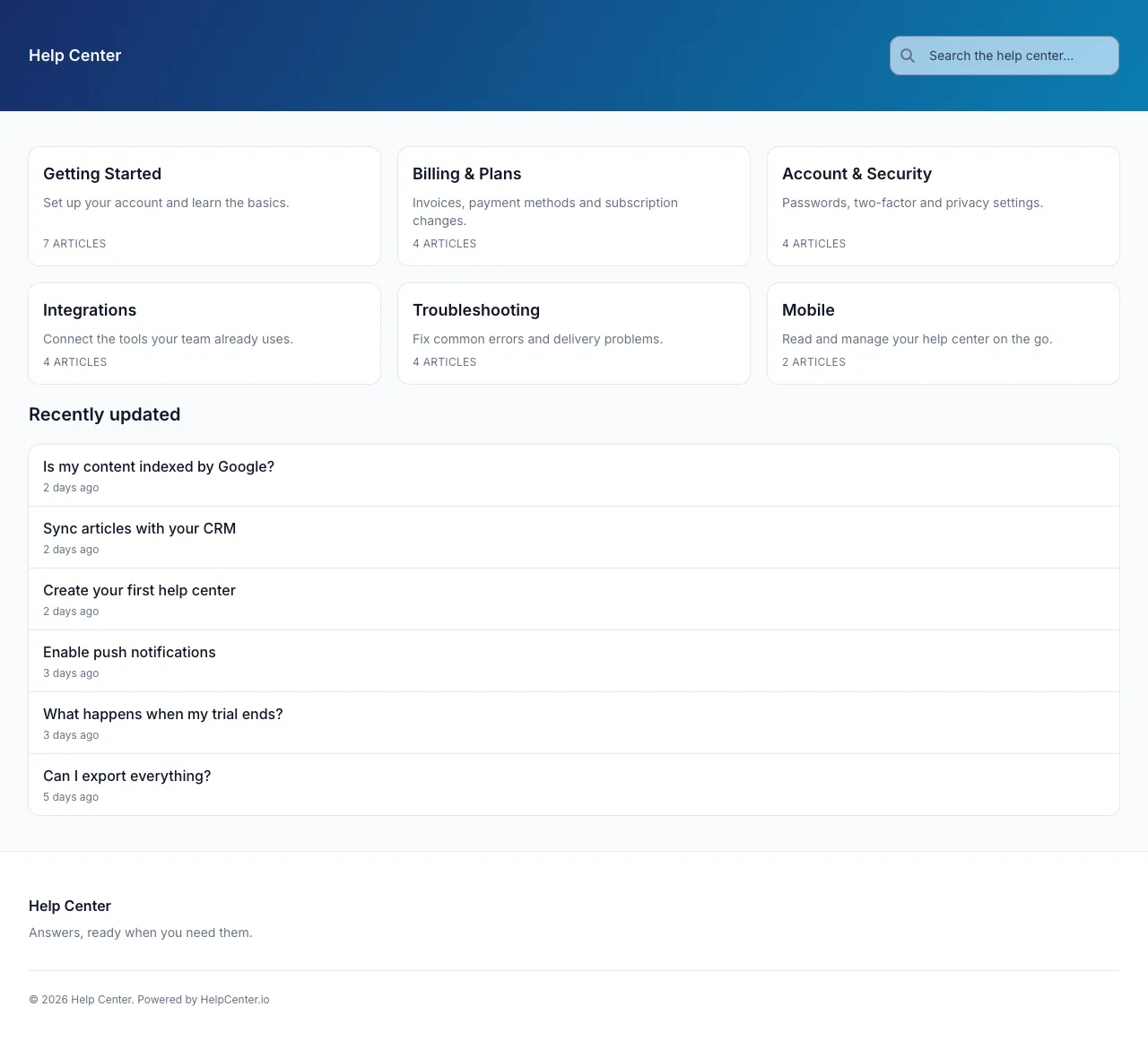
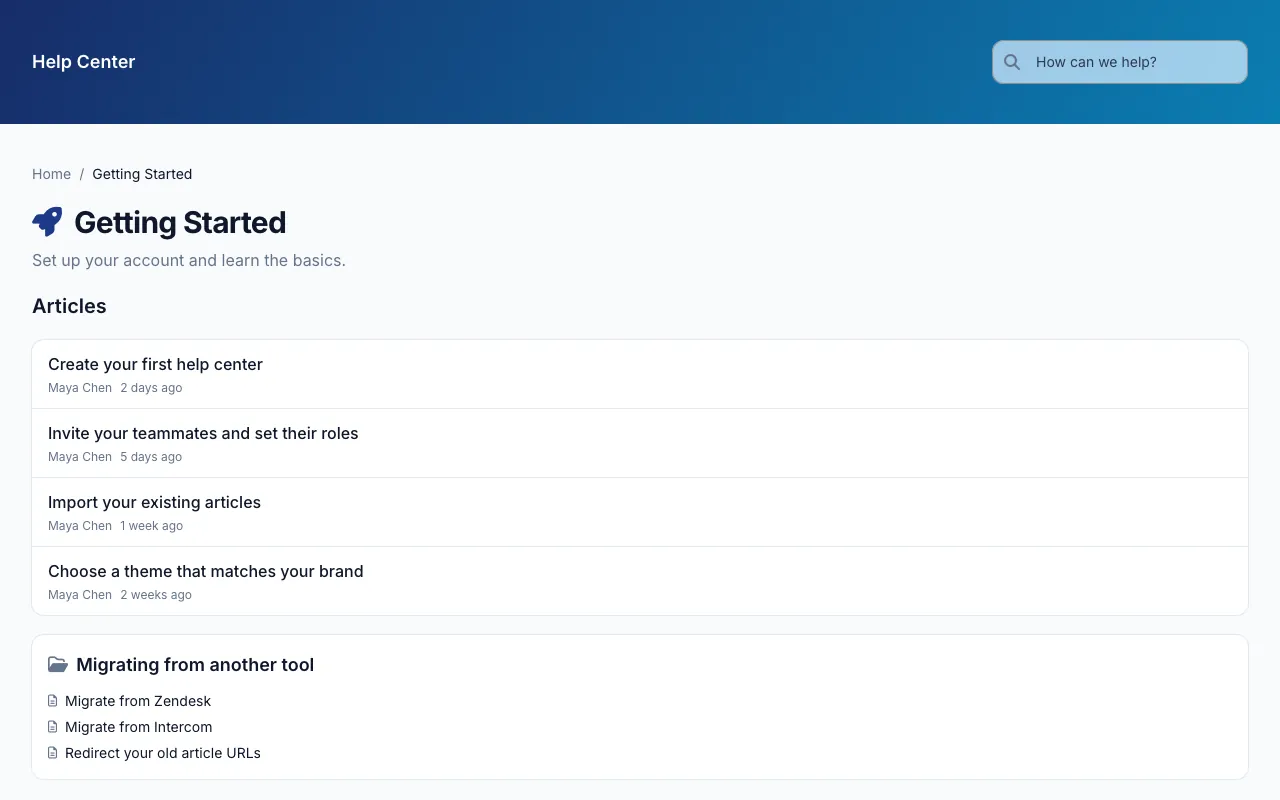
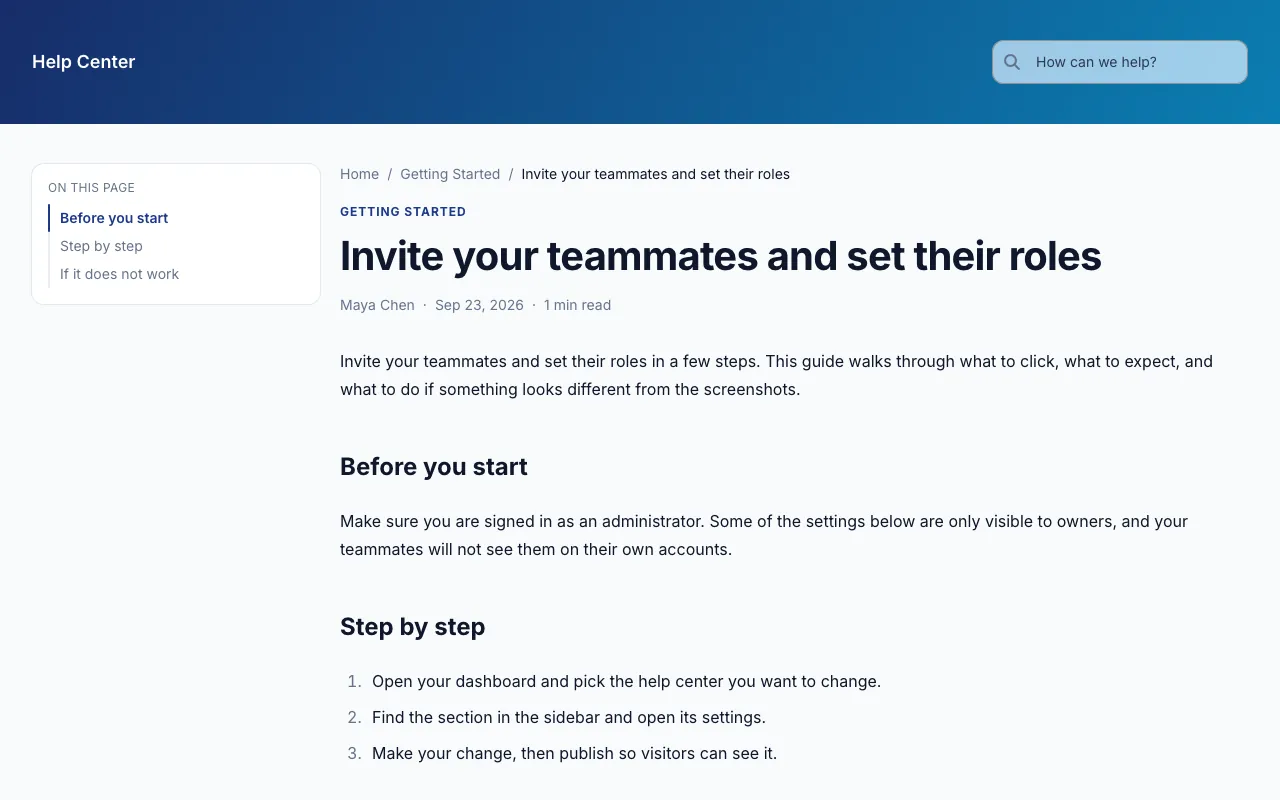
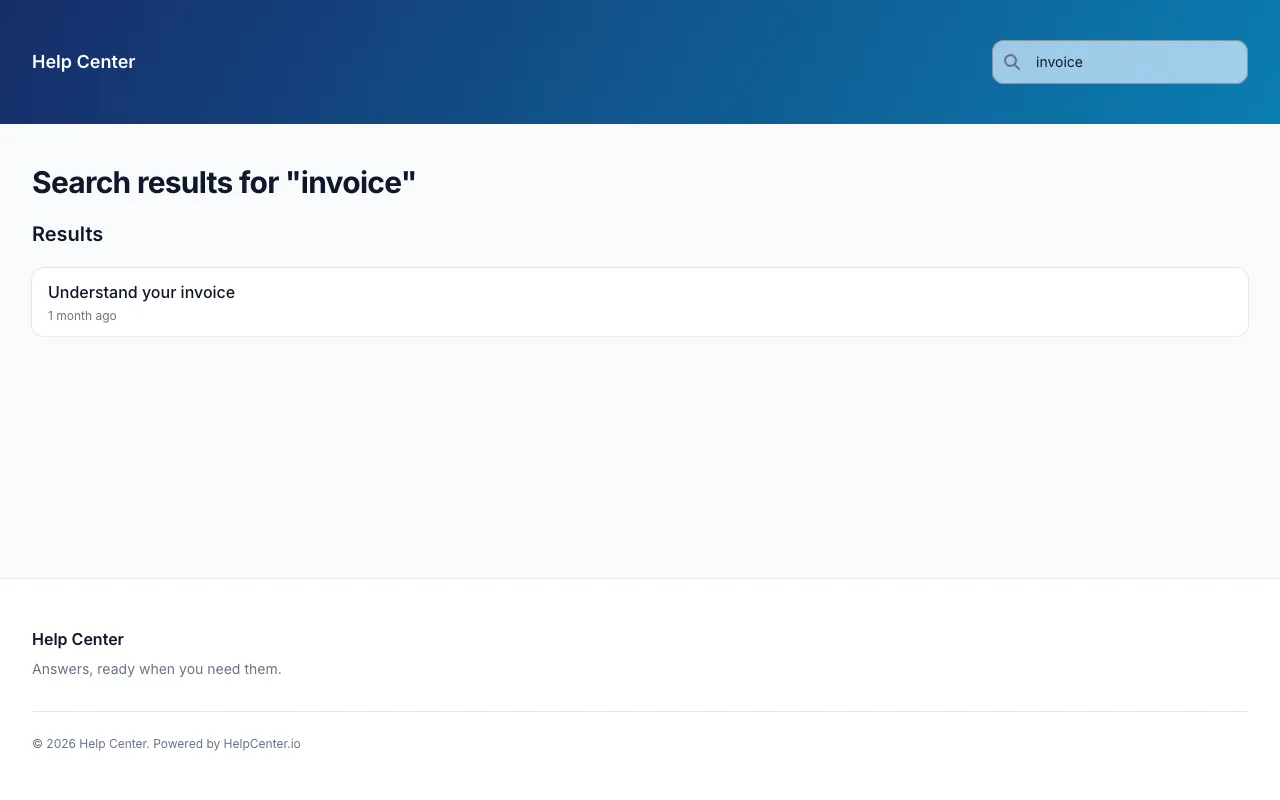
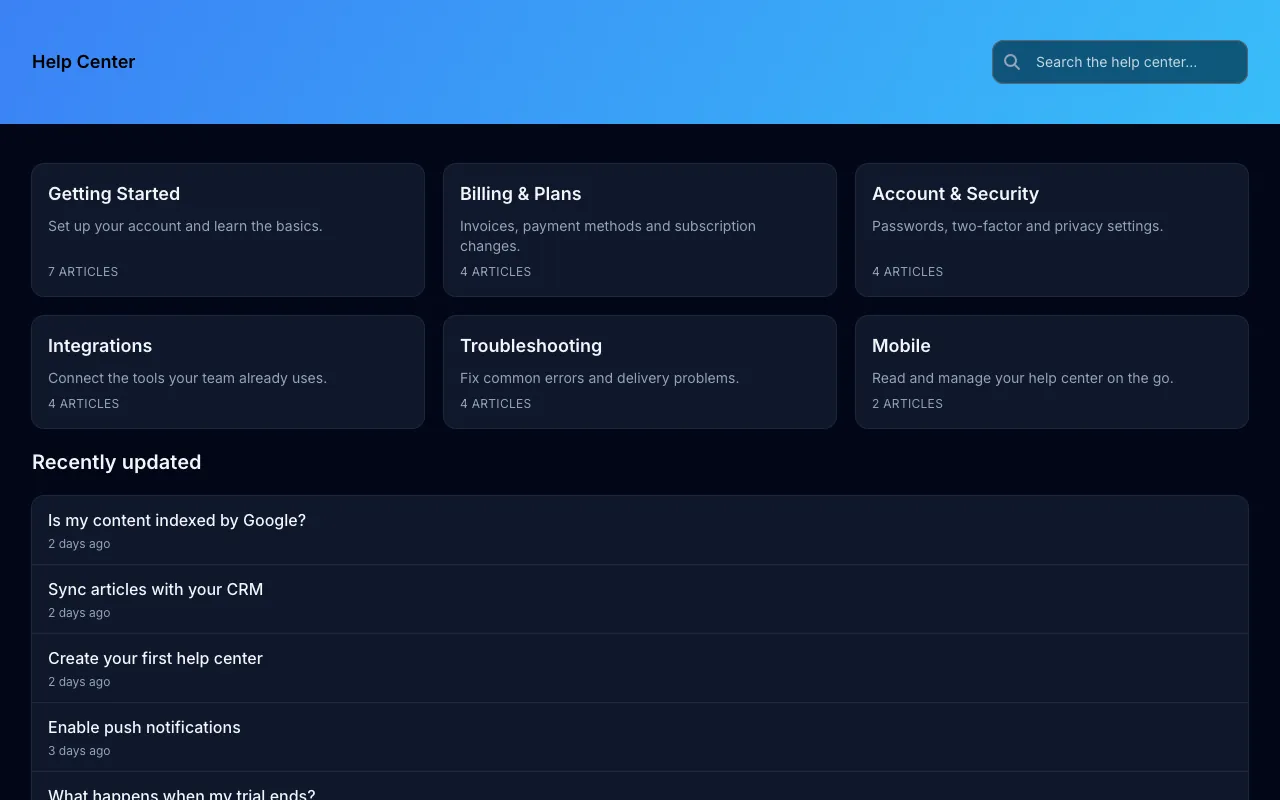
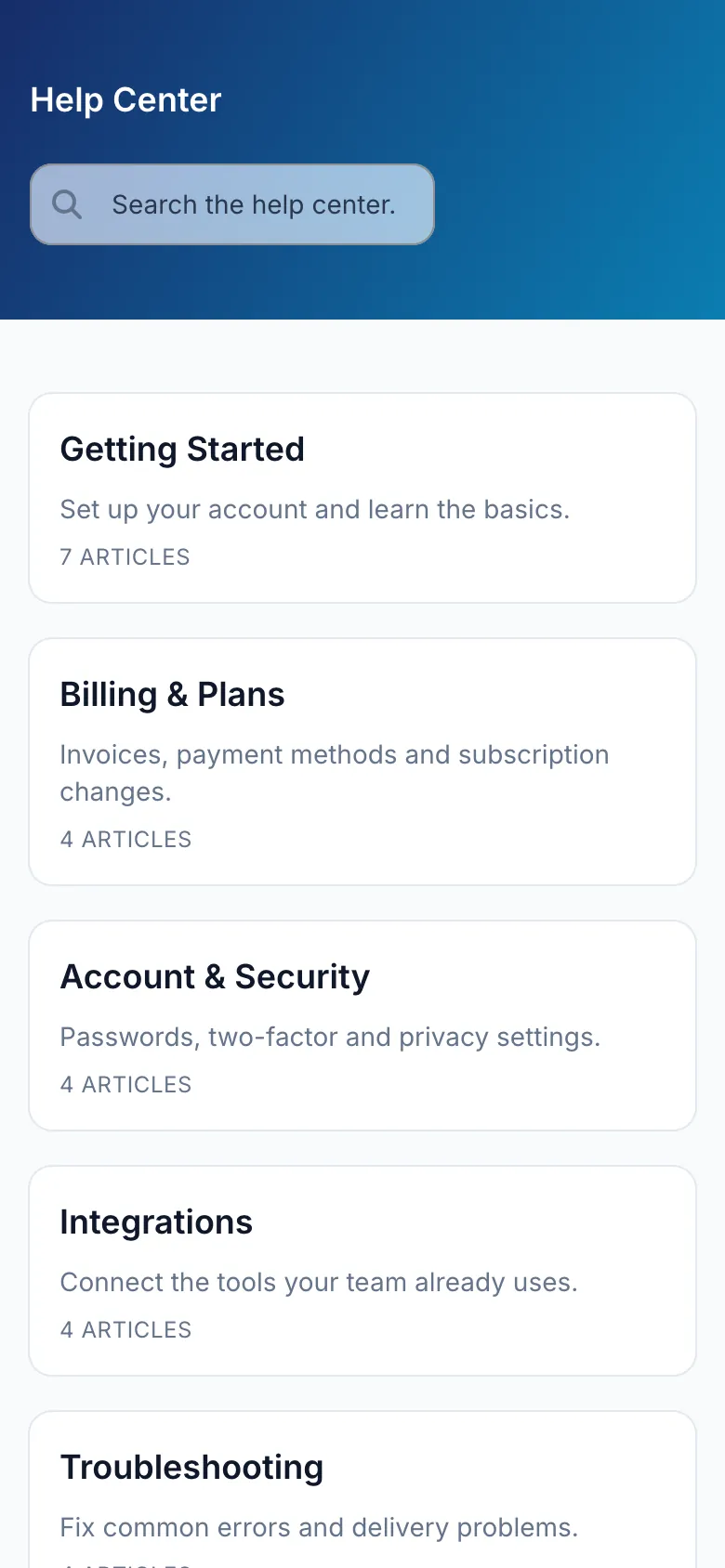
Minimal Classic skips the hero entirely. A coloured header carries your logo and the search box, and the home page opens straight onto your categories as cards, followed by your recently updated articles.
It brings the classic HelpCenter.io minimal header to the new editor, so it suits teams that want their help center to look like a help center and get out of the way. Articles have a table of contents beside them, share buttons and a rating.
What Minimal Classic puts on each page before you change anything. Every section can be removed, reordered or added to in the editor.
Search results, contact and 404 pages are designed in the same style.
These are the settings Minimal Classic ships with. Each one is a control in the visual editor, and changing it restyles every page at once. Add your logo, use your own fonts, and add custom CSS when you want full control.
Start with Minimal ClassicHeadings Inter
Body Inter
Light
Dark
Comfortable
One of compact, comfortable or spacious, set for the whole help center.
More in the templates FAQ, or ask our team from our help center.
Minimal Classic is included in every HelpCenter.io plan at no extra cost, like every template, and you can try it free for 14 days with no credit card needed.
Yes. Minimal Classic starts with Inter and #1e3a8a as its primary colour. Both are settings in the visual editor, along with your logo, the rest of the palette, the corner radius and the spacing, and changing one restyles every page.
Yes. Minimal Classic has its own dark palette, and visitors get it automatically when their device is set to dark mode. You can edit the dark palette separately from the light one, and add a logo made for dark backgrounds.
Yes, whenever you like, from the theme gallery in the editor. You compare the new template with your current design and choose which parts of it to apply. Your articles and categories are never touched, and nothing changes for visitors until you publish.
Yes. Minimal Classic is built to reflow on screens as narrow as 320px, and the editor previews desktop, tablet and mobile sizes before you publish. The phone screenshot on this page shows its home page 390 pixels wide.
Categories beside your most-read articles in a tidy two-column home.
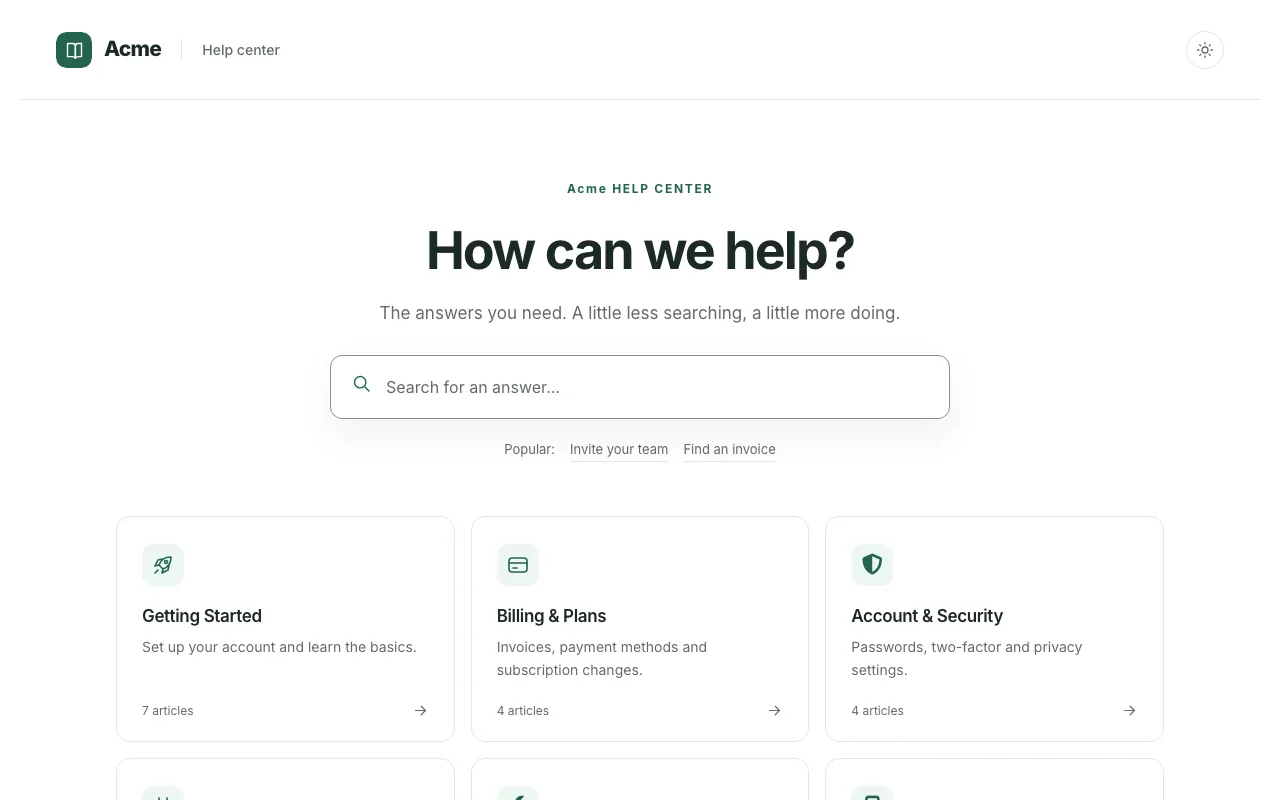
The Compass template from knowledgebase.dev, with hosting, team editing, and search built in.
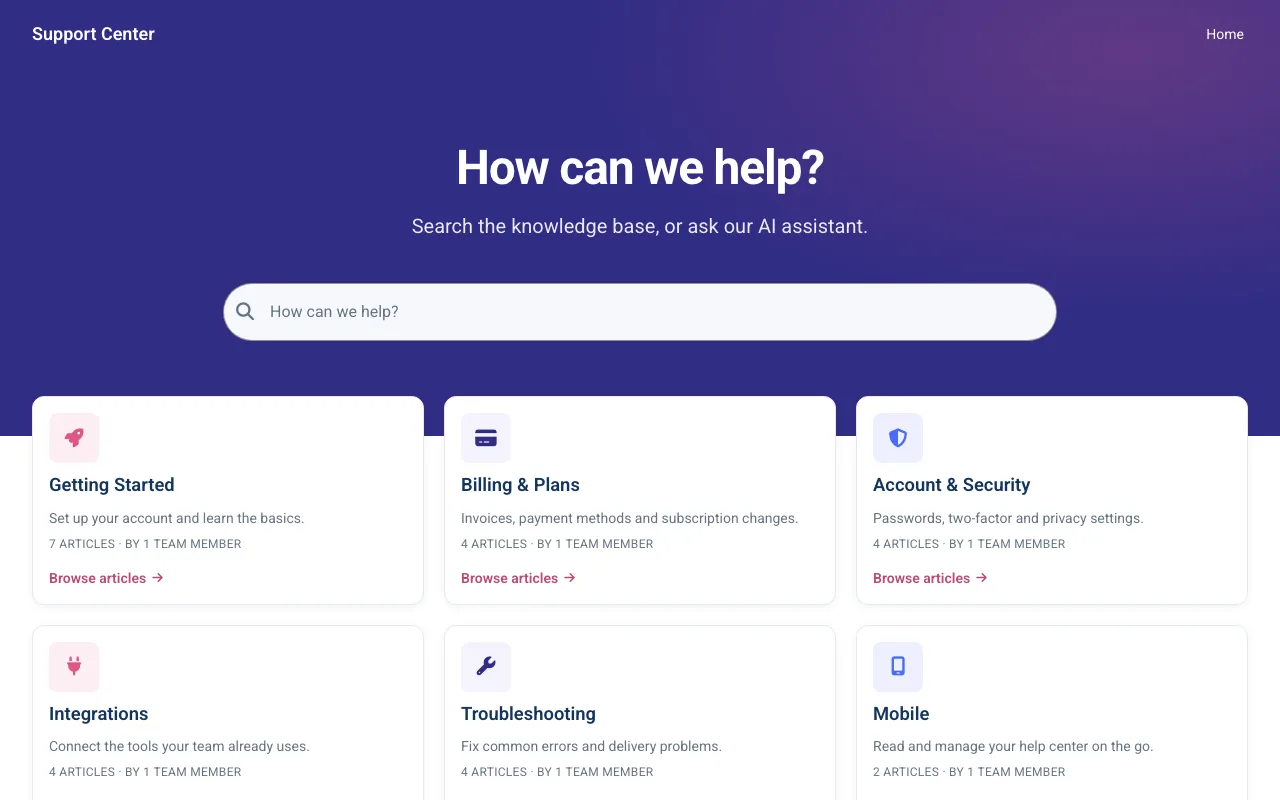
A modern support home lit by a soft gradient hero, with search front and centre.
Your 14-day trial starts with Minimal Classic already applied. Make it yours in the editor and publish when it looks right. No credit card needed.
Help could not load. Open our help center.