Bootstrap
$29 /mo, billed annually
or $39 monthly
For a help center in one language
- 1 team member
- One language
- Semantic (AI) search as an add-on
HelpCenter.io keeps your multilingual knowledge base in one place: translate articles, buttons and labels, release each translation when it's ready, and let readers search in their own language.
14-day free trial · No credit card required
Add a second and a third language to a help center, and each one starts to behave like a separate help center you have to keep in step.
Translations drift: the English article changes after a release, and the Spanish version keeps describing the old screen until a customer points it out. Half-finished translations go live, and readers get a page that switches language halfway down.
Buttons and labels stay behind, leaving a German page with an English search box. And readers search in their own language. If search only knows your default language, they find nothing, even when the answer is there.
Each language lives in the dashboard you already write in.
Add a language on the Localization screen and your help center serves it next to your default language. Articles, categories and interface texts each get a version in it. Articles and categories also get their own address in that language, so a reader can bookmark and share them.
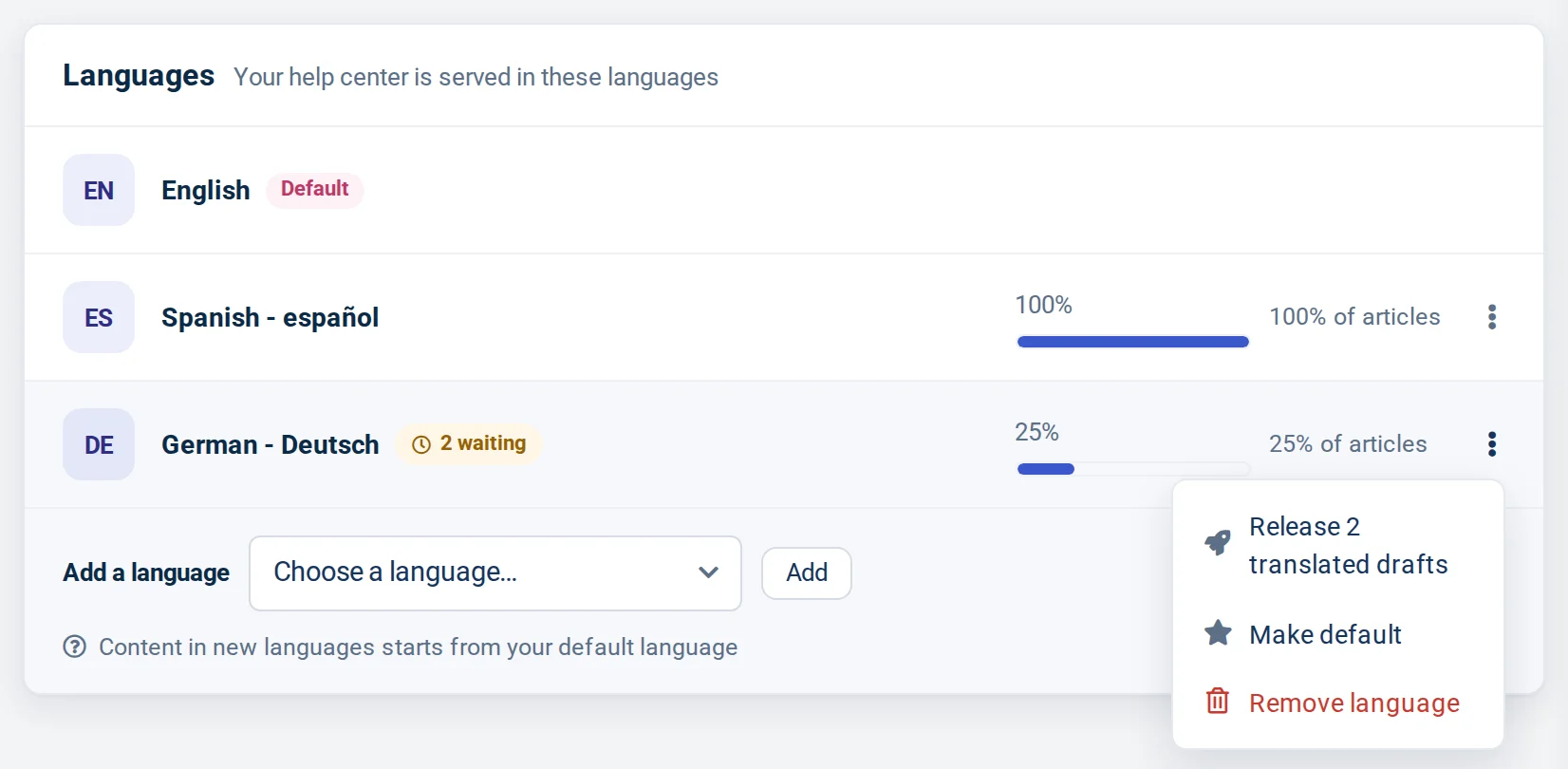
The same screen shows how much of each language is released and how many translations are written but still waiting, so you can see at a glance which language needs attention.
Several languages come with Growth and Catalyst. Bootstrap is for a help center in one language only.
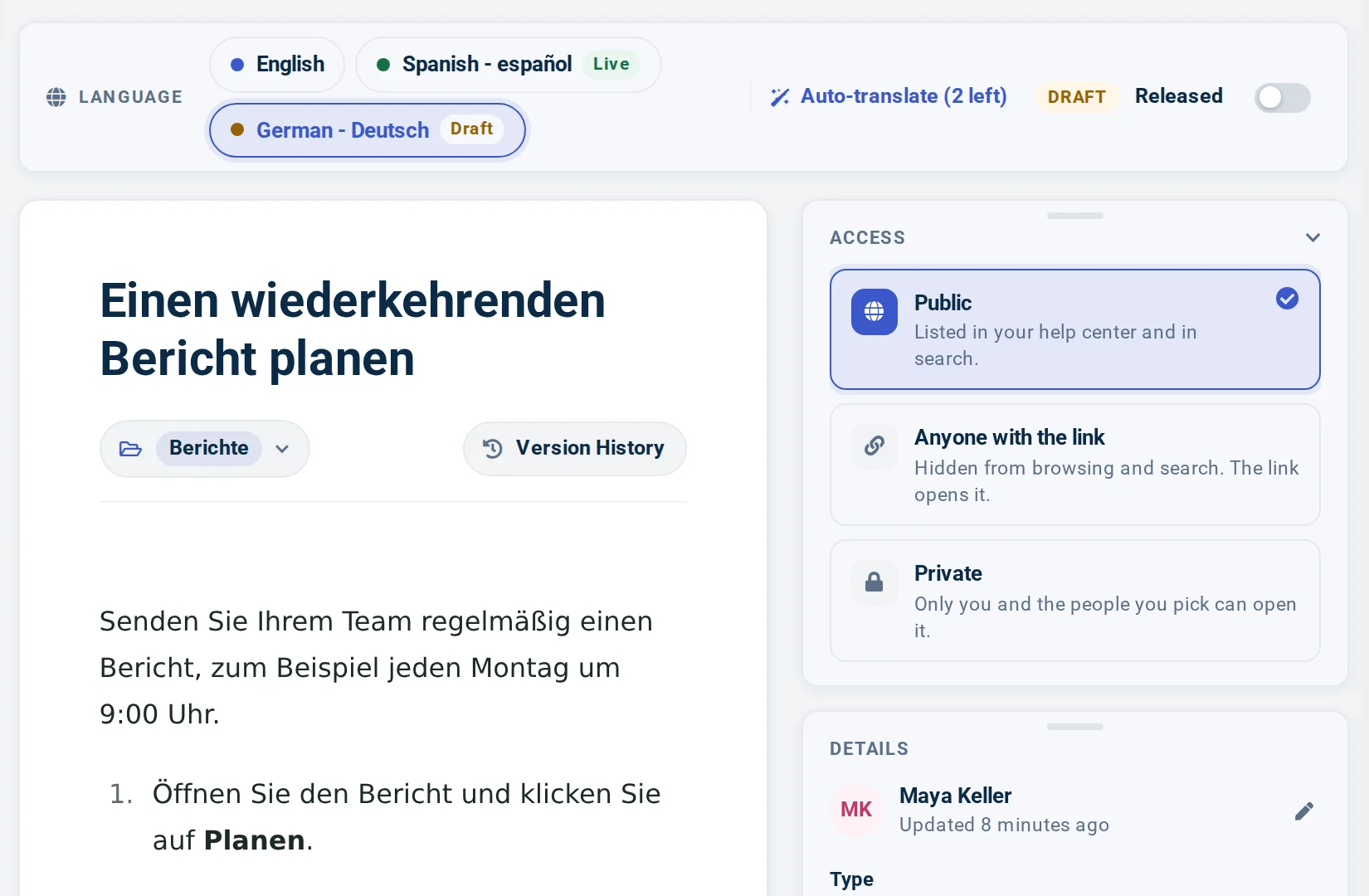
Open an article and pick a language in its language bar to write that version. Each translation has its own Released switch. Until you turn it on, the translation is a draft only your team sees, and readers of that language don't see the article at all.
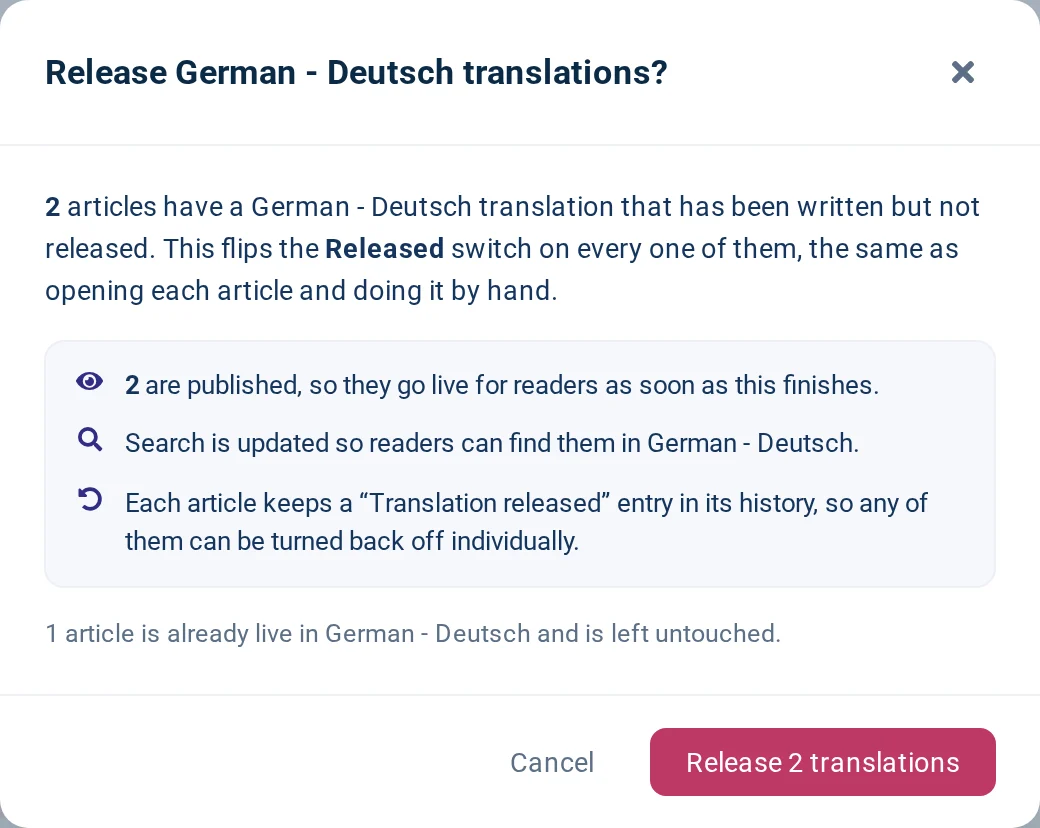
When a language is ready, release all of its waiting drafts at once from the Localization screen. It flips the Released switch on each of them, and you can still turn any one back off.
You can also change the help center's default language on the Localization screen.
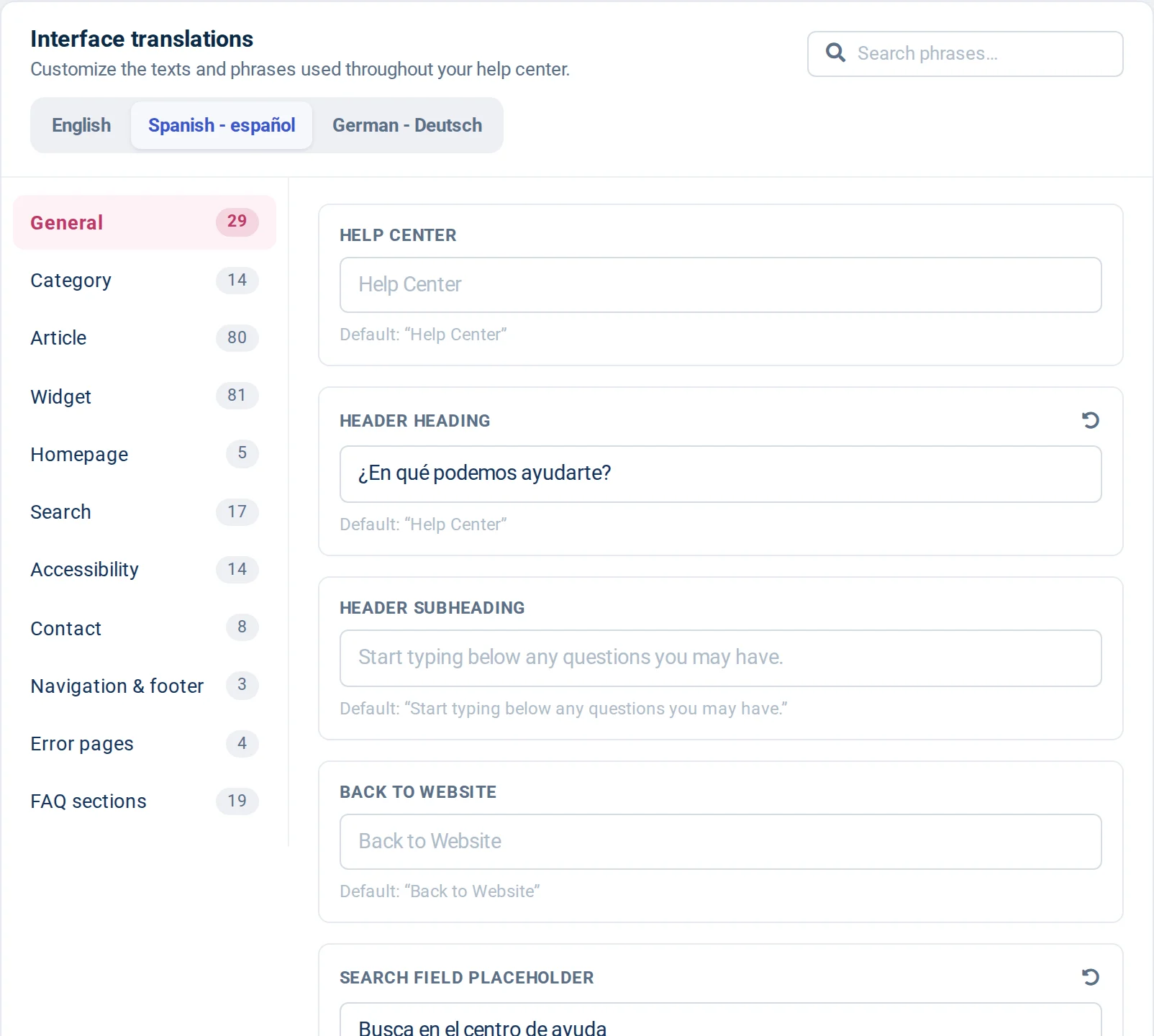
Articles are only part of the page. On the Localization screen you translate the interface around them: the search box, buttons, navigation, the Was this article helpful? prompt, error pages, the AI Widget and FAQ sections. Each phrase shows its default, so you always know what you are replacing.
Texts you write in the Template Editor, such as a homepage heading or a footer link, get a version in each language too: switch the editing language and type it. The design stays the same in each language, and only the words change.
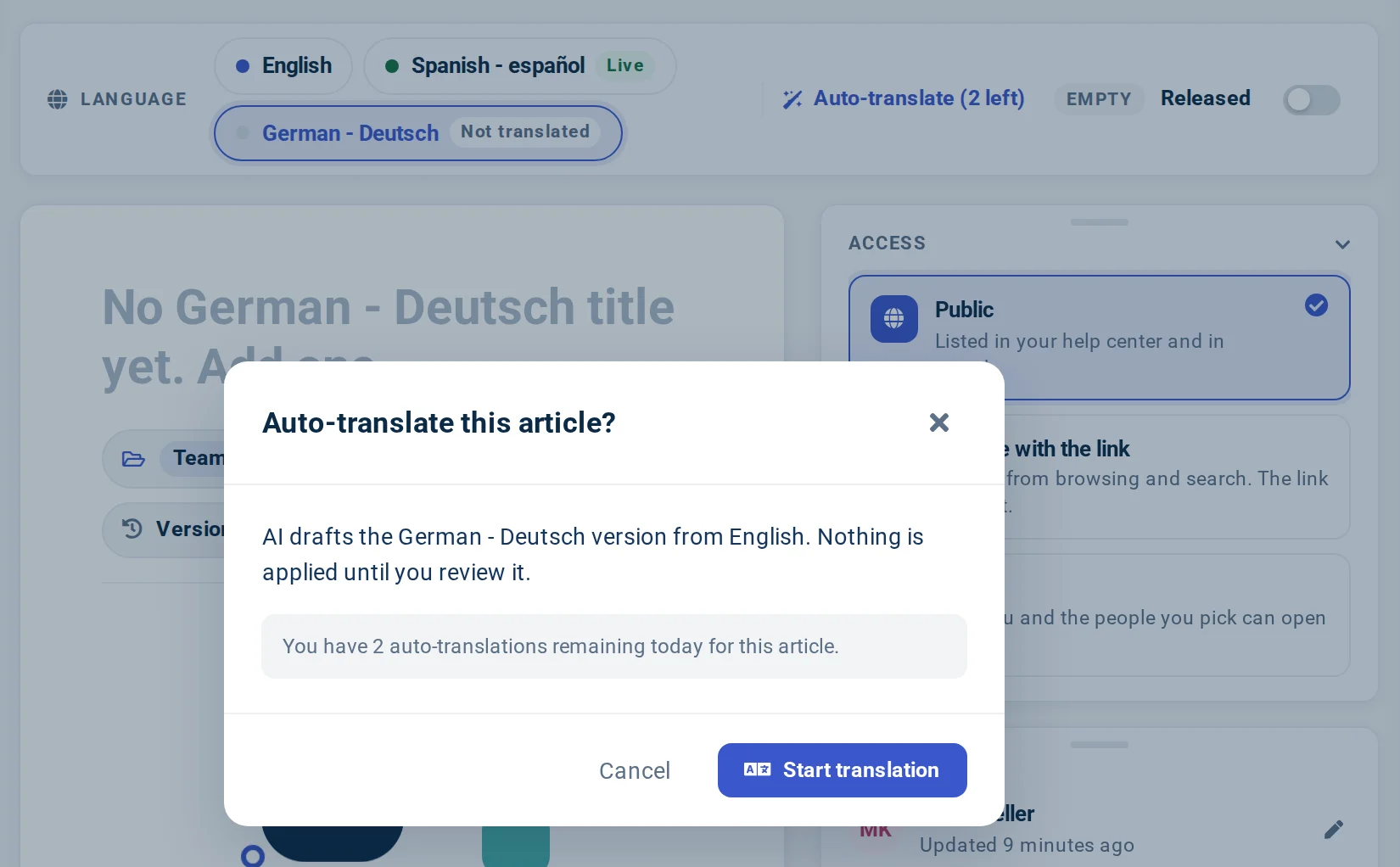
On Catalyst, an Auto-translate button sits in the article's language bar. AI drafts that language's version from your original, and nothing is applied until you review it. Even then, the translation stays a draft until you turn on Released.
When the original changes later, you can ask AI to draft the translation again and review the new draft. Every AI translation is a draft first, so a person on your team always decides what readers see. Use it article by article, starting with the pages your readers open most.
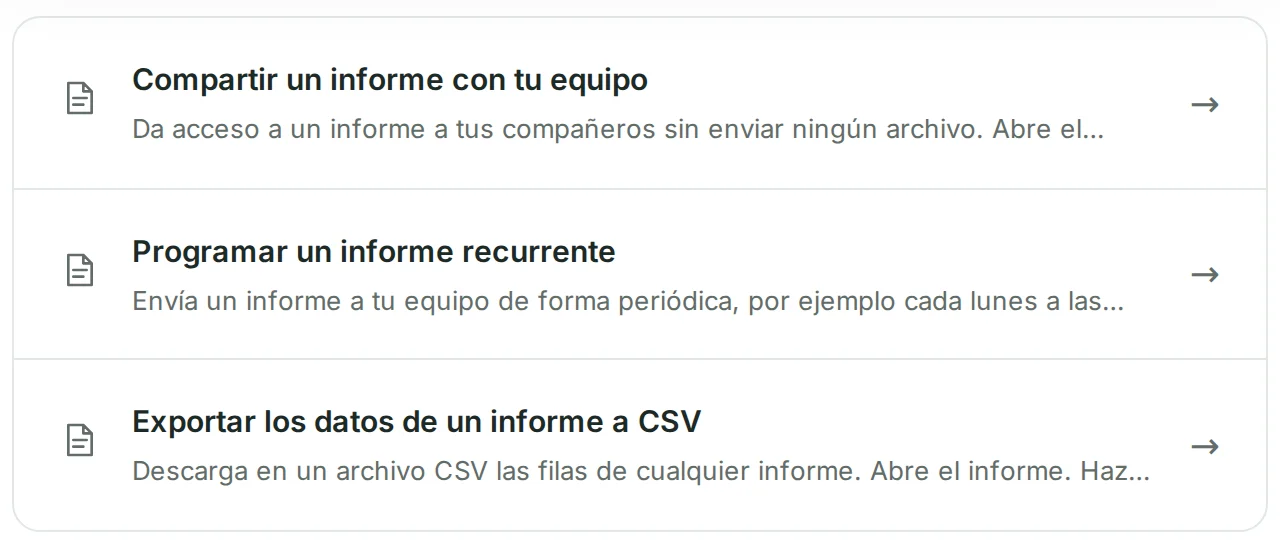
Search runs in the language the reader is viewing and returns the articles released in it. A reader on your Spanish help center who types informe gets the Spanish articles about reports. Search is typo-tolerant on every plan.
Search engines get the same care. Each released translation has its own address, tied to its other languages with hreflang tags and listed in your sitemap. The language switcher offers a language only once something in it is released.
Semantic (AI) search: included on Catalyst, an add-on on Bootstrap and Growth.
Add each language on the Localization screen, and pick your default.
Growth and Catalyst Managing languagesPick a language in an article's language bar, write that version, and turn on Released when it reads well.
Growth and Catalyst Translating an articleTranslate buttons and labels on the Localization screen, and design texts in the Template Editor.
Growth and Catalyst Interface translationsPress Auto-translate, review the draft, and release it when it reads well.
Catalyst only AI translationA small software company writes its help center in English and adds Spanish and German. Spanish is fully released. German is under way: one article is live, two are drafts and one isn't translated yet.
German readers see the one live article until the rest is released.
On every plan: unlimited viewers, typo-tolerant search, global CDN delivery and free migration.
$29 /mo, billed annually
or $39 monthly
For a help center in one language
$119 /mo, billed annually
or $149 monthly
For a help center in several languages
$179 /mo, billed annually
or $199 monthly
For AI translations and hands-on help
Something else? Our own help center has the details.
Start a 14-day free trial and set up your multilingual help center, no credit card needed.
No credit card required · Free migration on every plan
Help could not load. Open our help center.