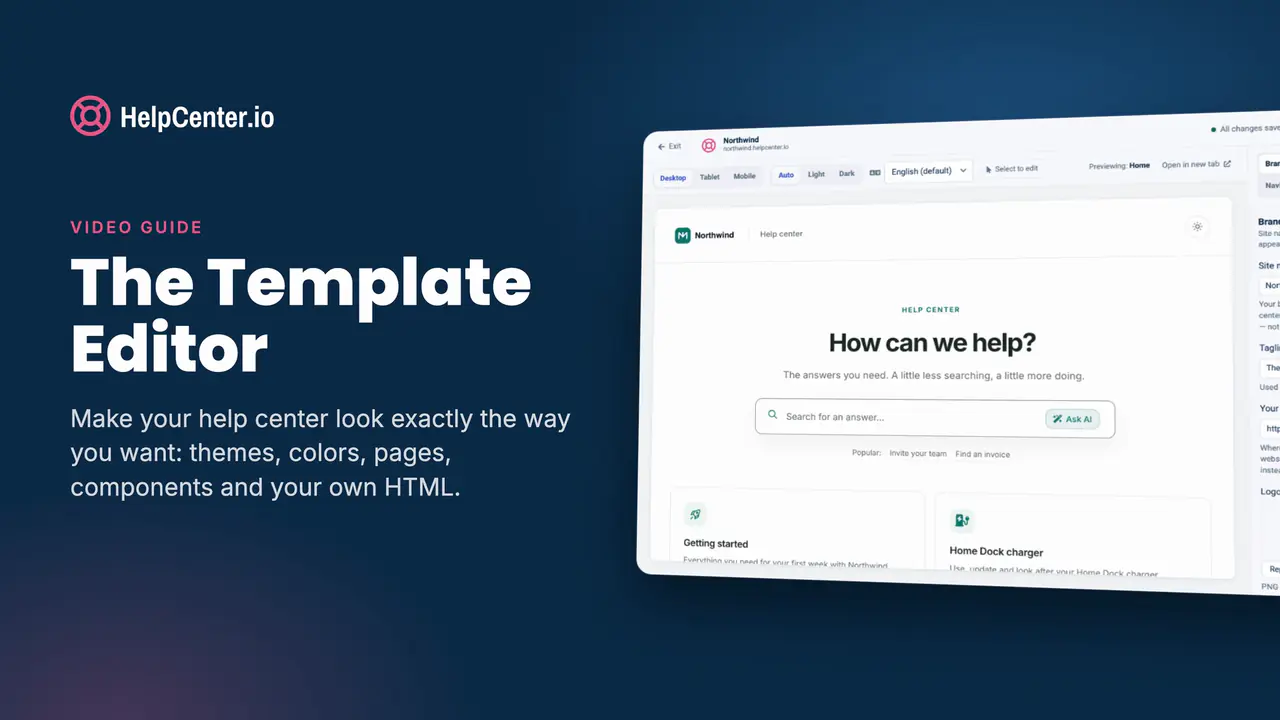
The Template Editor
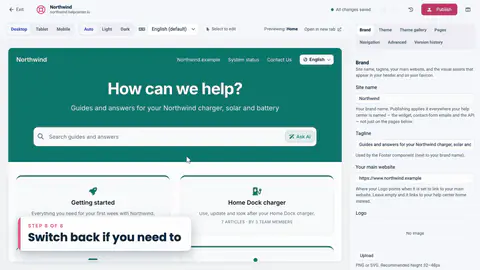
New to HelpCenter.io? Start by making your help center look like your brand: themes, colors, pages and components.
Free Video guides, filmed in the real product
Short lessons on a demo help center, one feature at a time. Every lesson pairs with its step-by-step article, so you can watch, read, or both.
New to HelpCenter.io? Start by making your help center look like your brand: themes, colors, pages and components.
Learning paths
Each path strings together the lessons you need from across our courses, so you only watch what moves you forward.
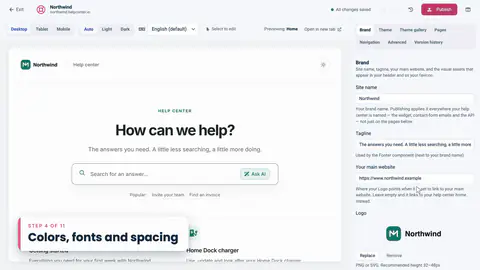
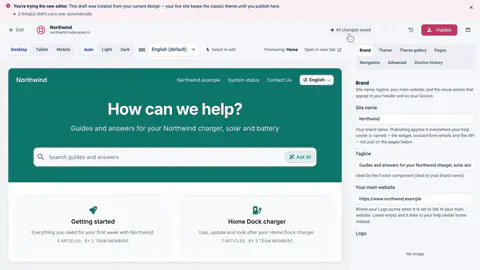
Pick a theme, add your logo, set colors and fonts, check it on a phone, then publish.
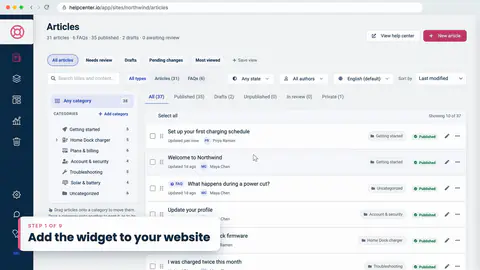
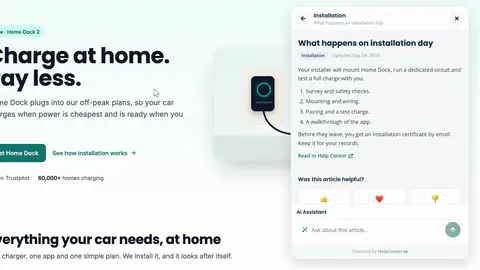
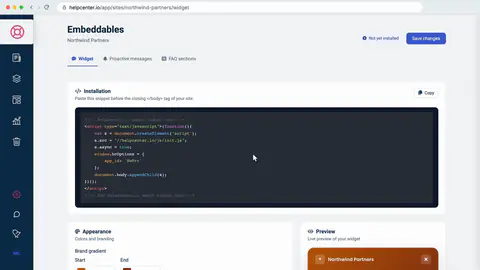
The widget on your site, articles opened from your own links, FAQ sections and well-timed messages.
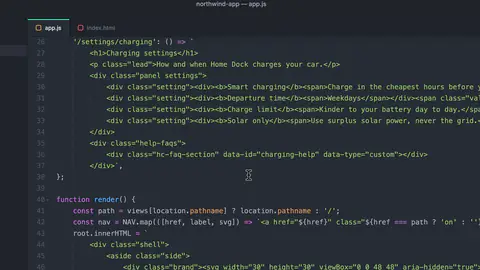
Short FAQs under your articles, grouped into sections, and shown on any page of your site.
Start a private draft, fix what didn't carry over, publish, and know the way back.
Sign readers in with JWT, keep help in step with every page, and react to events from your code.
Evaluating HelpCenter.io?
Eight short lessons cut from our courses: themes, the widget, FAQ sections, proactive messages, your own domain and publishing. Filmed in the real product, no sign-up needed.
14-day free trial, no credit card required.
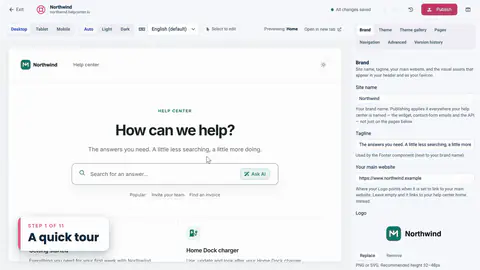 Length 1:02
A quick tour
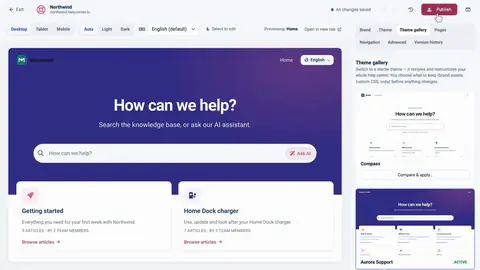 Length 1:07
Start from a theme
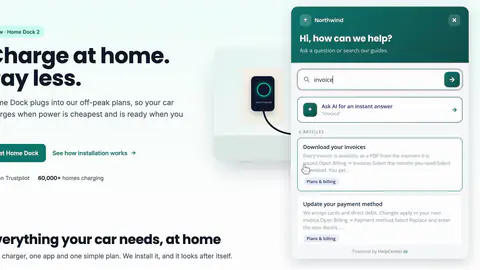 Length 0:48
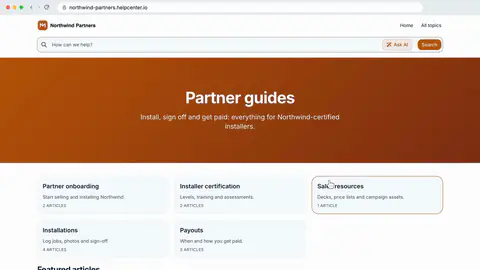
What your visitors get
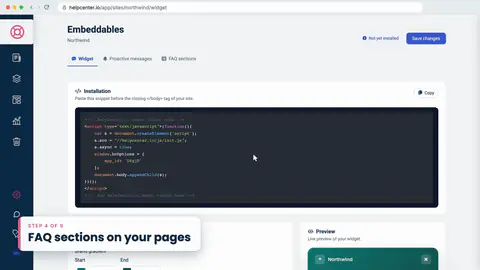 Length 1:02
FAQ sections on your pages
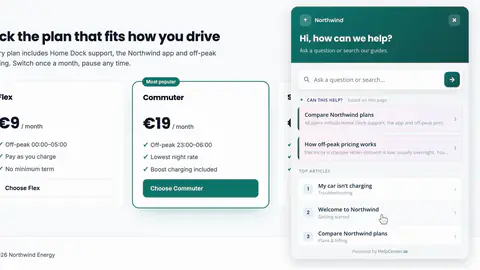 Length 1:02
Invite visitors at the right moment
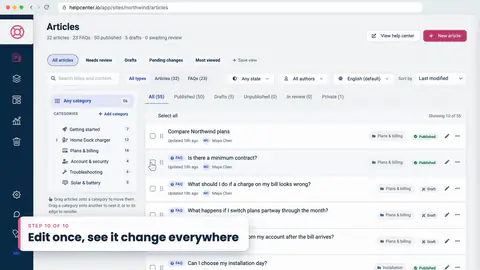 Length 0:39
Edit once, see it change everywhere
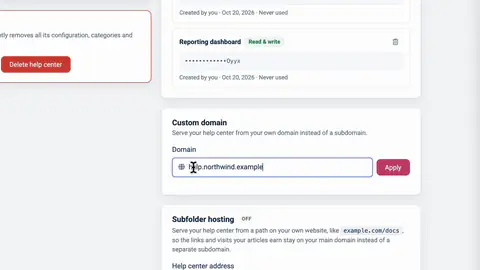 Length 0:45
Your help center on your own address
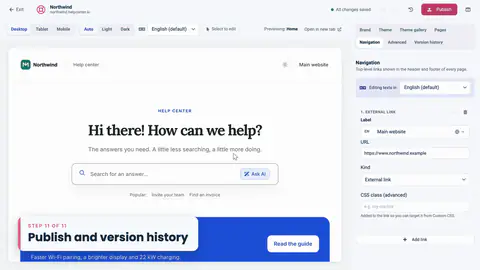 Length 0:33
Publish and version history
Courses
Each course is one video guide, split into lessons of a minute or two. Start anywhere: every lesson stands on its own.
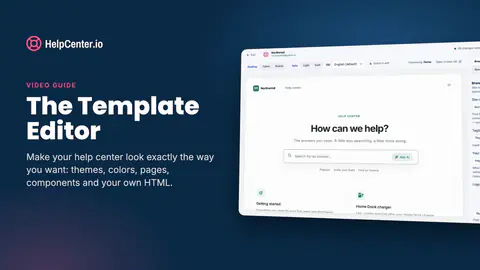 Length 10:35
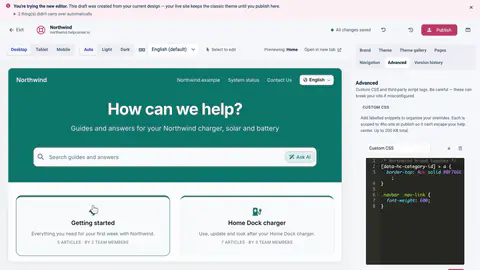
Make your help center look exactly the way you want: themes, colors, pages, components and your own HTML.
13 lessons Length 10:35 All plans
Verified on Oct 20, 2026
0 of 13 lessons done
Finished
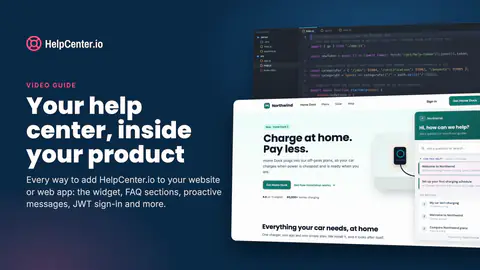 Length 9:31
Every way to add HelpCenter.io to your website or web app: the widget, FAQ sections, proactive messages, JWT sign-in and more.
11 lessons Length 9:31
4 lessons cover features on higher plans, and say which.
Verified on Oct 20, 2026
0 of 11 lessons done
Finished
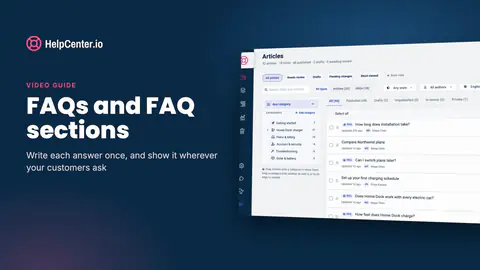 Length 9:57
Write each answer once, and show it wherever your customers ask.
12 lessons Length 9:57
1 lesson covers a feature on a higher plan, and says which.
Verified on Nov 4, 2026
0 of 12 lessons done
Finished
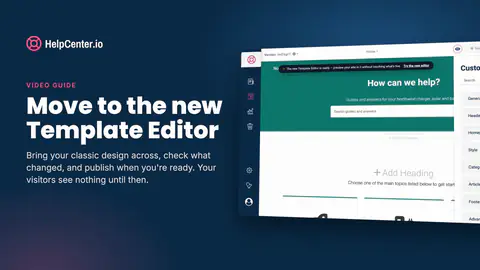 Length 7:56
Bring your classic design across, check what changed, and publish when you're ready. Your visitors see nothing until then.
10 lessons Length 7:56 All plans
Verified on Nov 3, 2026
0 of 10 lessons done
Finished
No courses in this topic yet.
Watch, read, or both
Every chapter is its own lesson with its own link. Send a teammate the exact minute they need.
Each lesson links its step-by-step article in our help center, so you can read along, or read instead.
We search every word of the narration, so "dark mode" finds the moment, not just the video.
Coming soon
More courses on features you can use today. Until each film is ready, its articles in our help center walk you through it.
Get started
From a new account to a published help center: set it up, write your first article, organize categories and go public.
Until then: Create your HelpCenter.io account
Design
Paste your website address, review the light and dark theme the AI theming agent proposes, then apply it to your draft and publish. Changing it afterwards by chat is a Catalyst feature.
Until then: Make your help center look like your brand
AI and agents
Install the HelpCenter.io plugin, sign in, and let your AI assistant find what readers could not find, draft the missing articles and restyle your help center. Also: let your readers' assistants answer from your published articles.
Claude and ChatGPT plugins: Growth and CatalystUntil then: Connect Claude, ChatGPT and other AI agents
Languages
Add a language, translate articles and interface texts, release when ready, and see what readers see. Translating with AI is a Catalyst feature.
Multiple languages: Growth and CatalystUntil then: Add a language to your help center
Statistics
Read your statistics, spot the searches that return nothing, and write the article that is missing. How far back you can look depends on your plan.
Until then: Read your help center statistics
Content quality
See and restore earlier versions, flag articles for review, get notified when one changes, and rework a live article safely with staged changes on Catalyst.
Until then: See and restore earlier versions of an article
Start your 14-day free trial, no credit card needed. 41 of 46 lessons work on every plan, and the other 5 say which plan they need.
Help could not load. Open our help center.