 Length 0:54
Move to the new Template Editor · Lesson 3
Start the move
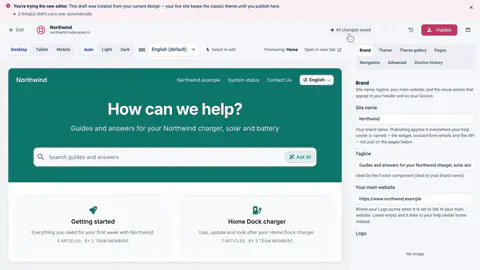
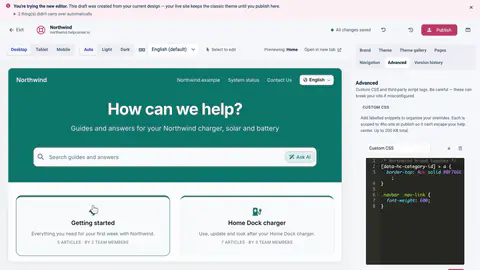
Click Try the new editor, and get a private draft made from your latest classic design.
Learning path · For classic editor help centers
Start a private draft, fix what didn't carry over, publish, and know the way back.
0 of 7 done
Each one plays on its own, from its own course.
Length 0:54
Move to the new Template Editor · Lesson 3
Click Try the new editor, and get a private draft made from your latest classic design.
Length 0:37
Move to the new Template Editor · Lesson 4
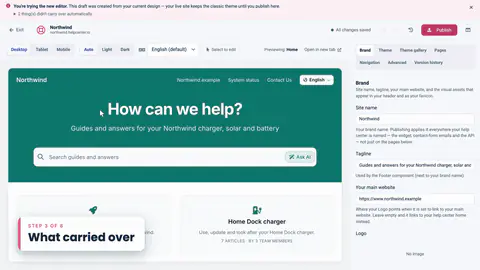
The header, search, menu links, contact button, every translation and your colors come across on their own.
Length 1:17
Move to the new Template Editor · Lesson 5
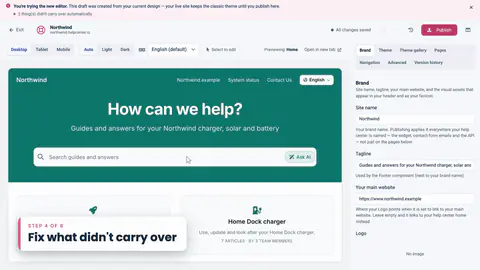
The banner lists what didn't come across. Work through it item by item.
Length 1:03
Move to the new Template Editor · Lesson 6
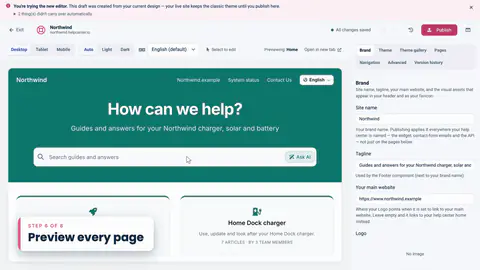
Your custom CSS comes across word for word. Update the selectors written for the classic class names.
 Length 0:26
Move to the new Template Editor · Lesson 7
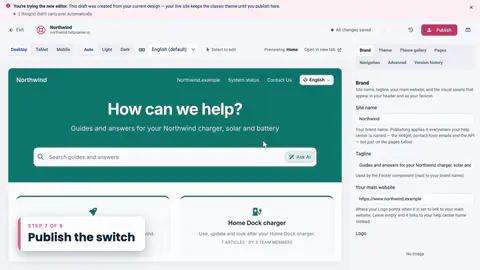
Check every kind of page at tablet and mobile sizes, and in dark mode.
 Length 0:36
Move to the new Template Editor · Lesson 8
Publish with a version note. Your live site switches over, with the same articles at the same address.
 Length 0:47
Move to the new Template Editor · Lesson 9
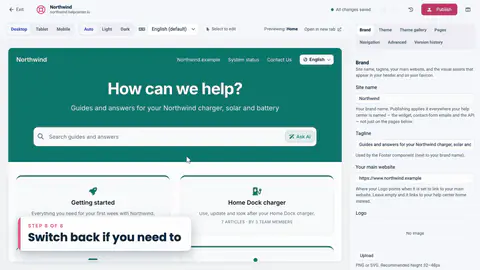
Restore an earlier version, or go all the way back to the classic editor from Advanced.
A quick look at the product: a theme, the widget, FAQ sections, proactive messages, your own address and publishing.
Pick a theme, add your logo, set colors and fonts, check it on a phone, then publish.
The widget on your site, articles opened from your own links, FAQ sections and well-timed messages.
Short FAQs under your articles, grouped into sections, and shown on any page of your site.
Sign readers in with JWT, keep help in step with every page, and react to events from your code.
Help could not load. Open our help center.