Bootstrap
$29 /mo, billed annually
or $39 monthly
For a public IT help center one person runs
- 1 team member
- Public how-tos and typo-tolerant search
- Reviews and the AI Widget
HelpCenter.io is IT documentation software for both halves of the job: how-tos every employee can search, and runbooks only your IT team can open. It works alongside your help desk, not as another ticketing tool.
14-day free trial · No credit card required
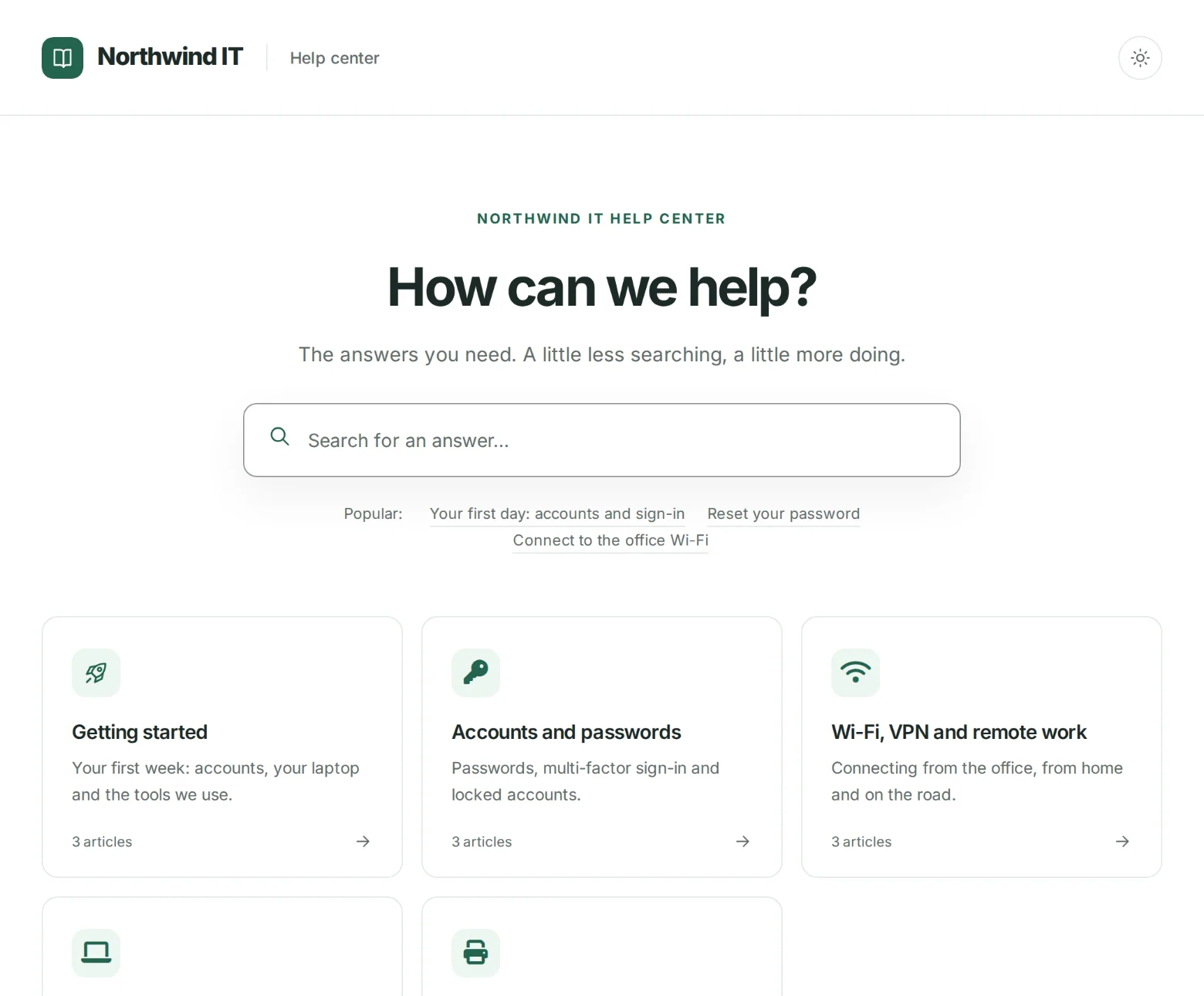
Every IT team writes for two readers. Employees need short, plain answers. Your own team needs the rest: runbooks, escalation steps, admin procedures and the notes behind every system.
Kept in a shared drive, the how-tos get lost in folders nobody browses. Kept in a wiki, the runbooks sit one wrong permission away from the whole company. Split across two tools, the halves drift apart, and the employee guide still describes last year's VPN client.
So the same questions come back as tickets. What you need is one IT knowledge base where employees find answers fast and the sensitive half stays with the people who run the systems.
Set access for the whole help center, each category and each article.
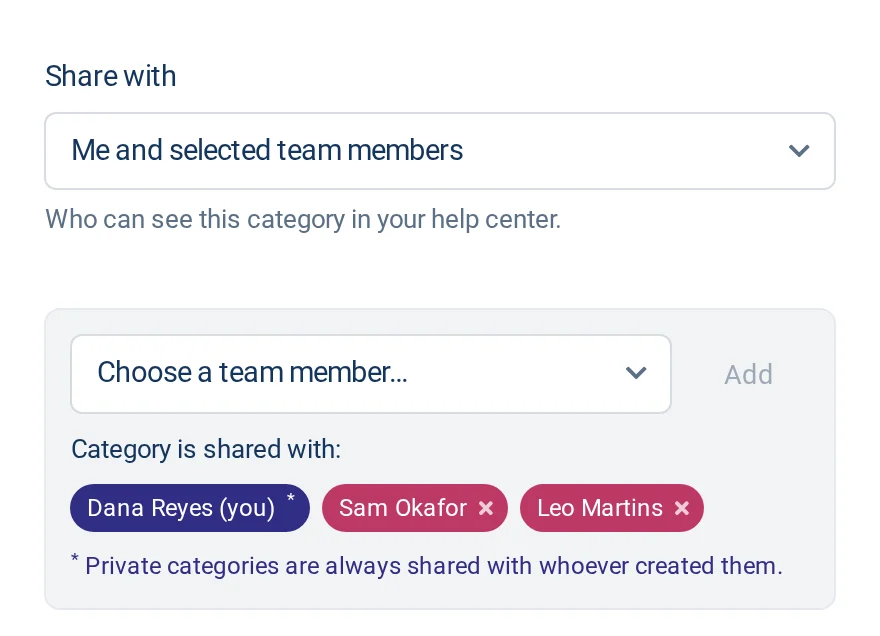
Each category has its own sharing setting: Everybody, Everybody with a link (hidden from navigation), Team members only, or Me and selected team members. Put employee how-tos in categories open to everybody, and runbooks in one set to Team members only or shared with just the engineers who need them.
Single articles have their own access too. Public articles are listed and found in search. Anyone with the link keeps an article out of navigation and search, and it opens through a secret link you can paste into a ticket. Private keeps an article to its author and the teammates they choose.
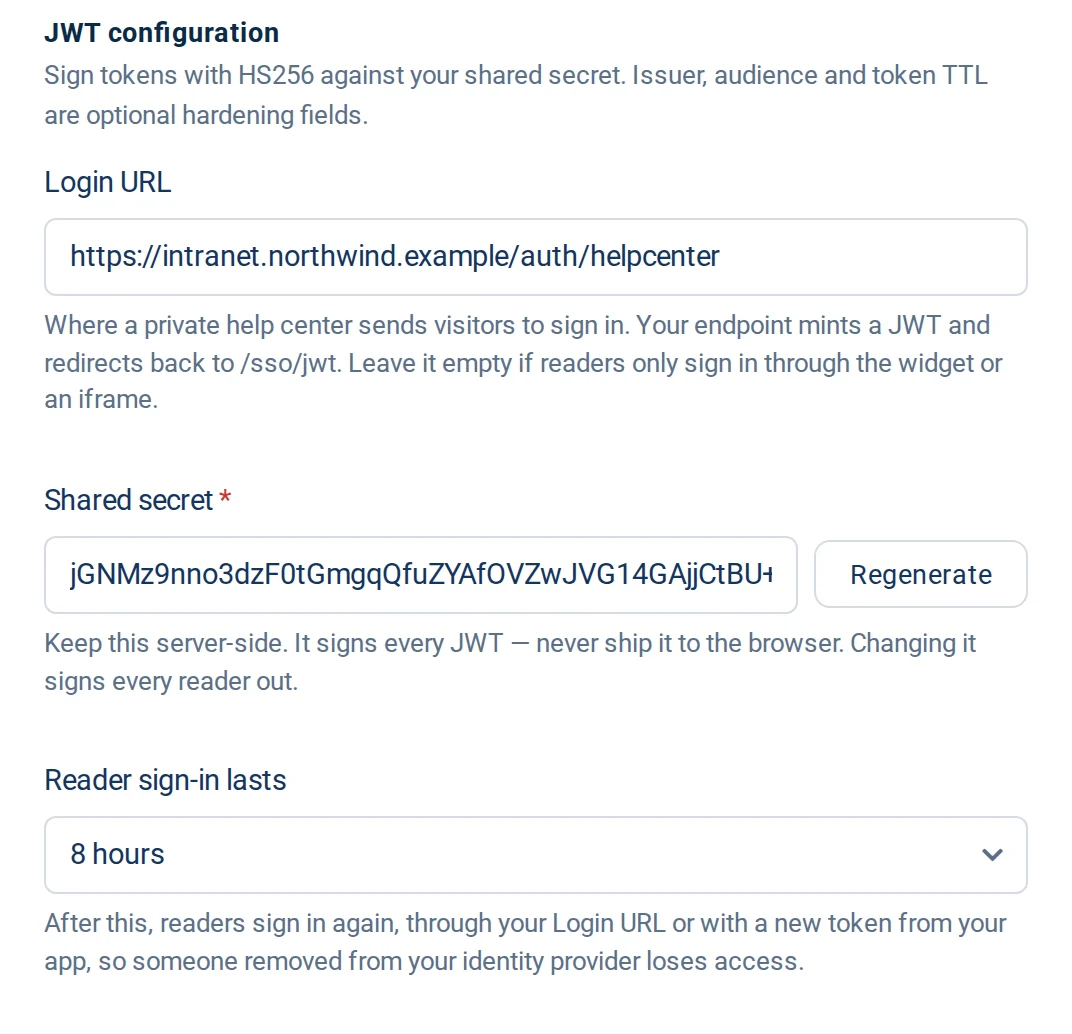
Make the help center private and switch on JWT single sign-on, and employees sign in through your own login instead of keeping another password. Your app signs a short-lived token with a shared secret, and the help center lets that reader in, without an invitation for each person.
Readers who sign in this way see what you share with everybody. A category set to Team members only still stays with your HelpCenter.io team, so a runbook never reaches the whole company just because everyone can sign in.
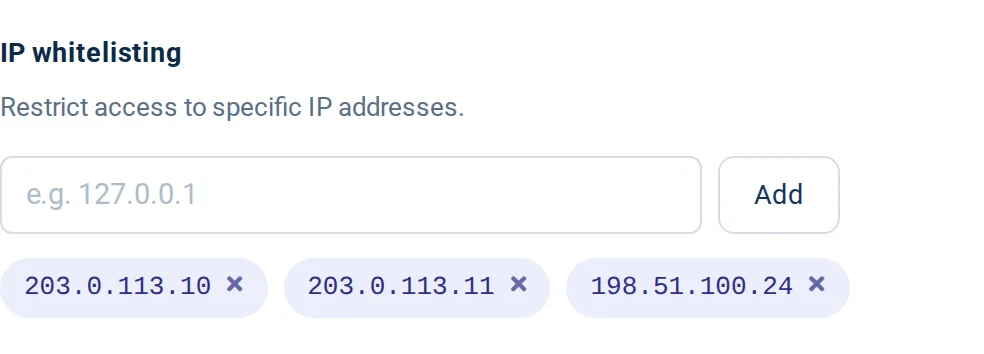
Add the IPv4 addresses of your office network and VPN to the IP allowlist, and the help center answers only to requests that come from them. Each entry is one exact address: ranges, CIDR blocks and wildcards are not supported.
The allowlist covers the help center, the widget and embeds. It applies to signed-in team members as well, so IT staff working from home connect through the VPN like everyone else. The HelpCenter.io dashboard is not covered, so you can always reach your settings. Turning the allowlist on also switches off the public MCP server that AI assistants use to read a help center.
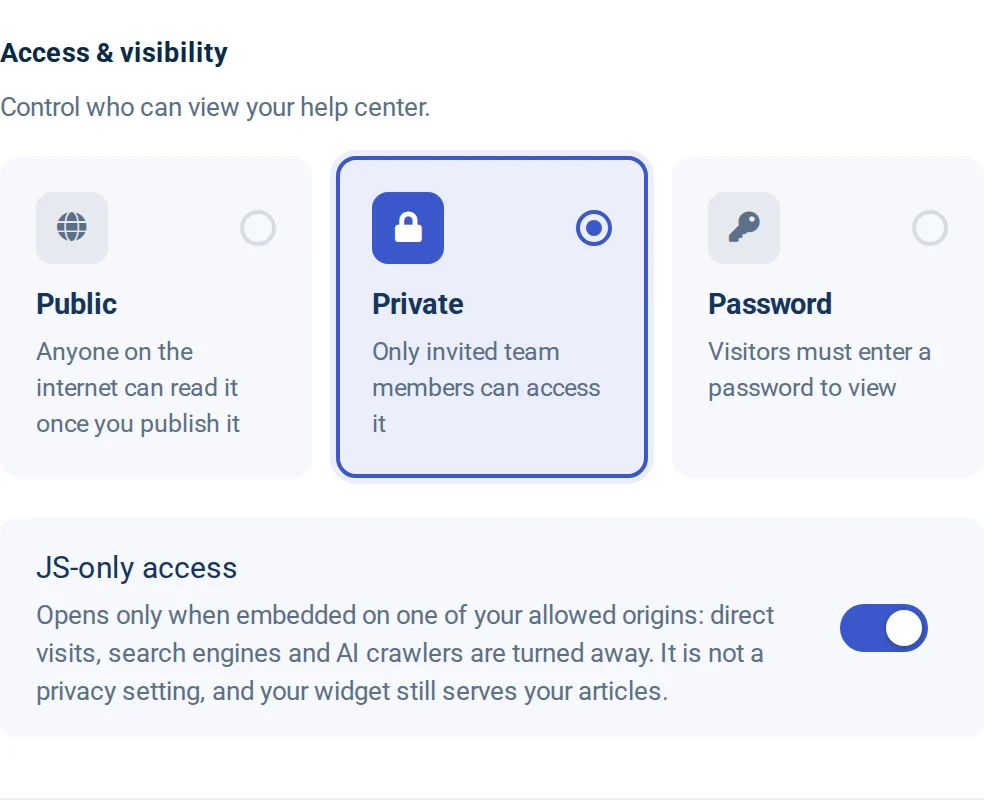
JS-only access keeps the help center off the open web. It opens only inside your app or the widget on the sites you allow, and turns away direct visits, search engines and AI crawlers. Use it when IT documentation should live inside an internal tool rather than at an address of its own.
JS-only access is not a security control. It relies on the referrer a browser sends, which is easy to fake, so it should never decide who may read a runbook. For documentation that has to stay private, pair it with a private help center and single sign-on, and keep IT-only articles in restricted categories.
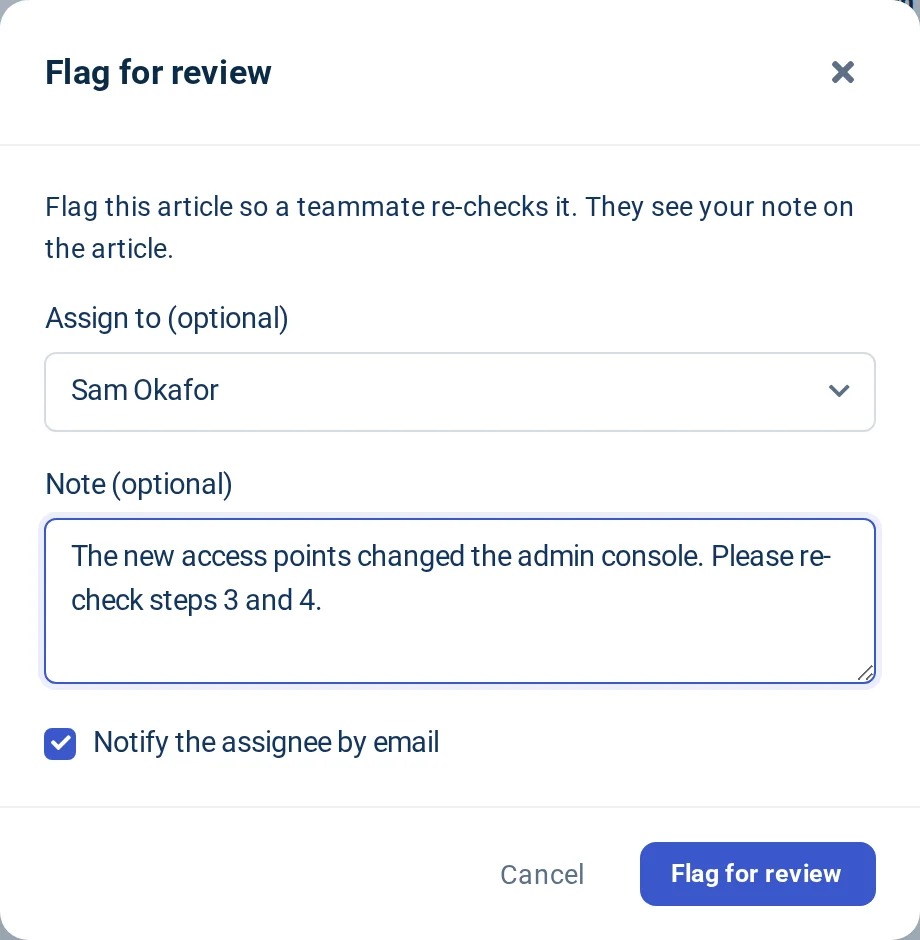
IT documentation goes stale quietly: a vendor changes a screen, a server moves, a step stops working. Flag an article for review, assign a teammate and leave a note on what to check. Or schedule a review a set number of days out, and we email the article's author a reminder when the day comes.
When an article does not solve the problem, the widget's contact form gives employees a "still stuck?" route to a person on your team. HelpCenter.io is not a ticketing system. It works alongside your help desk.
Add a category per topic, plus one for runbooks, and set who sees each.
Growth and Catalyst Private categories guideMake it private or password-protected, and add your office and VPN addresses to the IP allowlist.
Growth and Catalyst IP allowlist guideSwitch on JWT single sign-on so employees use the account they already have.
Catalyst only JWT single sign-on guideSet sensitive articles to Private, or to Anyone with the link.
Growth and Catalyst Article access guideOne help center, two audiences. Employees browse the categories open to everybody. Only your IT team, or the people you choose, sees the rest. Name and nest your own categories however your team works.
On every plan: unlimited articles and viewers, typo-tolerant search, version history, reviews, the AI Widget and free migration.
$29 /mo, billed annually
or $39 monthly
For a public IT help center one person runs
$119 /mo, billed annually
or $149 monthly
For keeping runbooks with IT
$179 /mo, billed annually
or $199 monthly
For signing employees in with your login
Something else? Our own help center has the details.
Start a 14-day free trial and set up your IT knowledge base, no credit card needed.
No credit card required · Free migration on every plan
Help could not load. Open our help center.