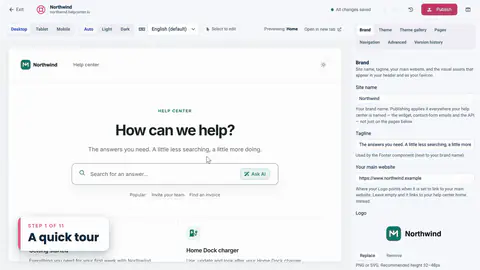
 Length 1:02
The Template Editor · Lesson 2
A quick tour
The live preview on the left, the settings on the right, and what each tab is for.
Learning path · For teams evaluating HelpCenter.io
A quick look at the product: a theme, the widget, FAQ sections, proactive messages, your own address and publishing.
0 of 8 done
Each one plays on its own, from its own course.
Length 1:02
The Template Editor · Lesson 2
The live preview on the left, the settings on the right, and what each tab is for.
Length 1:07
The Template Editor · Lesson 3
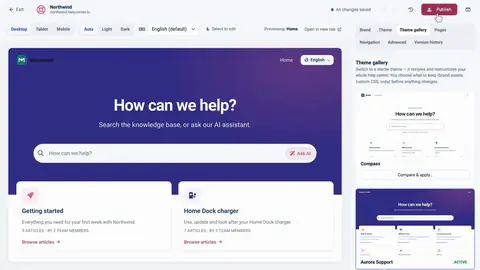
Browse the Theme gallery, compare a theme with your design, and choose which parts to apply.
Length 0:48
Your help center, inside your product · Lesson 3
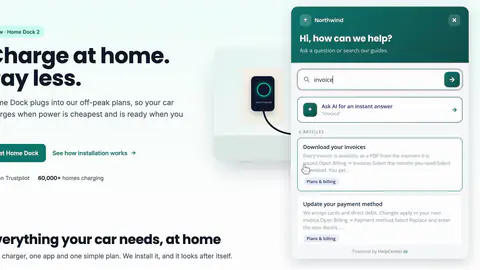
Suggested articles for the page, search as you type, and answers to questions in the visitor's own words.
Length 1:02
Your help center, inside your product · Lesson 5
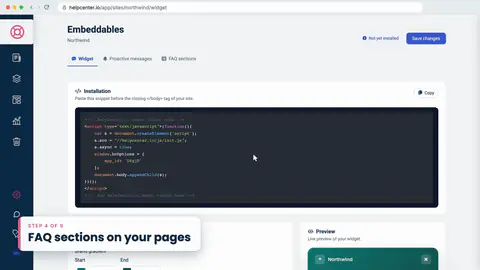
Create a Custom FAQ section, choose where it shows, pick one of 27 designs, and paste one line on your page.
 Length 1:02
Your help center, inside your product · Lesson 6
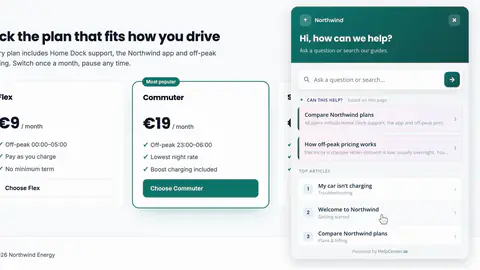
A proactive message that appears on your plans page after ten seconds, and the rules for when it shows.
 Length 0:39
FAQs and FAQ sections · Lesson 11
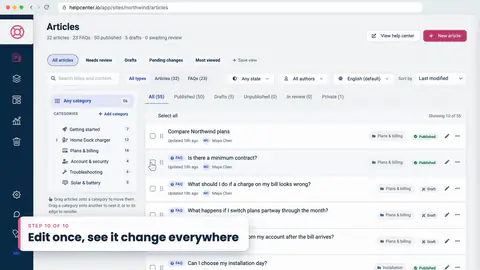
Change an answer once, and watch it update on your pricing page, in articles and in the help center.
 Length 0:45
Your help center, inside your product · Lesson 10
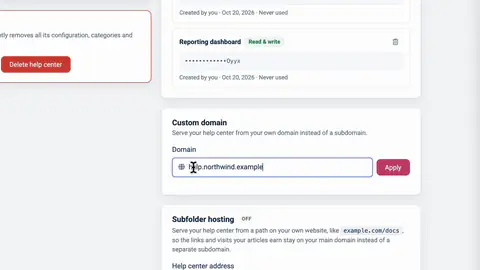
Show the help center inside a page of your site, or give it a custom domain such as help.northwind.example.
 Length 0:33
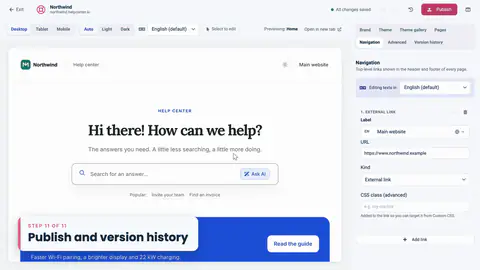
The Template Editor · Lesson 12
Publish with a note for your team, and restore an earlier design from Version history.
Pick a theme, add your logo, set colors and fonts, check it on a phone, then publish.
The widget on your site, articles opened from your own links, FAQ sections and well-timed messages.
Short FAQs under your articles, grouped into sections, and shown on any page of your site.
Start a private draft, fix what didn't carry over, publish, and know the way back.
Sign readers in with JWT, keep help in step with every page, and react to events from your code.
Help could not load. Open our help center.