Built for travel

Voyage: a travel knowledge base template

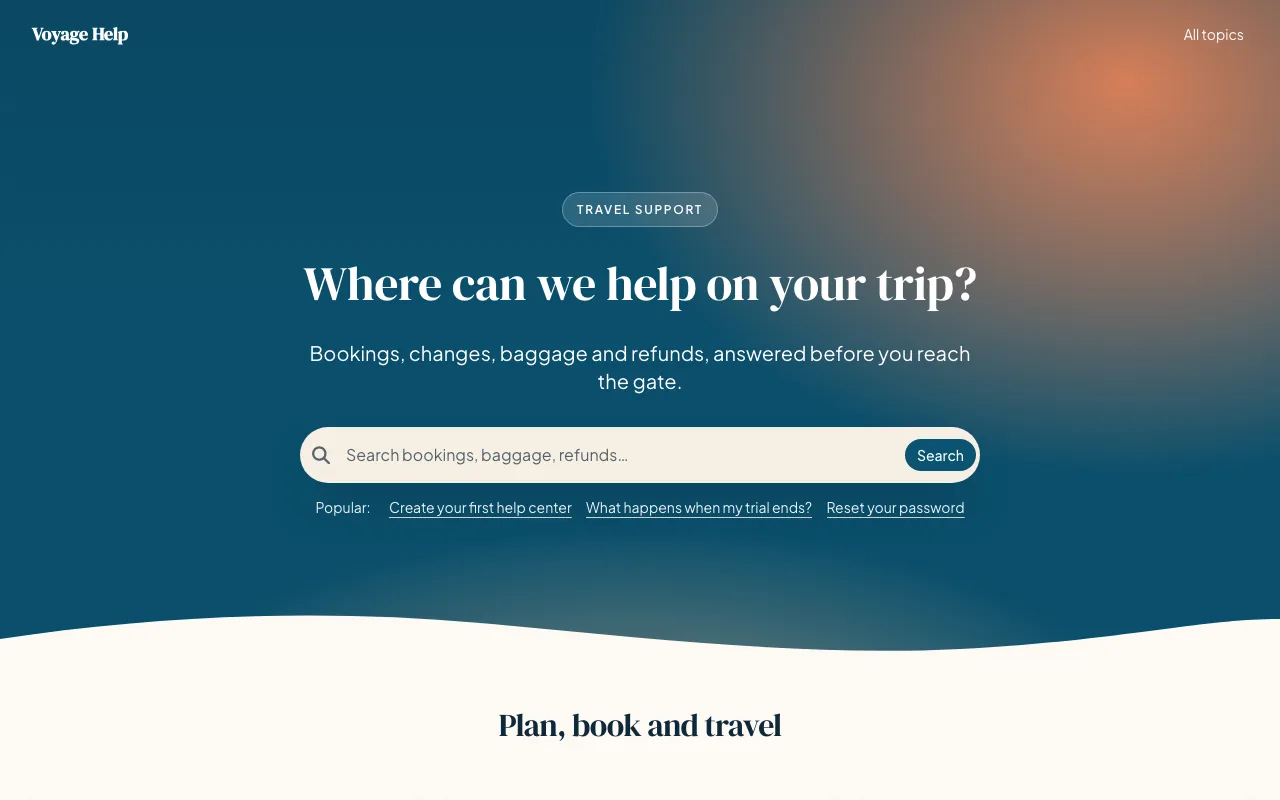
Voyage is a warm knowledge base template for travel and hospitality, with a sunset hero, passport-stamp topic cards and a strip for every stage of a trip.

  • DM Serif Display and Plus Jakarta Sans
  • Spacious spacing
  • Dark mode built in
  • 6 pages designed

Included on every plan, and in the 14-day free trial. No credit card needed.

Every page, designed

See Voyage on every page.

Real screenshots of a demo help center running Voyage exactly as it ships, before any changes. Pick a page to see it.
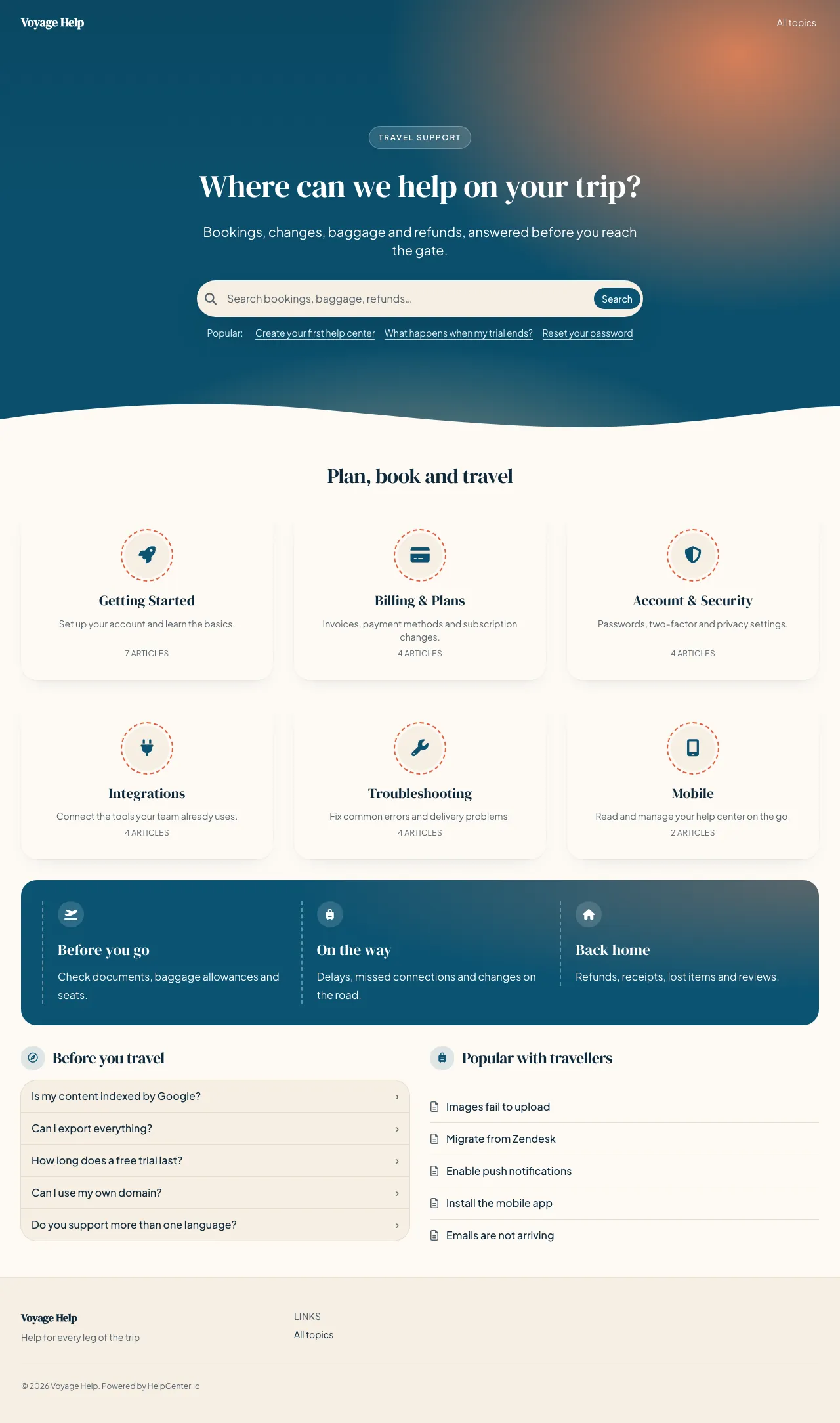
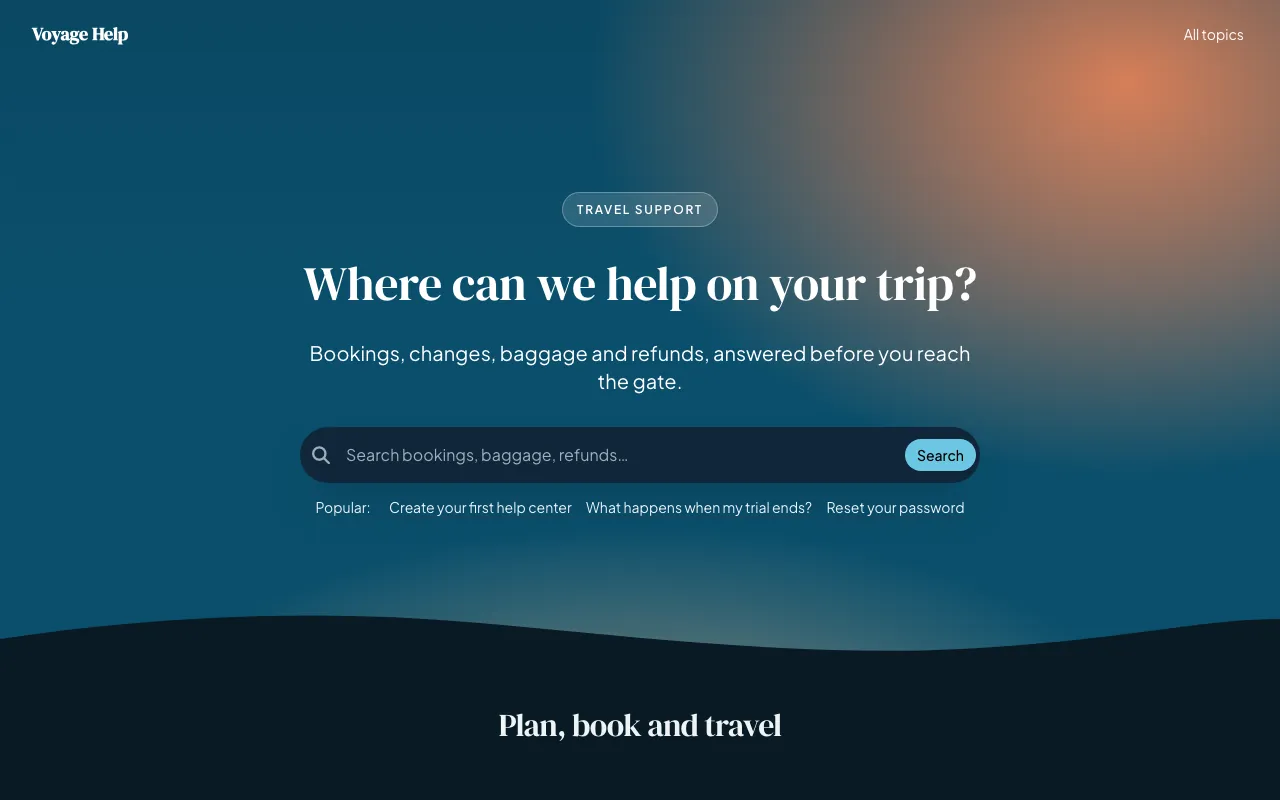
Voyage knowledge base template: the whole home page
The whole Voyage home page, top to bottom.
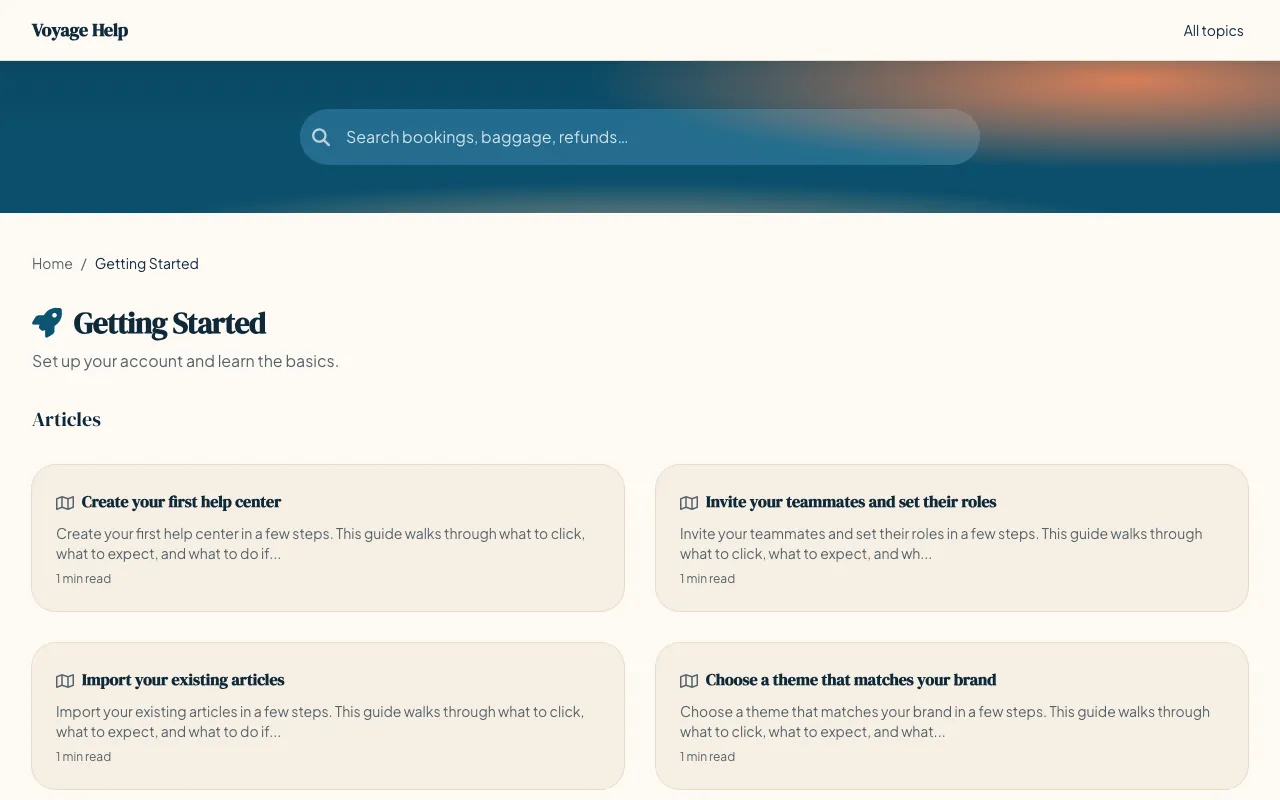
Voyage knowledge base template: a category page
A category page, listing the category’s articles and subcategories.
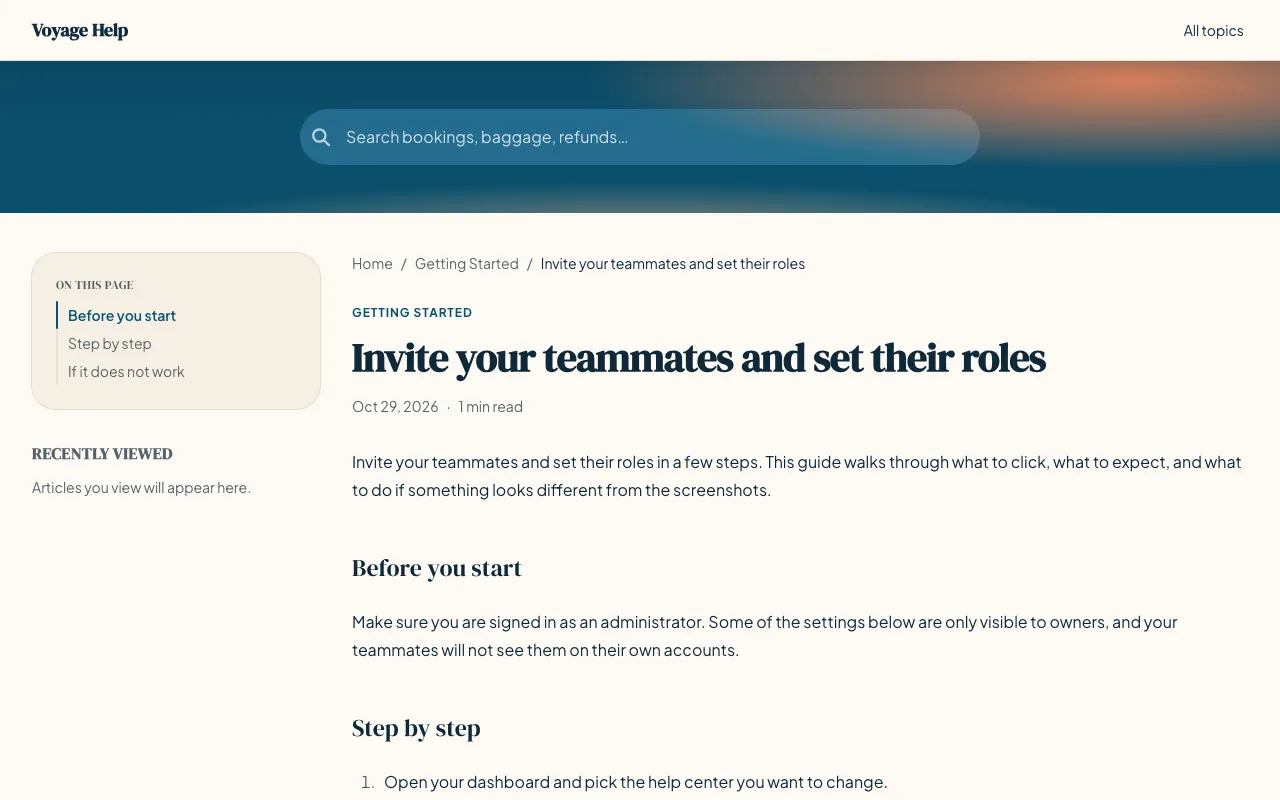
Voyage knowledge base template: a article page
An article page, in the reading layout Voyage gives every article.
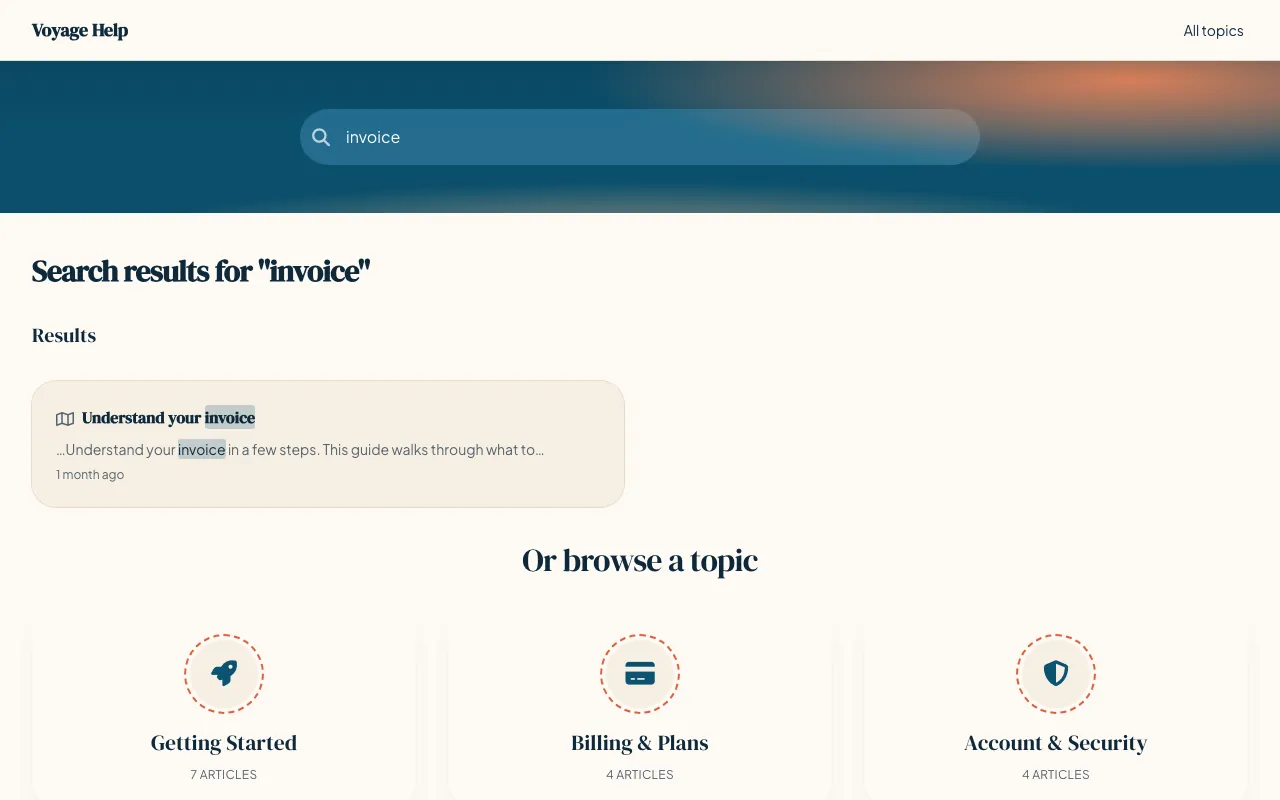
Voyage knowledge base template: a search results page
Voyage knowledge base template: the home page in dark mode
The home page in dark mode. Voyage has its own dark palette, and visitors get it automatically when their device is set to dark mode.
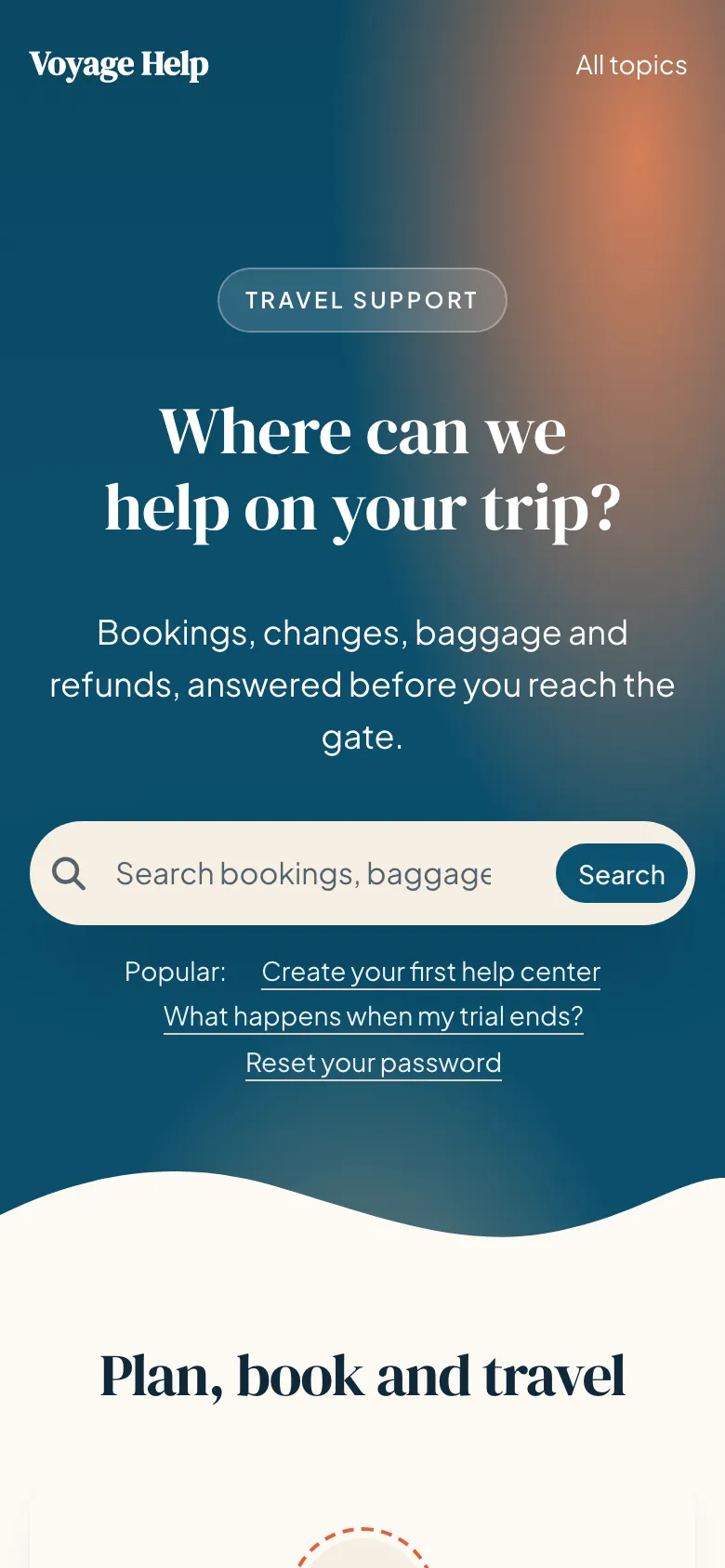
Voyage knowledge base template on a phone: the home page
The home page on a phone, 390 pixels wide.
About the template

About Voyage

Voyage is made for people who open your help center mid-trip, often on a phone. DM Serif Display headings and a sunset-over-the-ocean hero set a warm tone, topics sit in round passport-stamp cards, and a strip splits your help into before you go, on the way and back home.

Every inner page keeps the search in a slim ocean band. Articles keep an outline and each reader’s recently viewed pages beside the text, invite them to share a guide with the people they travel with, and end with suggestions for the next step.

Best for

  • Travel agencies, airlines and tour operators
  • Hotels, rentals and hospitality brands
  • Booking, change and refund questions
Page by page

What’s on each page.

What Voyage puts on each page before you change anything. Every section can be removed, reordered or added to in the editor.

Home page

  • A large search box
  • Category cards“3 across”
  • FAQs“Before you travel”
  • Featured articles“Popular with travellers”
  • A contact prompt“Still need a hand?”

Category pages

  • The category’s articles and subcategories
  • A large search box
  • FAQs“Quick answers”

Article pages

  • A large search box
  • A table of contents beside the article
  • Recently viewed articles“Recently viewed”
  • Share buttons
  • A “Was this helpful?” rating
  • Related articles“Plan your next step”

Search results, contact and 404 pages are designed in the same style.

Make it yours

Start from Voyage’s settings. Change any of them.

These are the settings Voyage ships with. Each one is a control in the visual editor, and changing it restyles every page at once. Add your logo, use your own fonts, and add custom CSS when you want full control.

Start with Voyage
Typefaces

Headings DM Serif Display

Body Plus Jakarta Sans

Colors

Light

  • Primary: #0b5372
  • Accent: #e2603f
  • Background: #fdfaf5
  • Surface: #f6efe4

Dark

  • Primary: #6cc6e3
  • Accent: #ff9a7c
  • Background: #0a1a24
  • Surface: #10263a
Corners
  • Small: 10px
  • Medium: 16px
  • Large: 24px
Spacing

Spacious

One of compact, comfortable or spacious, set for the whole help center.

Included with Voyage, and with every template

What every template includes
  • Search with instant results
  • Dark mode, built in
  • Reflows down to 320px
  • WCAG AA color contrast
  • Sitemap, meta and hreflang
  • Every language you publish in
FAQ

Questions about Voyage.

More in the templates FAQ, or ask our team from our help center.

Is the Voyage template free?

Voyage is included in every HelpCenter.io plan at no extra cost, like every template, and you can try it free for 14 days with no credit card needed.

Can I change Voyage’s colors and fonts?

Yes. Voyage starts with DM Serif Display and Plus Jakarta Sans and #0b5372 as its primary color. Both are settings in the visual editor, along with your logo, the rest of the palette, the corner radius and the spacing, and changing one restyles every page.

Does Voyage have a dark mode?

Yes. Voyage has its own dark palette, and visitors get it automatically when their device is set to dark mode. You can edit the dark palette separately from the light one, and add a logo made for dark backgrounds.

Can I switch from Voyage to another template later?

Yes, whenever you like, from the theme gallery in the editor. You compare the new template with your current design and choose which parts of it to apply. Your articles and categories are never touched, and nothing changes for visitors until you publish.

Does Voyage work on phones?

Yes. Voyage is built to reflow on screens as narrow as 320px, and the editor previews desktop, tablet and mobile sizes before you publish. The phone screenshot on this page shows its home page 390 pixels wide.

Keep browsing

More templates built for an industry.

Browse all 21 templates
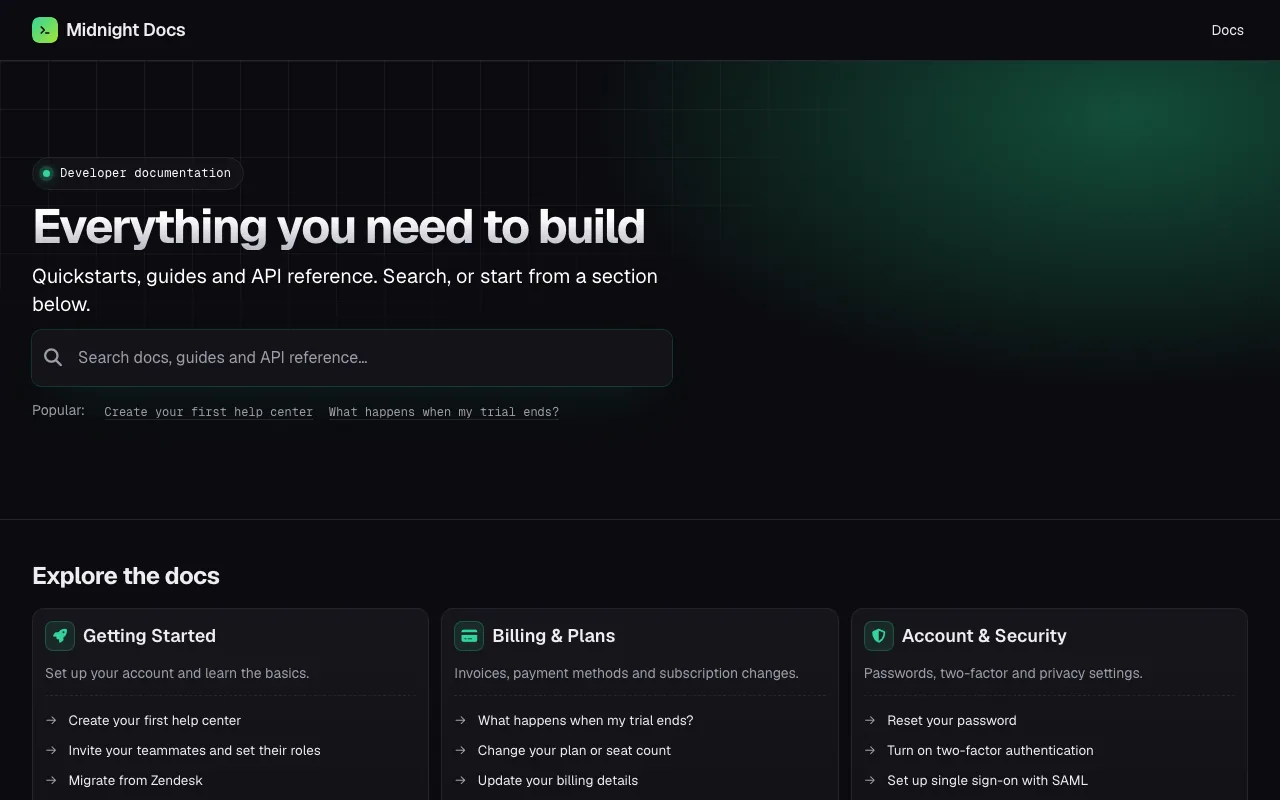
  • Home page of the Midnight knowledge base template

    Midnight

    Dark, scannable developer docs with a copy-ready export on every page.

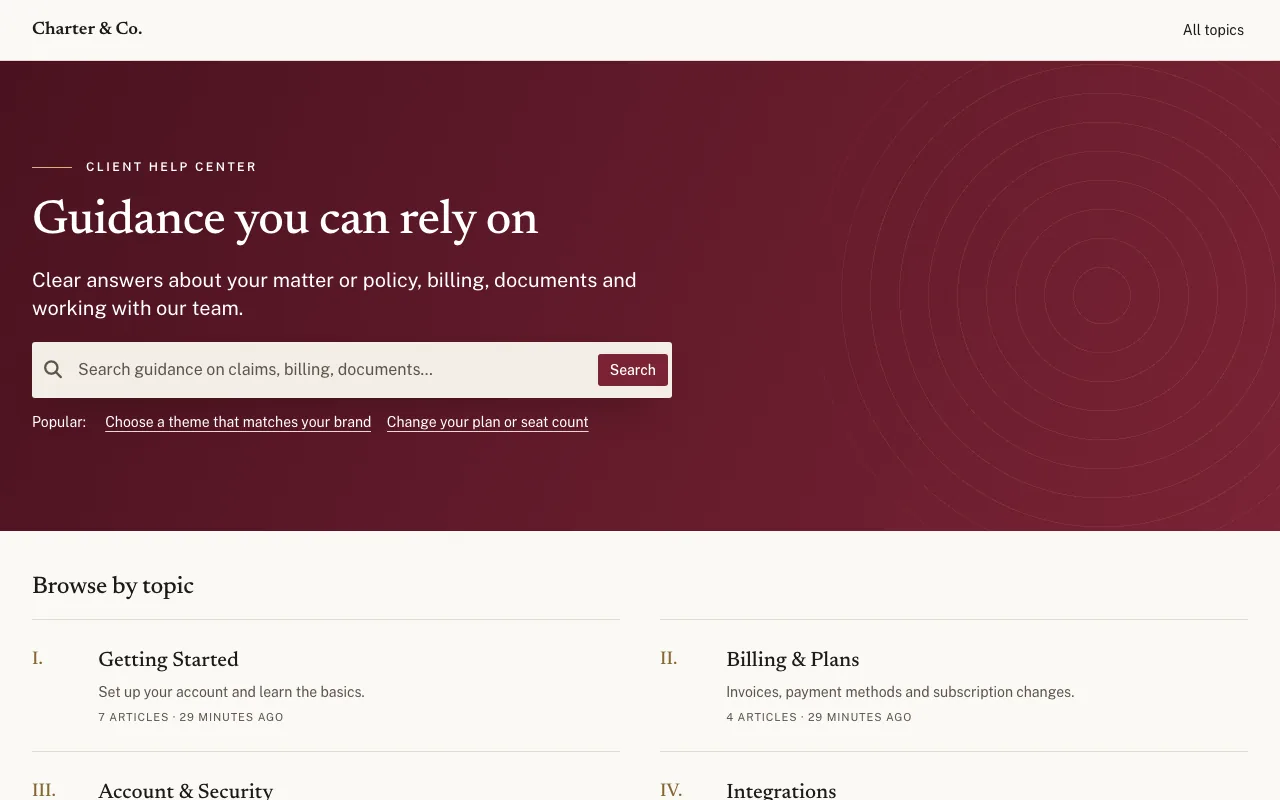
  • Home page of the Charter knowledge base template

    Charter

    Calm, document-like guidance for the clients of firms and insurers.

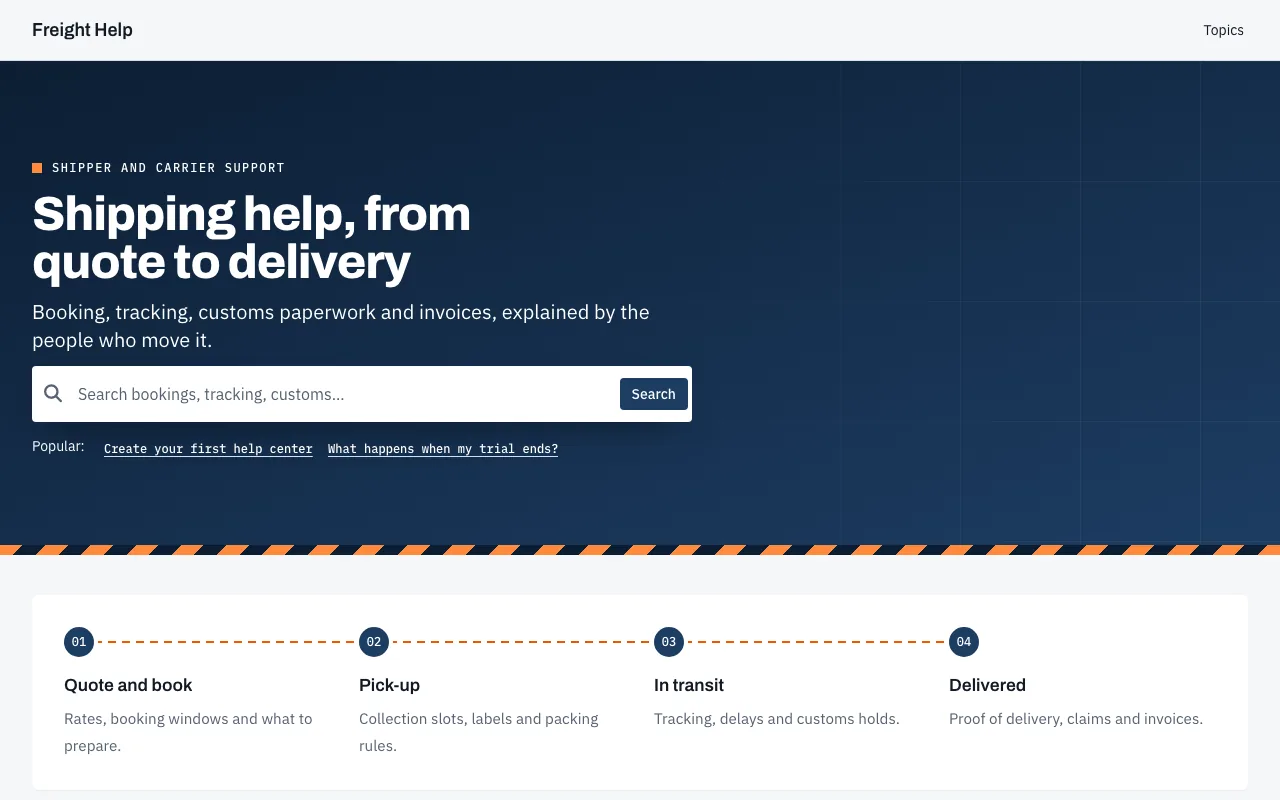
  • Home page of the Freight knowledge base template

    Freight

    Sturdy, step-by-step help for shippers, carriers, and operations teams.

Start your help center on Voyage.

Your 14-day trial starts with Voyage already applied. Make it yours in the editor and publish when it looks right. No credit card needed.