Built for logistics

Freight: a logistics knowledge base template

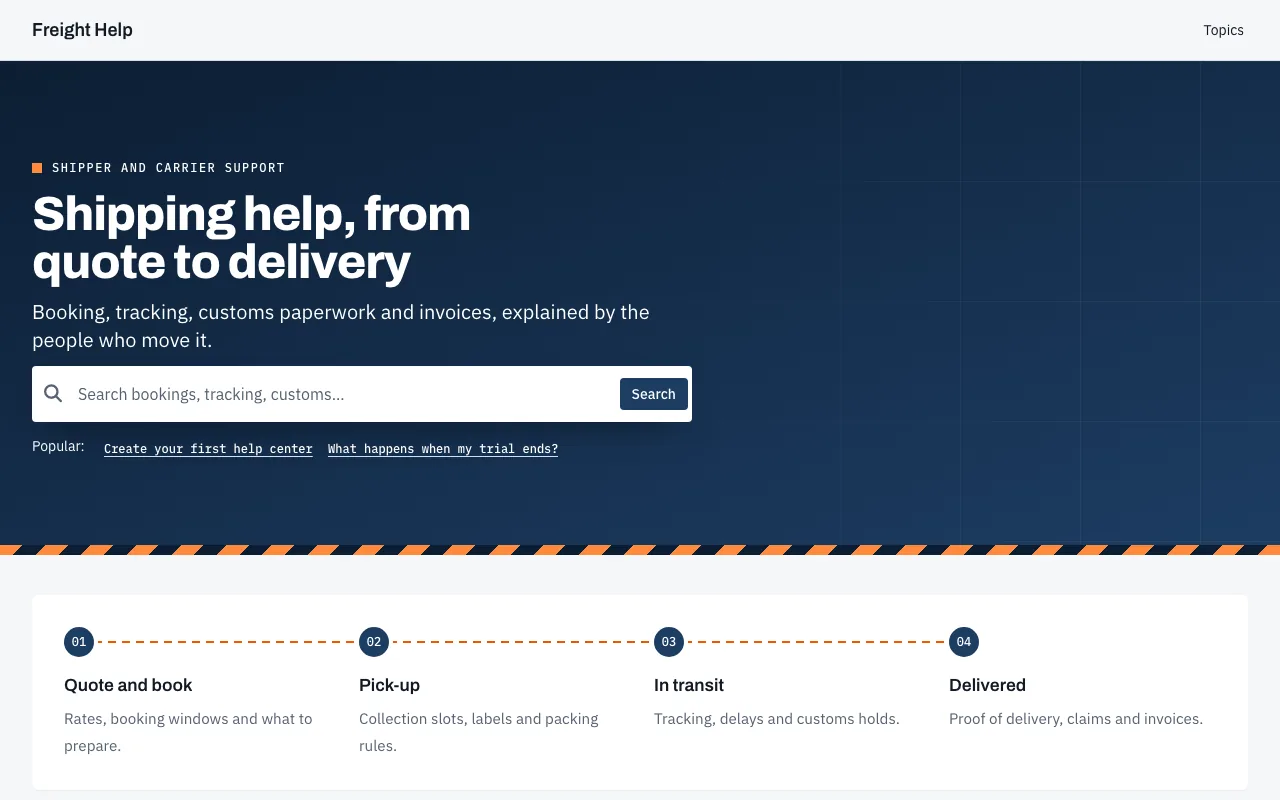
Freight is a sturdy logistics knowledge base template, with Archivo headings, a hazard-striped navy hero, a shipment track and topics shaped like shipping tags.

  • Archivo and IBM Plex Sans
  • Compact spacing
  • Dark mode built in
  • 6 pages designed

Included on every plan, and in the 14-day free trial. No credit card needed.

Every page, designed

See Freight on every page.

Real screenshots of a demo help center running Freight exactly as it ships, before any changes. Pick a page to see it.
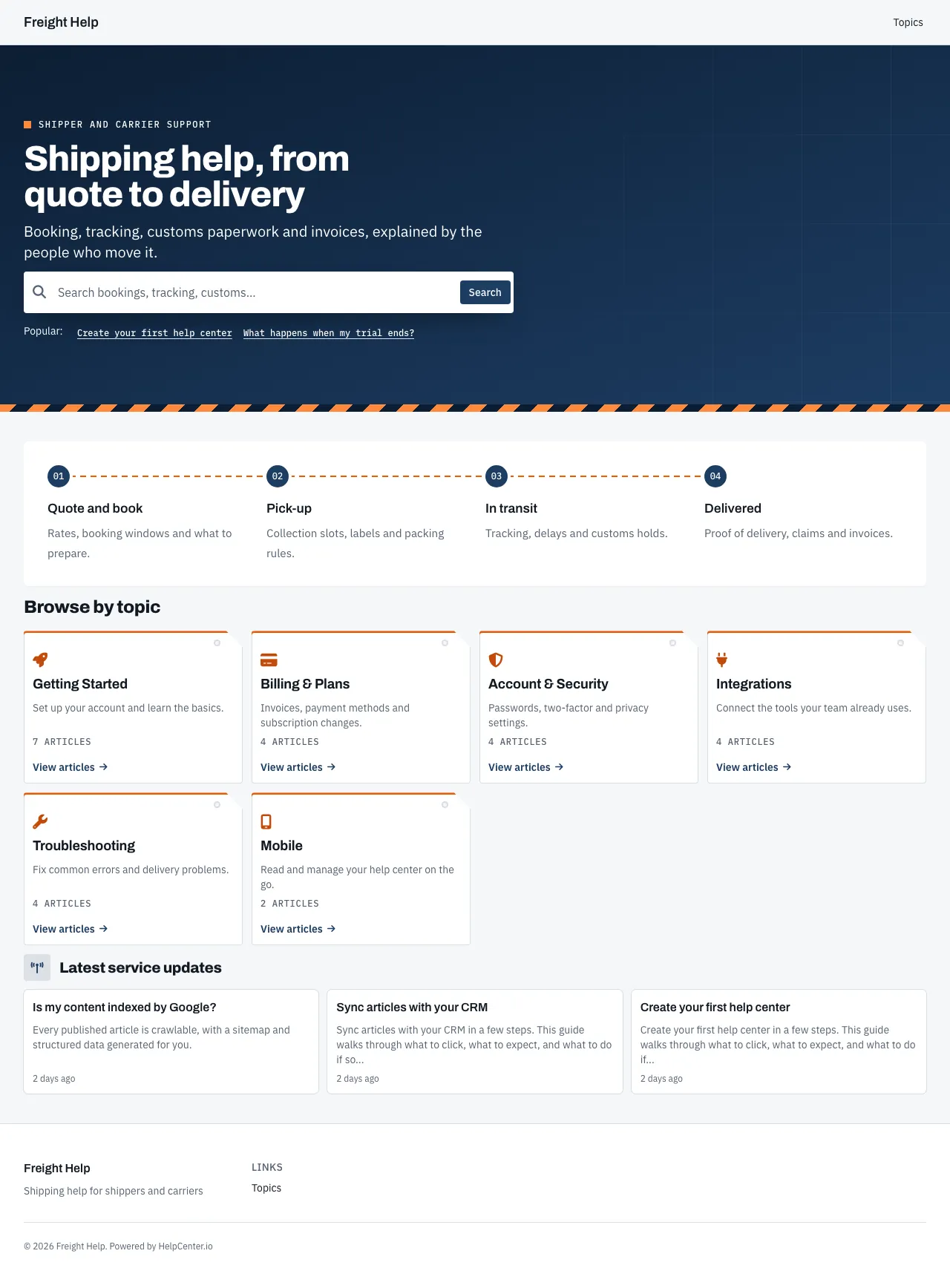
Freight knowledge base template: the whole home page
The whole Freight home page, top to bottom.
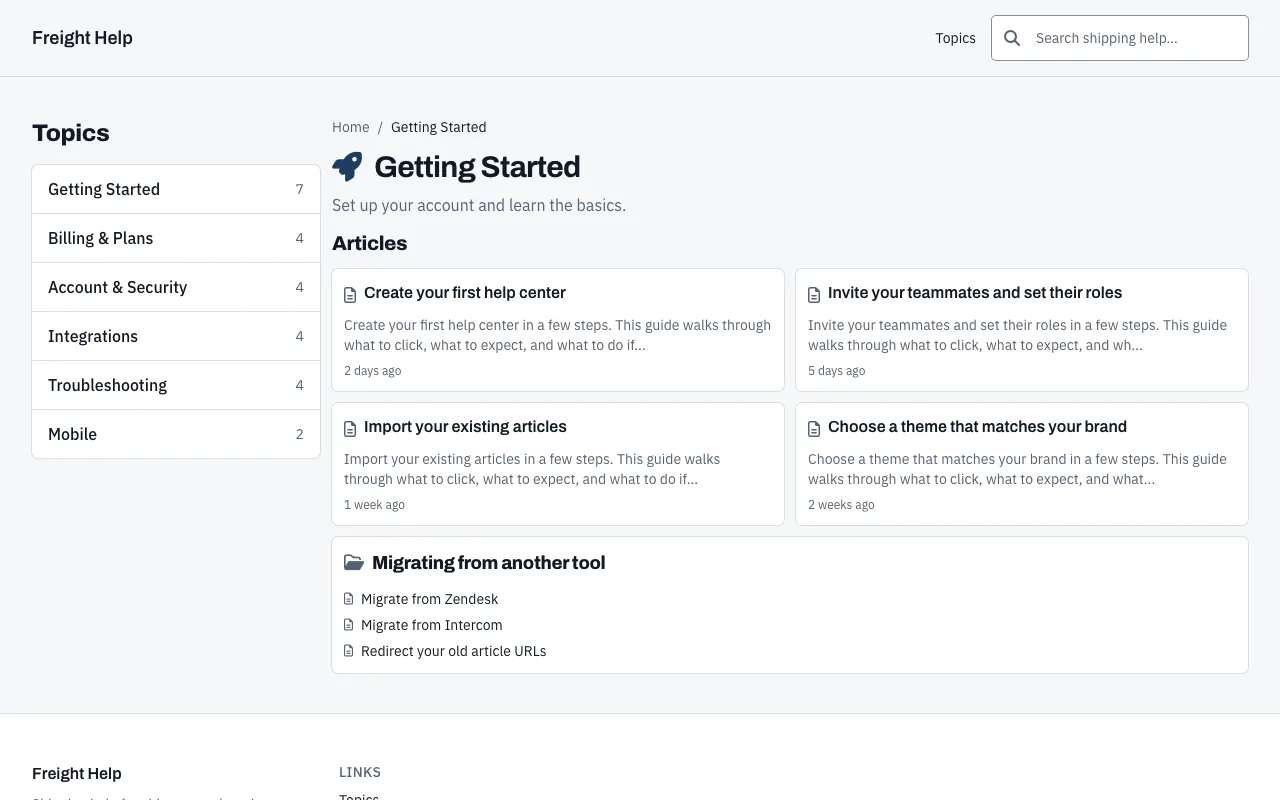
Freight knowledge base template: a category page
A category page, listing the category’s articles and subcategories.
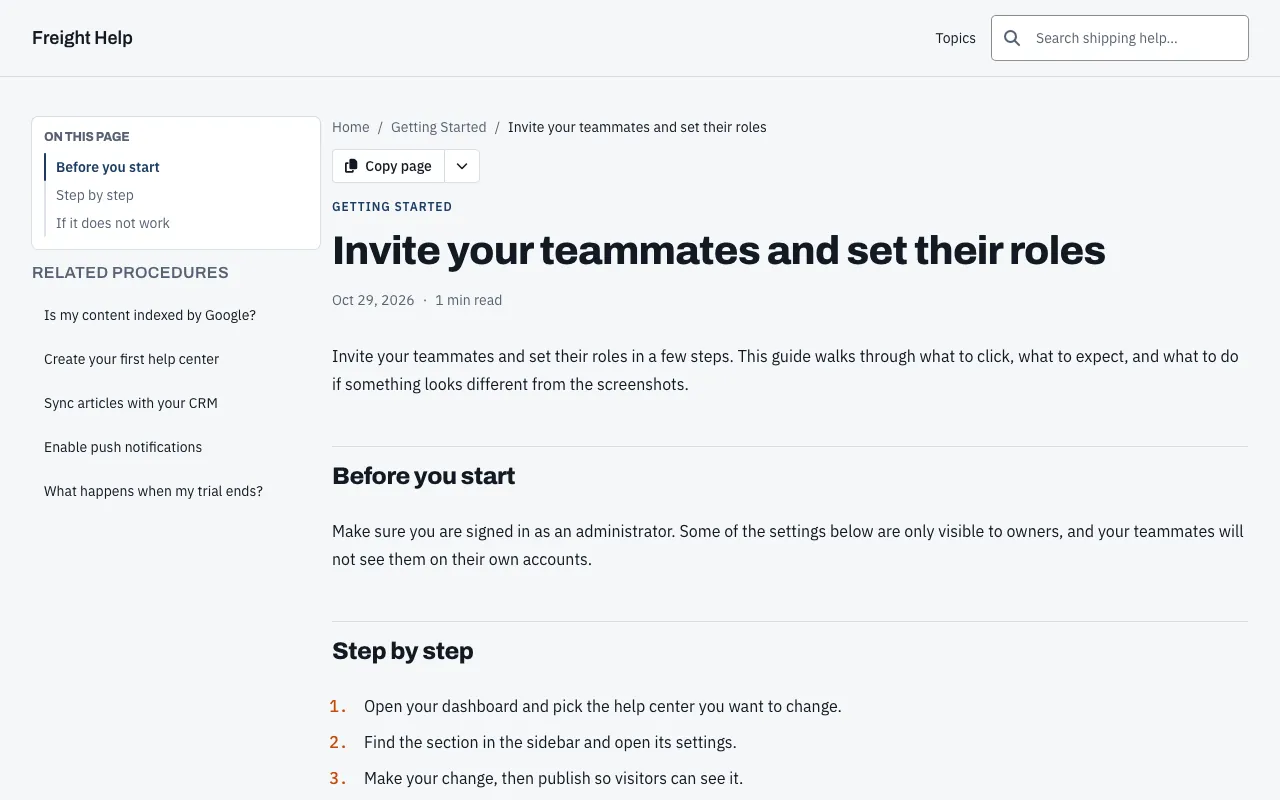
Freight knowledge base template: a article page
An article page, in the reading layout Freight gives every article.
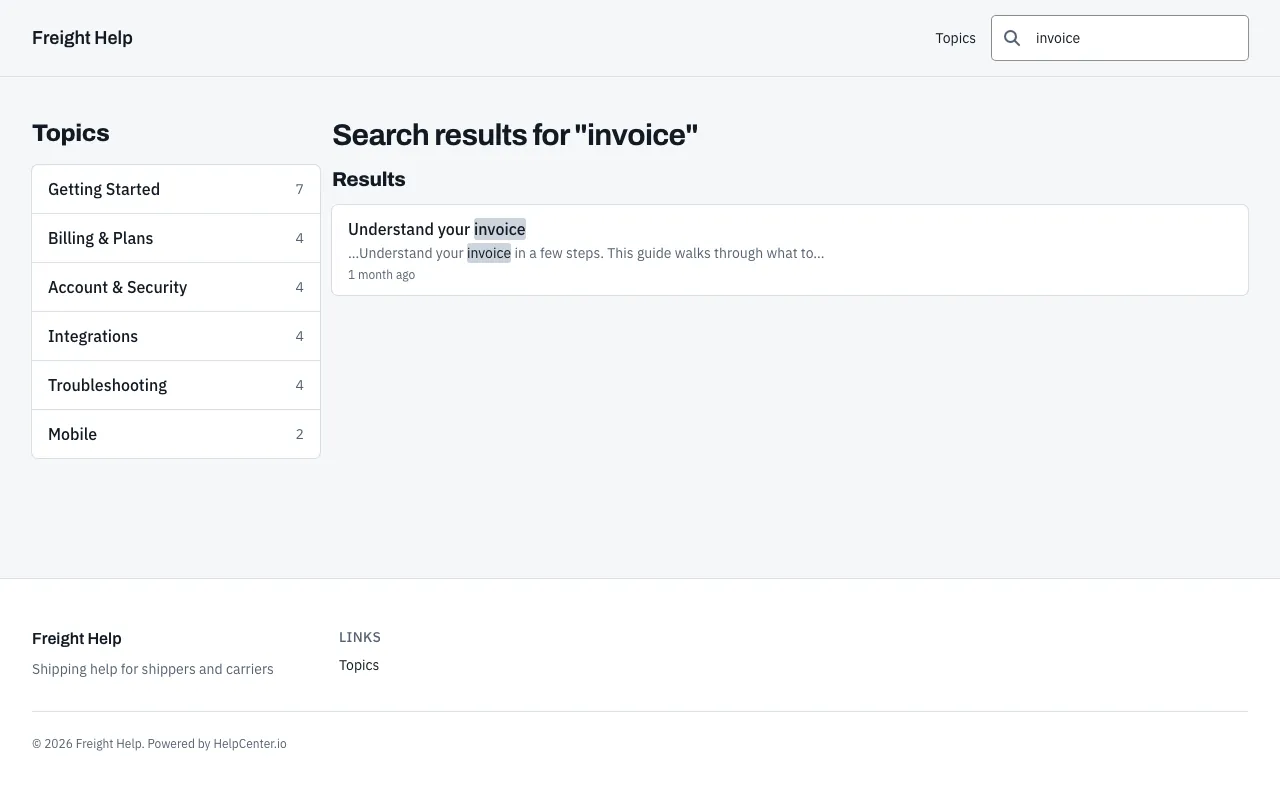
Freight knowledge base template: a search results page
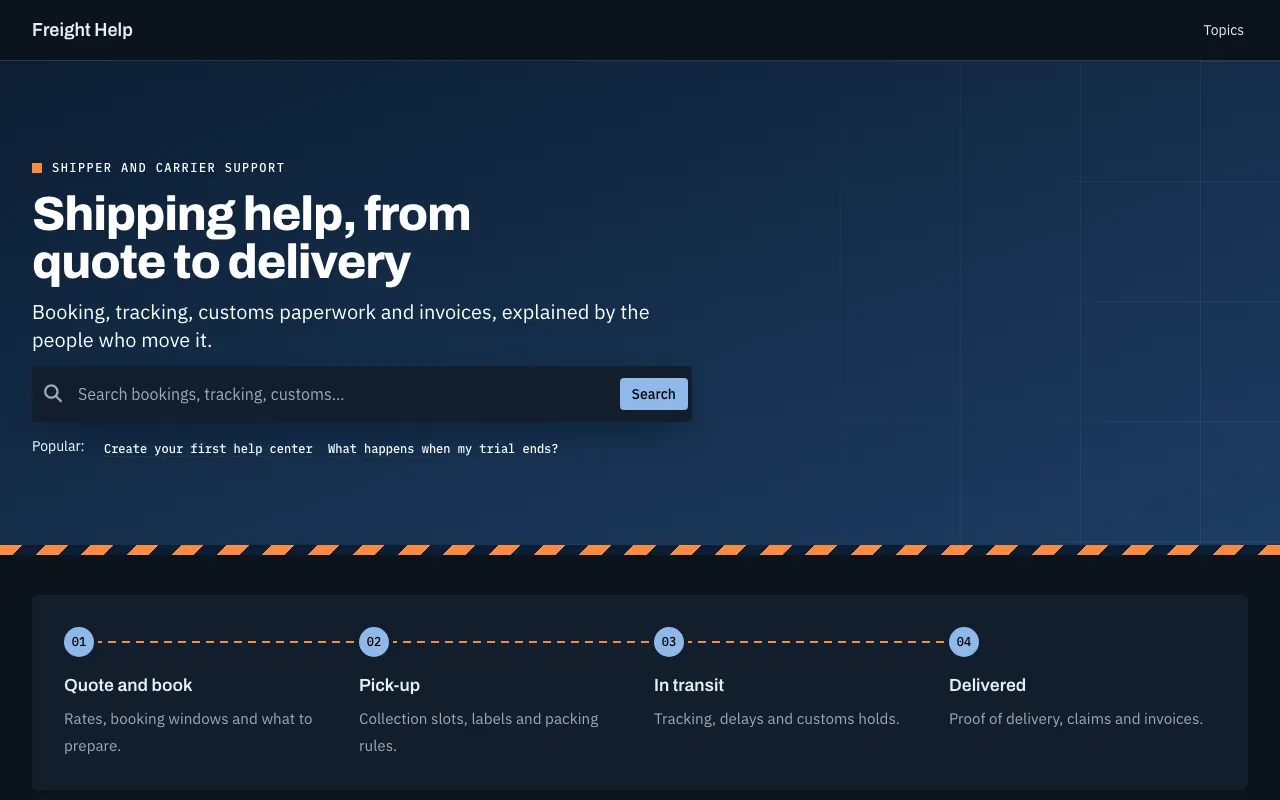
Freight knowledge base template: the home page in dark mode
The home page in dark mode. Freight has its own dark palette, and visitors get it automatically when their device is set to dark mode.
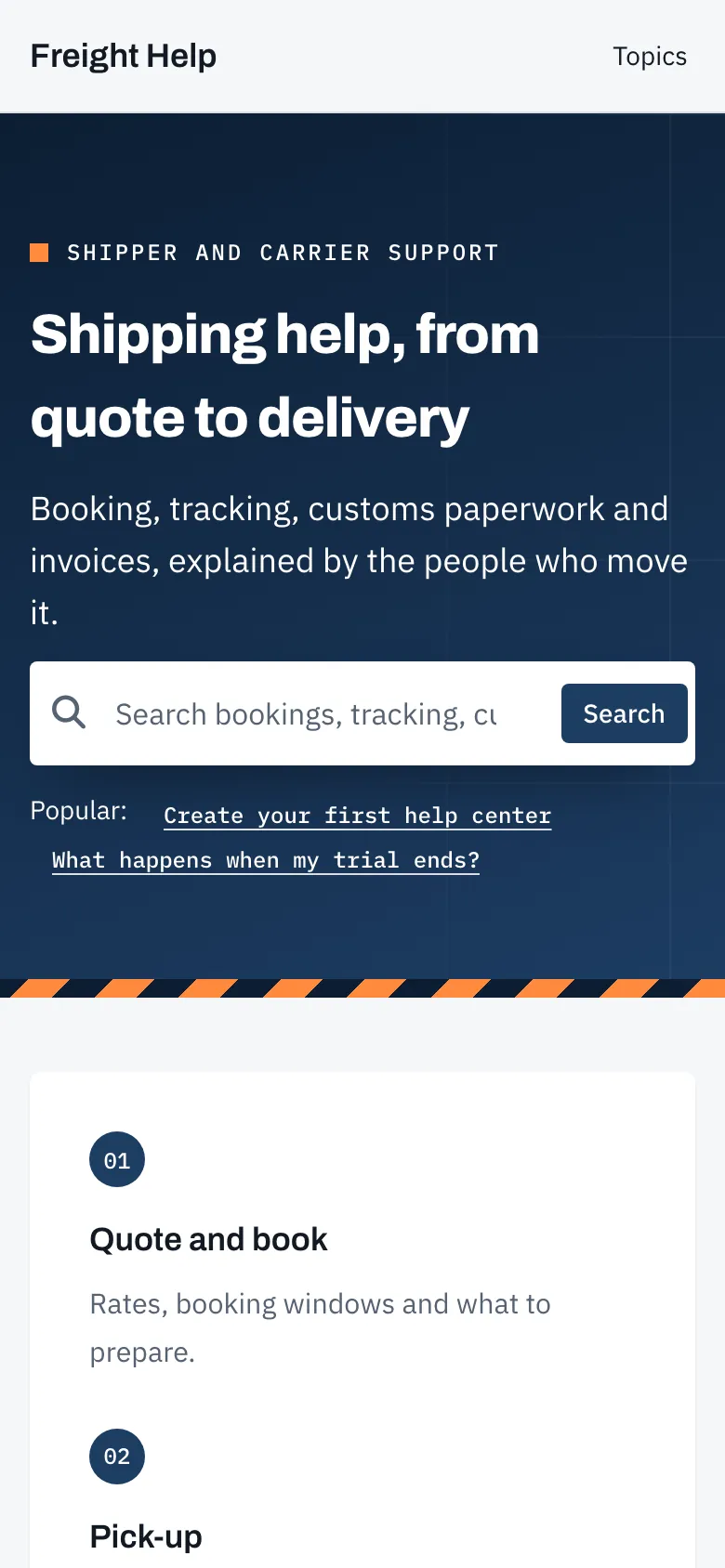
Freight knowledge base template on a phone: the home page
The home page on a phone, 390 pixels wide.
About the template

About Freight

Freight is built for shippers and carriers who arrive with a booking number and a problem. Archivo headings and a navy hero with a hazard-stripe edge give it an industrial feel, a four-step track runs from quote to delivery, and topics sit in tag-shaped cards above the latest updates.

Category and search pages keep every topic in a list beside the content, so a dispatcher can jump around. Articles keep the outline and related procedures in the sidebar, offer a copy, print and PDF menu, and number each step in orange.

Best for

  • Freight, shipping and courier companies
  • Fleet and field operations teams
  • Procedures people follow step by step
Page by page

What’s on each page.

What Freight puts on each page before you change anything. Every section can be removed, reordered or added to in the editor.

Home page

  • A large search box
  • Category cards“4 across”
  • An article list“Latest service updates”
  • A contact prompt“Need the operations desk?”

Category pages

  • The category’s articles and subcategories
  • Search in the header
  • A category list
  • A contact prompt“Shipment stuck?”

Article pages

  • Search in the header
  • A table of contents beside the article
  • Related articles“Related procedures”
  • An export menu
  • A “Was this helpful?” rating

Search results, contact and 404 pages are designed in the same style.

Make it yours

Start from Freight’s settings. Change any of them.

These are the settings Freight ships with. Each one is a control in the visual editor, and changing it restyles every page at once. Add your logo, use your own fonts, and add custom CSS when you want full control.

Start with Freight
Typefaces

Headings Archivo

Body IBM Plex Sans

Colors

Light

  • Primary: #1d3d63
  • Accent: #e8590c
  • Background: #f6f7f9
  • Surface: #ffffff

Dark

  • Primary: #8db8ea
  • Accent: #ff8a3d
  • Background: #0b131d
  • Surface: #121e2c
Corners
  • Small: 3px
  • Medium: 4px
  • Large: 6px
Spacing

Compact

One of compact, comfortable or spacious, set for the whole help center.

Included with Freight, and with every template

What every template includes
  • Search with instant results
  • Dark mode, built in
  • Reflows down to 320px
  • WCAG AA color contrast
  • Sitemap, meta and hreflang
  • Every language you publish in
FAQ

Questions about Freight.

More in the templates FAQ, or ask our team from our help center.

Is the Freight template free?

Freight is included in every HelpCenter.io plan at no extra cost, like every template, and you can try it free for 14 days with no credit card needed.

Can I change Freight’s colors and fonts?

Yes. Freight starts with Archivo and IBM Plex Sans and #1d3d63 as its primary color. Both are settings in the visual editor, along with your logo, the rest of the palette, the corner radius and the spacing, and changing one restyles every page.

Does Freight have a dark mode?

Yes. Freight has its own dark palette, and visitors get it automatically when their device is set to dark mode. You can edit the dark palette separately from the light one, and add a logo made for dark backgrounds.

Can I switch from Freight to another template later?

Yes, whenever you like, from the theme gallery in the editor. You compare the new template with your current design and choose which parts of it to apply. Your articles and categories are never touched, and nothing changes for visitors until you publish.

Does Freight work on phones?

Yes. Freight is built to reflow on screens as narrow as 320px, and the editor previews desktop, tablet and mobile sizes before you publish. The phone screenshot on this page shows its home page 390 pixels wide.

Keep browsing

More templates built for an industry.

Browse all 21 templates
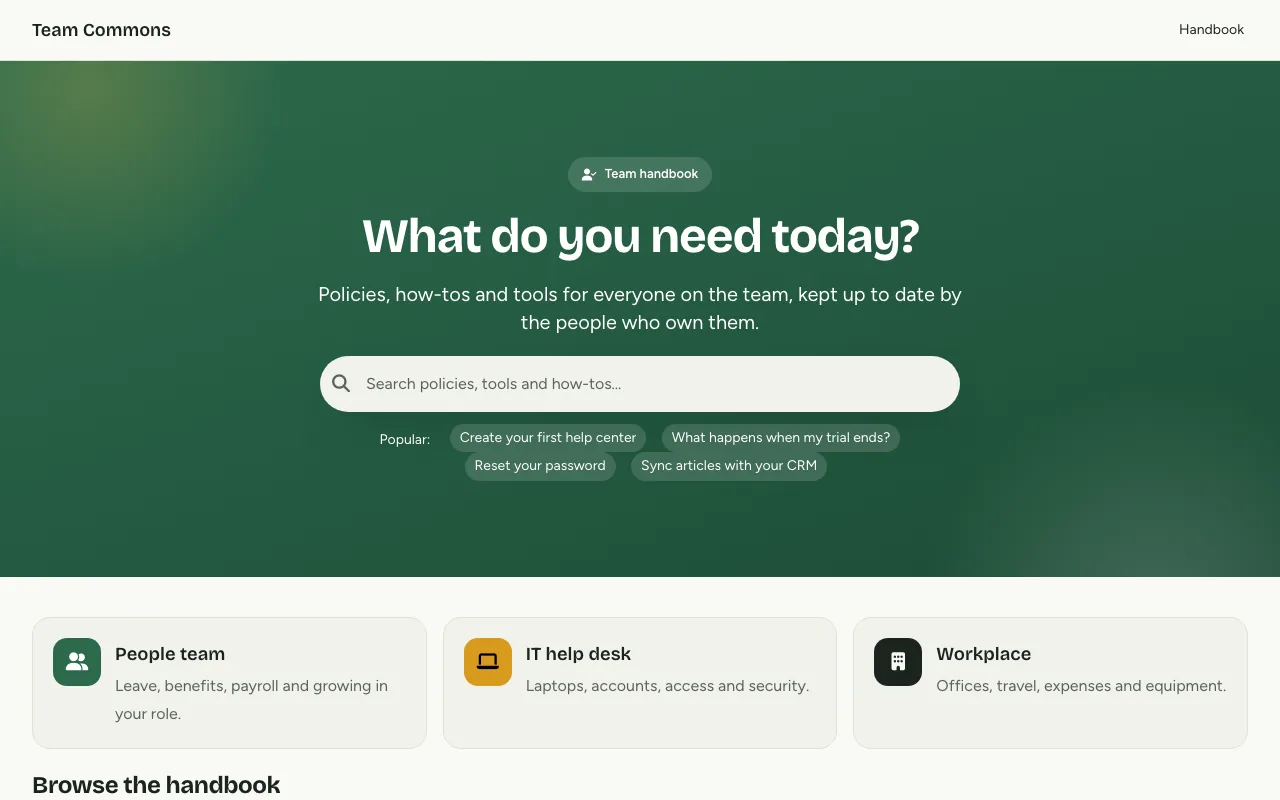
  • Home page of the Commons knowledge base template

    Commons

    A friendly team handbook that shows who owns each policy and who to ask.

  • Home page of the Boutique knowledge base template

    Boutique

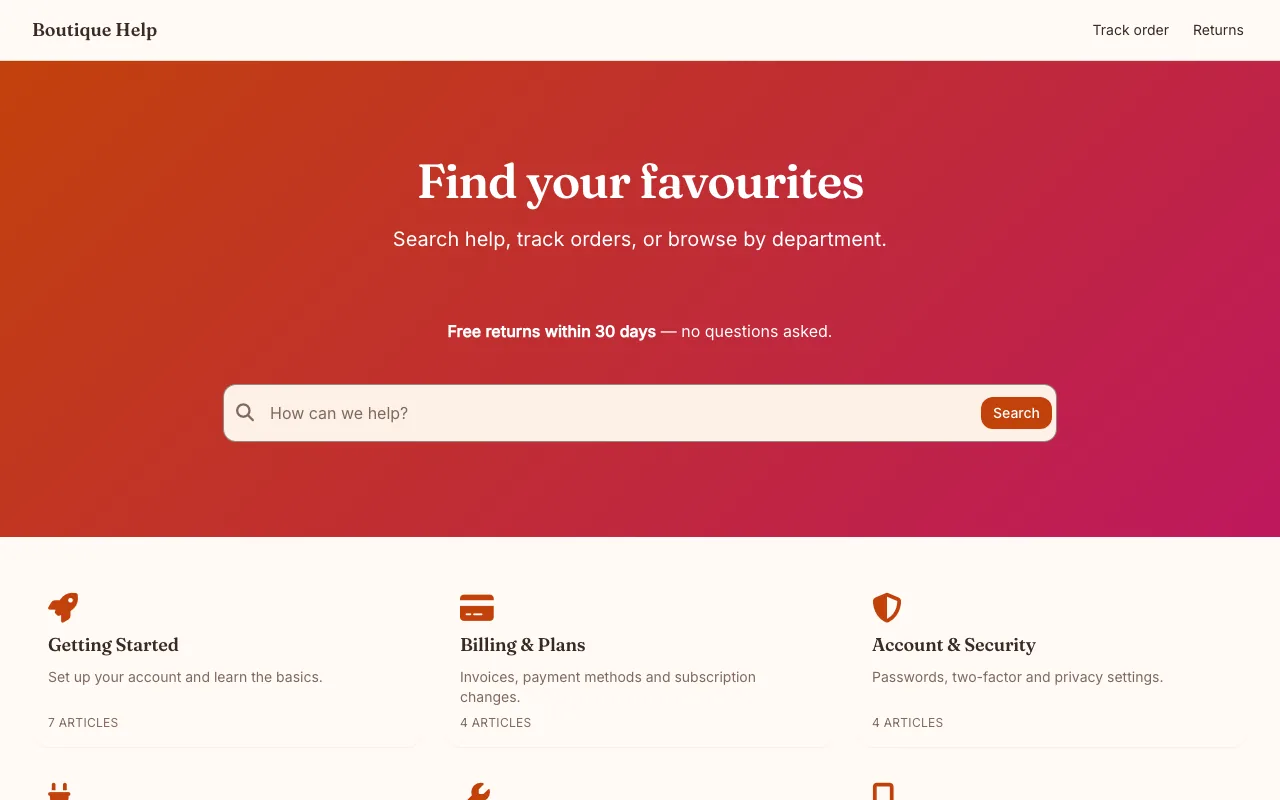
    Order tracking, returns, and styling help, ready for your storefront.

  • Home page of the Vital knowledge base template

    Vital

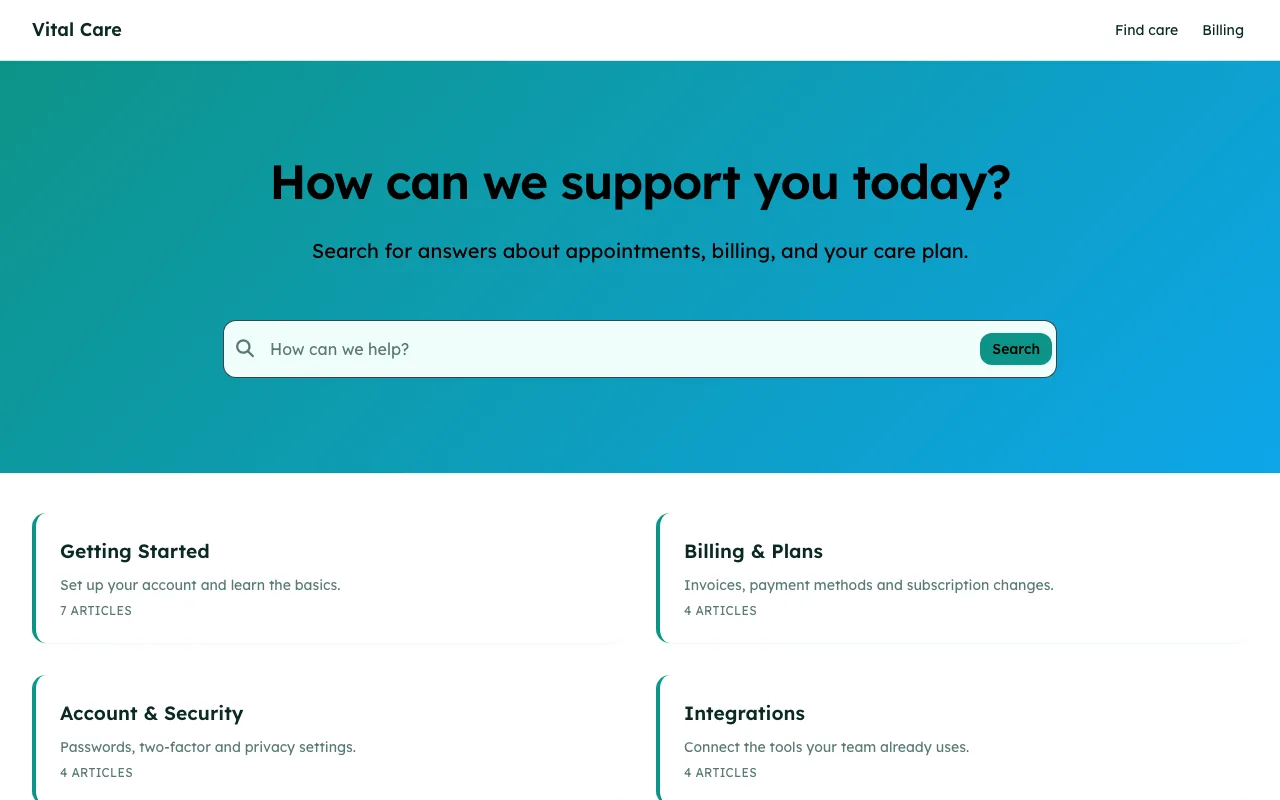
    Clear, reassuring answers for appointments, billing, and care.

Start your help center on Freight.

Your 14-day trial starts with Freight already applied. Make it yours in the editor and publish when it looks right. No credit card needed.